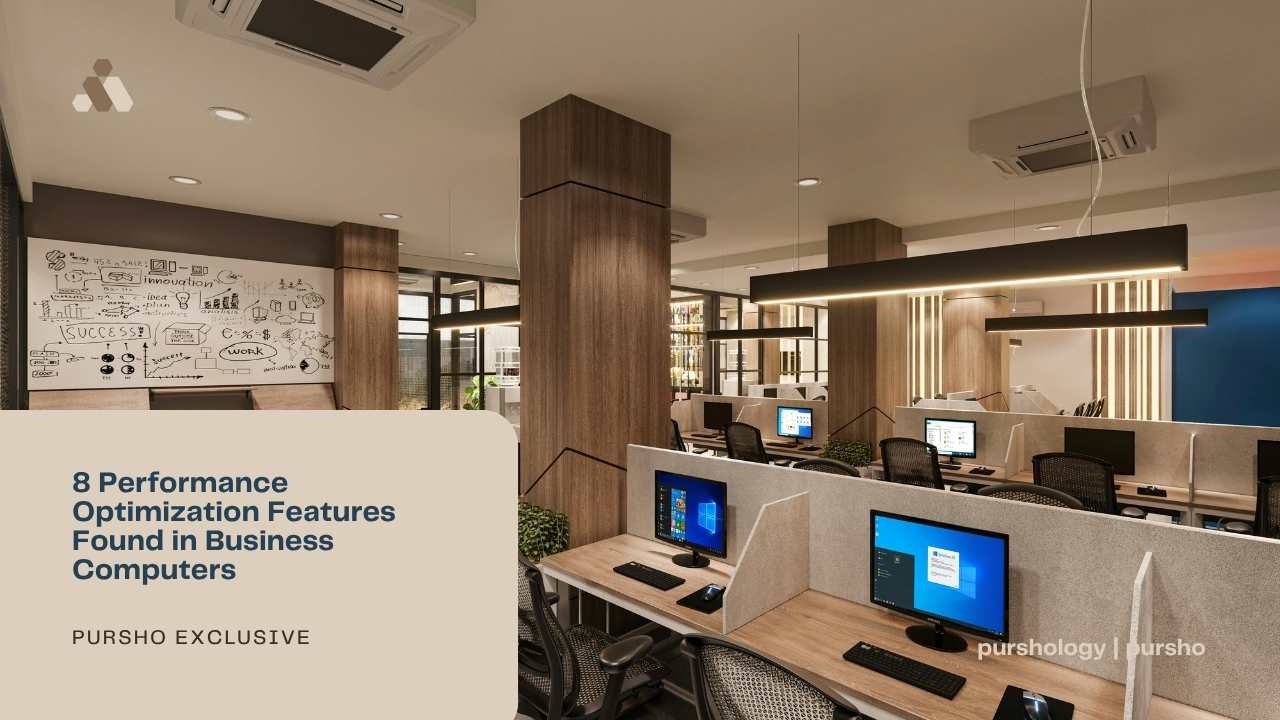
Buying a computer is a serious task. You need raw power and steady reliability to stay ahead. Modern business machines are built to handle heavy loads without breaking a sweat. They come with special parts that make your daily tasks feel smooth. You want a PC that opens apps instantly and keeps your data safe. This article looks at eight key features that boost performance in the workplace. These tools help you finish projects faster and reduce tech headaches. Each feature plays a vital role in how your system runs every single day. Let’s dive into the hardware secrets that turn a standard PC into a productivity beast. You will learn what to look for when you need the best business desktop for your professional needs.
1. Smart Chips That Think Faster
The brain of your computer is the processor. Business units use high-end chips that manage many tasks at once. They use multi-core technology to split the workload. This means your email and your spreadsheets do not fight for speed. You get a fluid experience even with twenty tabs open. Fast clock speeds ensure that complex math happens in a blink. High-performing business computers use these advanced processors to maintain consistent performance under heavy workloads without system slowdowns.

The Rise of Neural Processing Units
Modern chips now include a dedicated NPU for AI tasks. This part of the hardware handles background blur in video calls and noise cancellation. It takes the load off the main CPU. This keeps the whole system cool and responsive during long meetings.
High-performance silicon is the foundation of any great workstation. Without a strong chip, your software will lag and stutter. This leads us directly to how your computer stores temporary data for quick access.
2. Massive Memory for Seamless Multitasking
RAM is your short-term memory. It holds the files you are currently using. Business computers often start with 16GB or 32GB of RAM. This high capacity prevents the dreaded spinning wheel icon. You can switch between a video editor and a database tool without any delay.
- High-speed DDR5 modules offer better bandwidth.
- Dual-channel setups double the data flow rate
- Error Correction Code memory prevents system crashes
Plenty of RAM ensures that your workflow stays uninterrupted. It acts as a wide highway for your data to travel. Once you have enough memory, you also need a fast place to keep your permanent files.
3. Lightning Fast Storage Solutions
The old hard drives operated with spinning disks, which functioned at very slow speeds. The current technology uses NVMe SSDs,which have the ability to read data at high speed. Your computer boots up in seconds rather than minutes. Large files move across folders almost instantly. This speed saves you hours of waiting time over a full work year.
Why PCIe 4.0 Matters for Pros
The latest storage interfaces enable transmission speeds that exceed previous storage technologies. This requirement is critical for individuals who handle high-resolution images and extensive software code repositories. The system guarantees that storage drives will operate at full capacity without causing performance issues.
It complements the high RAM to create a very agile machine. However, all this speed generates heat, which requires a smart cooling strategy.
4. Advanced Thermal Management Systems
The computer enters a protection mode, which causes it to decrease processing speed when its temperature reaches excessive levels. Business desktops use large heat sinks and quiet fans to move. Some use vapor chamber cooling to spread heat away from the chip. This allows the PC to run at top speed for hours.
- Large intake vents pull in cool air effectively
- PWM fans adjust speed based on the actual temperature
- Heatsinks with copper pipes pull heat away fast
Cool systems last longer and perform better under pressure. Keeping the hardware chilled is a top priority for engineers. While internal parts stay cool, you also need the right ports to connect your external tools.
5. High Bandwidth Ports for Pro Tools
A business computer needs many ways to connect. Thunderbolt 4 ports allow you to plug in two 4K monitors with one cable. They also transfer data to external drives at 40Gbps. This keeps your desk clean and your connections fast.
Connecting fast peripherals expands what your computer can do. It turns a simple box into a full workstation hub. This external speed is only useful if your internal network connection is just as fast.
6. Next Generation Wireless Connectivity
Wi-Fi 6E is now a standard for professional machines. It uses a new 6GHz band that is less crowded than older signals. This means your internet stays fast even in a busy office with many devices. You get lower latency for video calls and faster cloud backups.
- Wired Ethernet ports offer 2.5Gb speeds for stability
- Bluetooth 5.3 connects mice and headsets without lag
- Multiple antennas improve signal range through walls
A stable connection is the lifeblood of the modern remote worker. It ensures you never drop out of an important pitch.
7. Silicon Level Security Features
Performance also includes how well a PC protects itself. Many business CPUs include hardware-based security. This security system protects your passwords, together with your encryption keys, from unauthorized access by hackers. Modern operating systems need TPM 2.0 because it provides essential security features for their safe operation. The system enables secure booting processes while preventing malware from accessing system firmware.
When looking for the best business desktop, you must check for these integrated safeguards. Total protection allows for better management of the entire office fleet.
8. Dedicated Graphics for Visual Tasks
You do not need to be a gamer to want a good GPU. Modern web browsers and office applications utilize the graphics processing unit to display text and images. The dedicated graphics processing unit enables better performance for video rendering and 3D modeling work. It frees up the main processor to handle other system logic.
Boosting Creative Workflows
A separate graphics card has its own memory. This is called VRAM. It handles the heavy lifting for visual data. This makes scrolling through long PDF files or editing presentations very smooth.
Strong graphics performance rounds out a high-end business machine. It ensures that every visual element on your screen looks crisp.
Conclusion
Choosing the right computer is a big decision for any professional. You need a mix of speed and reliability to do your best work. Features like NPU chips and NVMe storage change the way you interact with software. They remove the friction from your daily routine. Look for machines that offer great cooling and high-speed ports. This ensures your investment stays relevant for many years. A powerful computer is the best tool for a successful career. It lets you focus on your ideas instead of waiting for a slow machine.