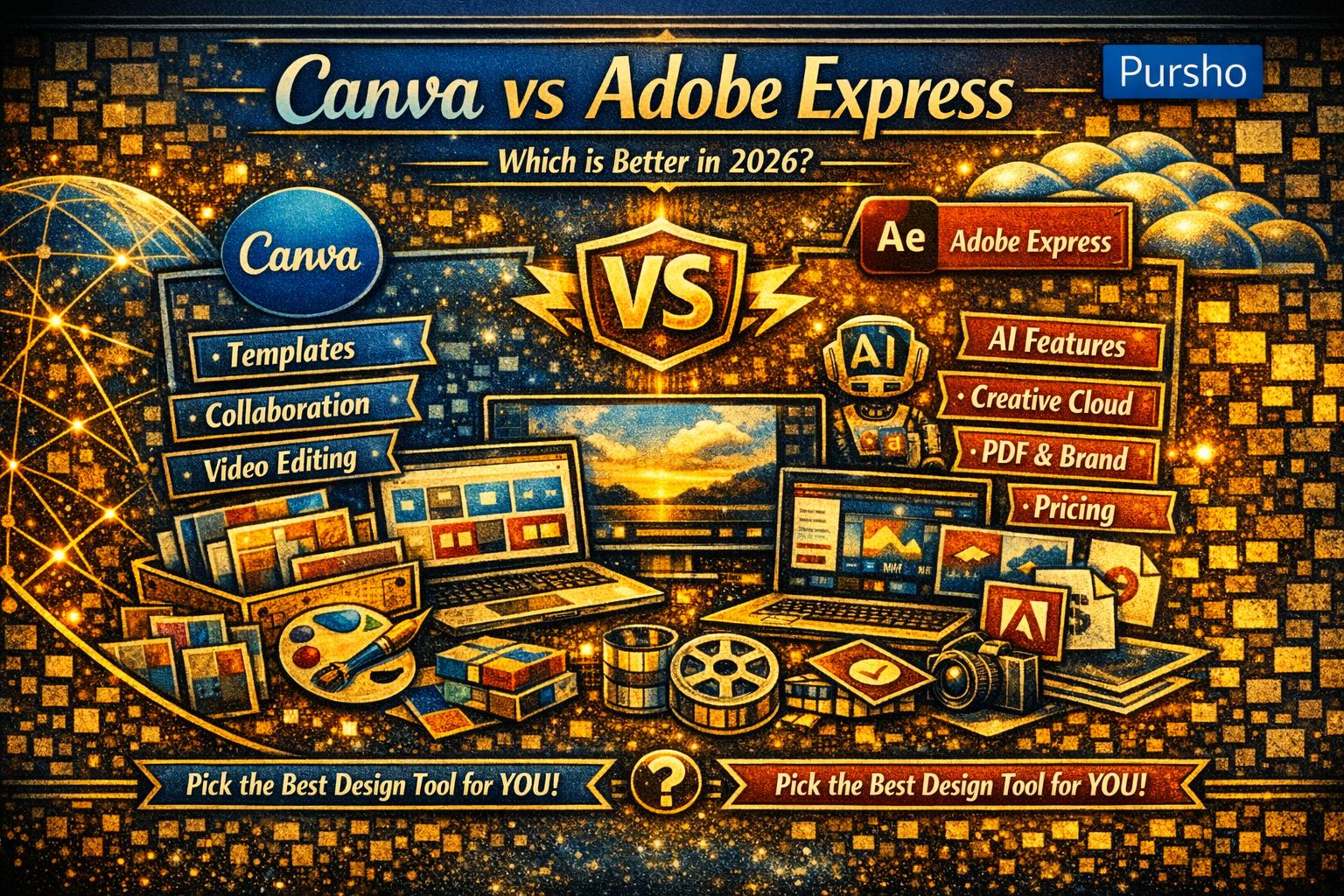
Choosing the right design tool is essential whether you’re a creator, marketer, business owner, or student. In 2026, Canva and Adobe Express remain the two most popular options for quick, professional visual creation — but which one truly leads this year?
Here’s a clean breakdown to help you decide.

✅ TL;DR
If you want more templates, stronger collaboration, better video tools, and an easier interface, choose Canva.
If you want better AI features, tighter Adobe integration, and a lower price, choose Adobe Express.
🔥 Canva vs Adobe Express: 2026 Comparison
1. Ease of Use
- Canva remains the easiest tool for beginners with an intuitive drag‑and‑drop interface and smooth learning curve.
- Adobe Express is also beginner-friendly but has a slightly more “Adobe-like” workflows, which some users may prefer.
✅ Winner: Canva (More intuitive for non‑designers)
2. Templates & Design Assets
- Canva: 250,000+ free templates and 600,000+ templates for Pro users in 2026. It also offers millions of stock photos, videos, and elements.
- Adobe Express: ~100,000–200,000 templates depending on plan, plus access to Adobe Stock (limited in free tier, premium assets in paid plans).
✅ Winner: Canva (More templates, more variety)
3. AI Features
Both platforms significantly upgraded AI in 2026:
Canva (Magic Studio):
- Magic Write
- Magic Design
- Magic Eraser
- Magic Expand
- DALL·E integrations
Adobe Express (Firefly AI Integration):
- Generative Fill
- Text-to-Image powered by Firefly
- AI text effects
- Layer‑preserving PDF exports
Adobe’s Firefly AI is widely considered more advanced and brand‑safe.
✅ Winner: Adobe Express (More powerful AI tools)
4. Collaboration Tools
- Canva: Real-time collaboration, commenting, shared folders, team brand kits, approval workflows — ideal for teams.
- Adobe Express: Basic collaboration but not as extensive as Canva’s.
✅ Winner: Canva (Better for agencies & teams)
5. Brand Management
- Canva Pro: Full Brand Kit (logos, fonts, colors), templates, multiple brand kits, workflows.
- Adobe Express: Brand features exist, but deeper brand management tools require Creative Cloud.
✅ Winner: Canva (More robust brand tools)
6. Integrations
- Adobe Express: Best for users already in the Adobe ecosystem (Photoshop, Illustrator, Lightroom).
- Canva: Integrates with numerous third-party tools but lacks deep Adobe-style software interoperability.
✅ Winner: Adobe Express (If you use Adobe Creative Cloud)
7. Video Editing
- Canva: Better built-in video editing with timeline edits, stock videos, animations, transitions, and social media exports.
- Adobe Express: Basic video editing; more suited for simple social content.
✅ Winner: Canva (Better for short-form video creators)
8. Pricing
Canva Pricing (2026)
- Free Plan
- Pro: $12.99/month or $119.99/year
- Teams plan varies
Adobe Express Pricing (2026)
- Free Plan
- Premium Plan: $9.99/month
- Included with full Creative Cloud subscription
✅ Winner: Adobe Express (Cheaper for premium features)
✅ Canva vs Adobe Express: Quick Winner Summary
| Category | Winner |
|---|---|
| Ease of Use | Canva |
| Templates | Canva |
| AI Tools | Adobe Express |
| Collaboration | Canva |
| Brand Kits | Canva |
| Integrations | Adobe Express |
| Video Editing | Canva |
| Pricing | Adobe Express |
🎯 Final Verdict: Which Should You Use in 2026?
✅ Choose Canva if you want:
- The largest template and asset library
- Strong collaboration & brand tools
- Better video editing
- A super easy interface
- All‑in‑one workflow for teams and creators
✅ Choose Adobe Express if you want:
- Stronger AI (Firefly)
- Adobe Creative Cloud integration
- Better PDF and branding accuracy
- A lower-cost premium plan
✅ For most users in 2026:
Canva is the better all-around choice, but Adobe Express wins for AI power and Adobe ecosystem users.
🚀 Ready to Pick the Right Tool?
Still unsure which one suits your workflow?
Tell me what you want to create (social content, ads, PDFs, videos, client work), and I’ll recommend the best tool + optimal plan for your needs!