A great business card can open doors, and getting one designed no longer has to be a headache. AI generators and online platforms have made the whole thing surprisingly simple, so you can put together something that looks genuinely professional in just a few minutes without any design experience.
Still, not all tools are created equal. We put the most popular business card generators of 2026 through their paces, testing for speed, design quality, ease of use, customization options, and overall value for small businesses. Some looked promising at first but couldn’t quite follow through, and a few others surprised us in good ways. Design.com came out on top as the most genuinely powerful option of the bunch.

This breakdown will help you find the right tool and get your business card looking exactly the way you want it.
Quick Verdict
- Best overall: Design.com — the most complete package, combining instant AI generated designs with brand syncing and a clean editing experience that works for just about anyone.
- Next best: BrandCrowd — a strong runner up with an impressive library of templates and solid print options built right in, making it a great choice for those who prefer a more hands on approach to picking their design.
- Best for print: VistaPrint — this tool is reliable if getting your cards physically printed fast is the priority.
Quick Comparison
| Tool | Type | Pricing | Best For |
| Design.com | AI Business Card Generator | Free & Paid | Instant AI designs with seamless brand syncing |
| BrandCrowd | Template-Based Maker | Free & Paid | High-quality templates with built-in print options |
| Canva | Drag and Drop Editor | Free & Paid | Quick designs with a beginner-friendly experience |
| VistaPrint | Printing Service | Paid | Reliable quality with fast turnaround and delivery |
| Adobe Express | Creative Design Tool | Free & Paid | Advanced design flexibility and creative control |
| Zazzle | Custom Printing Platform | Free & Paid | Standout styles with highly personalized printing |
#1 Design.com
Overall Rating: 5 out of 5
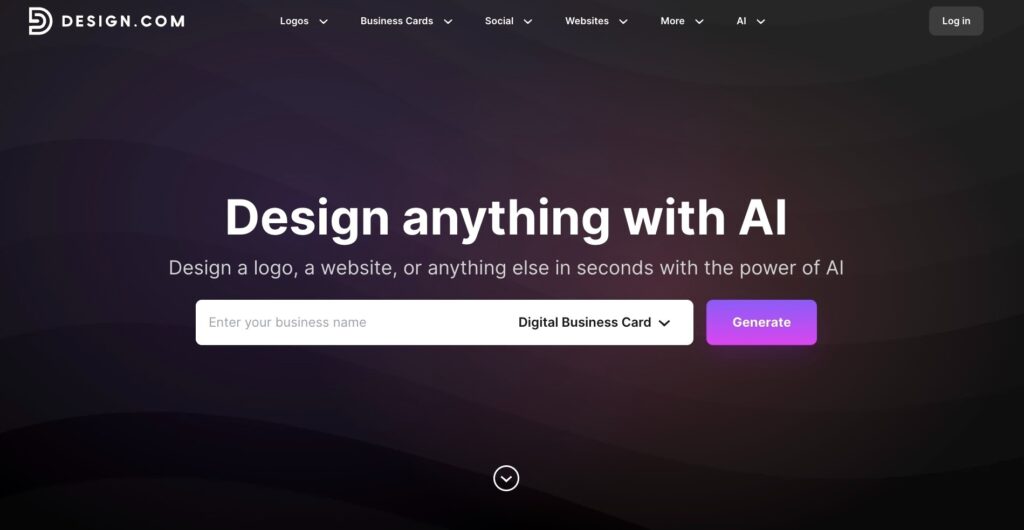
Design.com is hands down the strongest AI business card maker on our entire list, and you can tell why the moment you open it. Rather than leaving you to figure things out on your own like so many other tools do, it moves you through a process that feels smooth, logical, and refreshingly quick.
All you need to do is type in your business name and a brief description, and the platform serves up a range of card designs almost right away. One thing that genuinely impressed us during testing was how alive the whole experience felt.
You can plug in new keywords, shift your prompt in a different direction, and browse through completely fresh design options without ever having to wipe the slate clean, which makes the process of zeroing in on something that truly reflects your brand far less painful than expected.
Why it tops our list:
- Delivers AI business card designs within seconds
- Draws from a library of over 20,000 professionally built templates
- Produces thousands of unique variations from a single input
- Gives you complete control over fonts, colors, and overall layout
- Comes with advanced tools like gradient fills and curved text styling
- Automatically lines up your design with your existing brand and logo
- Exports in high resolution and vector formats suited for professional printing
- Delivers print-ready files built to meet commercial production standards.
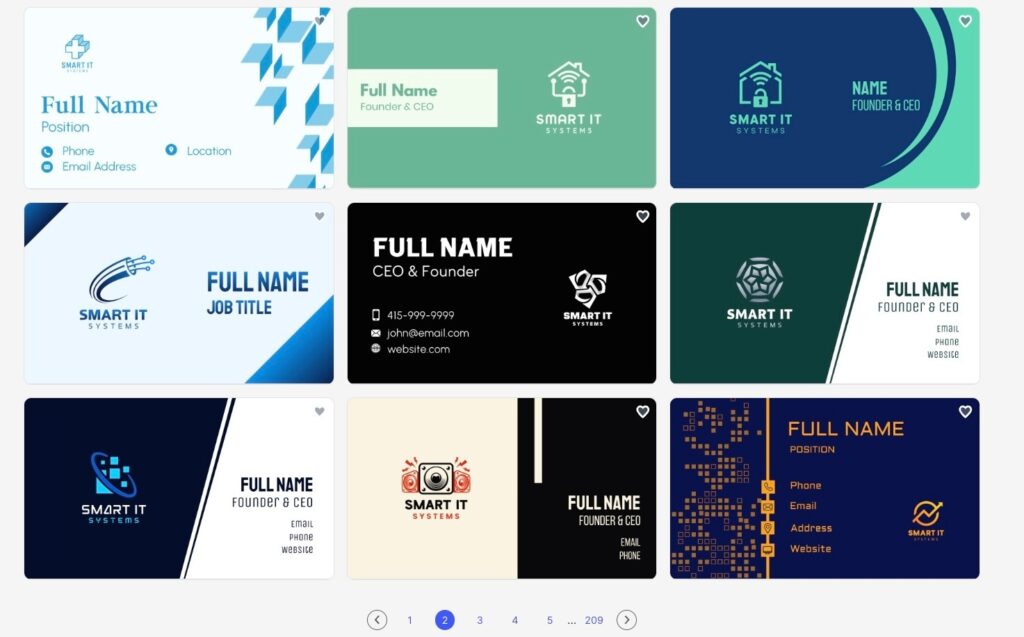
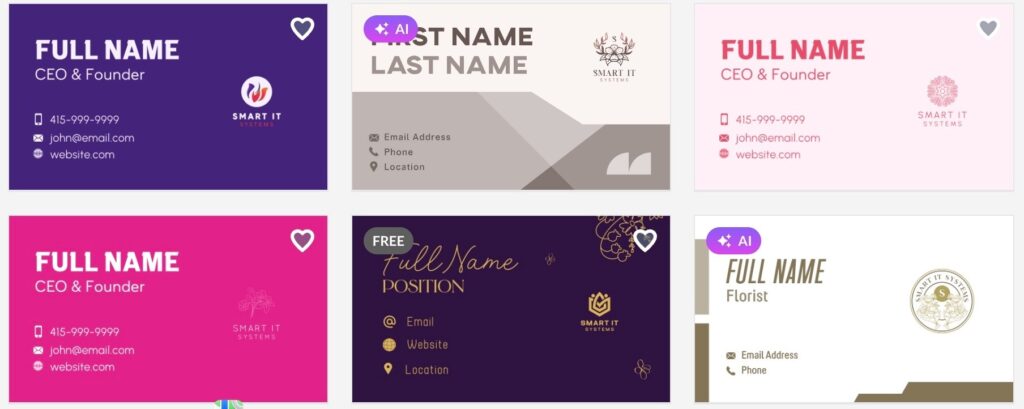
To give it a proper real-world test, we built sample business cards for Smart IT Systems through Design.com to find out how well the AI picks up on the details of an actual brand. Take a look at what it produced:
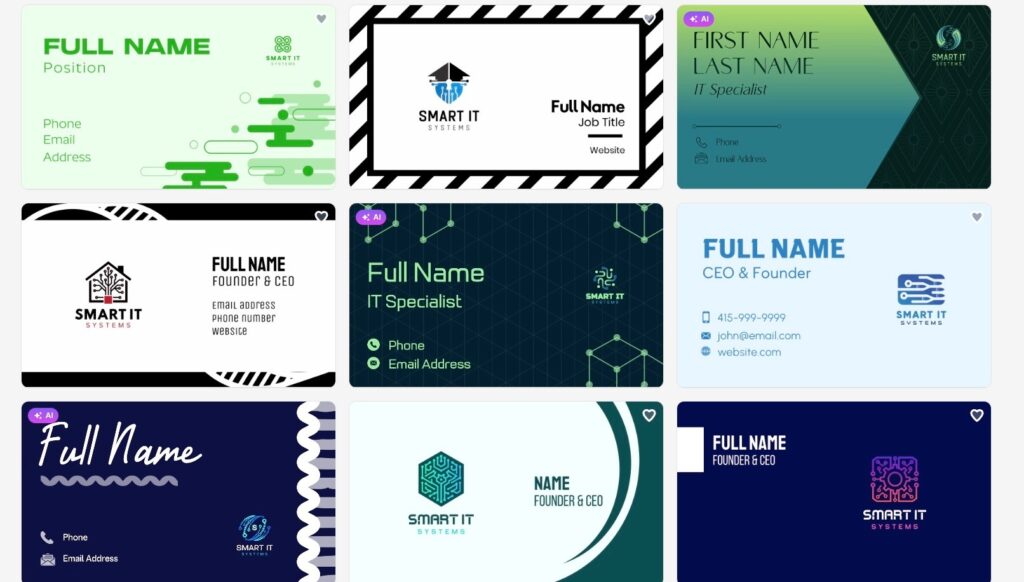
These are the designs from the second page. Notice how consistent they are.
To test its AI performance, we switched from a SaaS company to a flower shop, and it still produced great results.
Verdict
What genuinely sets Design.com apart is how much of the hard work it handles on your behalf. There is no need to worry about composition, spacing, or whether your design follows any kind of visual logic because the platform takes care of all of it, and dialing in the final result is as simple as a couple of clicks. For anyone running a small business, that translates to walking away with a polished, professional-looking card in a matter of minutes rather than spending an entire afternoon on it.
#2 BrandCrowd
Overall Rating: 4.5 out of 5
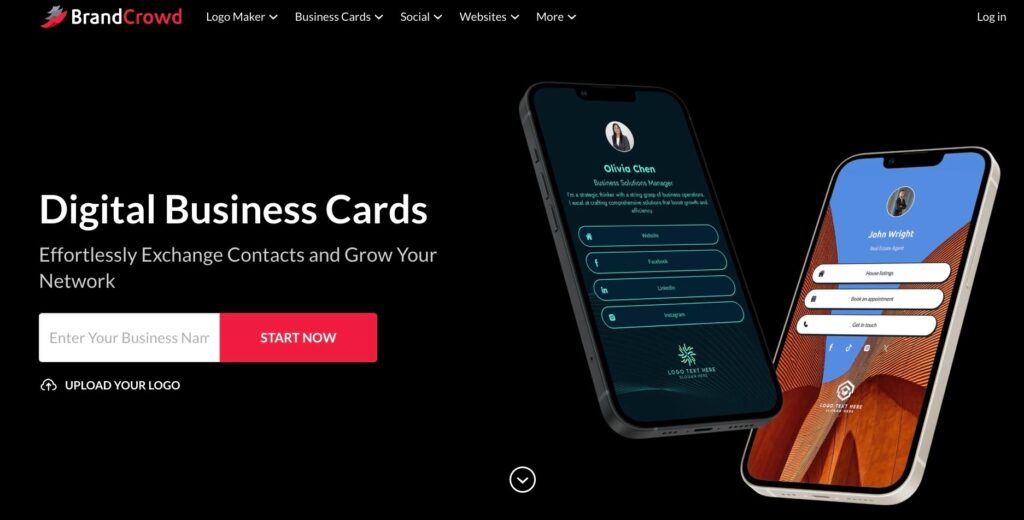
BrandCrowd is one of the most reliable business card makers we put through our testing, and it holds its own particularly well for anyone who prefers working within a structured template-based system rather than leaning on AI to generate something from scratch.
The platform gives you access to a substantial library of professionally crafted templates, which takes a lot of the guesswork out of the process and makes it genuinely easy to land on something clean and consistent without much back and forth.
What it brings to the table:
- A library of over 3,000 ready-to-use business card templates
- Industry-specific layouts tailored to different fields and use cases
- Full control over fonts, colors, and overall layout
- High resolution and vector file downloads for professional printing
- Built-in printing options with a range of finishes and quantities to choose from
- Access to a broader branding ecosystem beyond just business cards
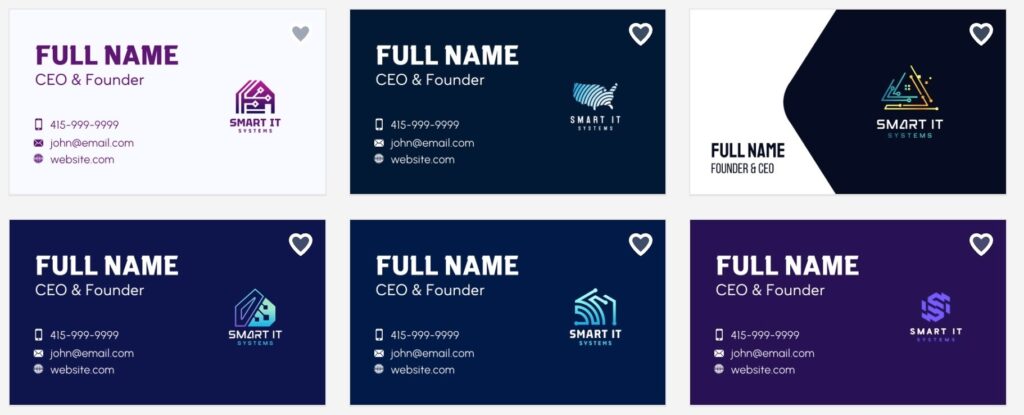
We took Smart IT Systems into BrandCrowd as well to find out how well the template library adapts when there is an actual business behind the design.
The results spoke for themselves:
Verdict
BrandCrowd works well for all types of businesses that want something polished and dependable without having to build a design from the ground up. The templates keep everything looking sharp and well structured, and the ability to go from finished design to physically printed cards all within the same platform is a genuine convenience that most of its competitors simply do not offer.
#3 Canva
Overall Rating: 4 out of 5
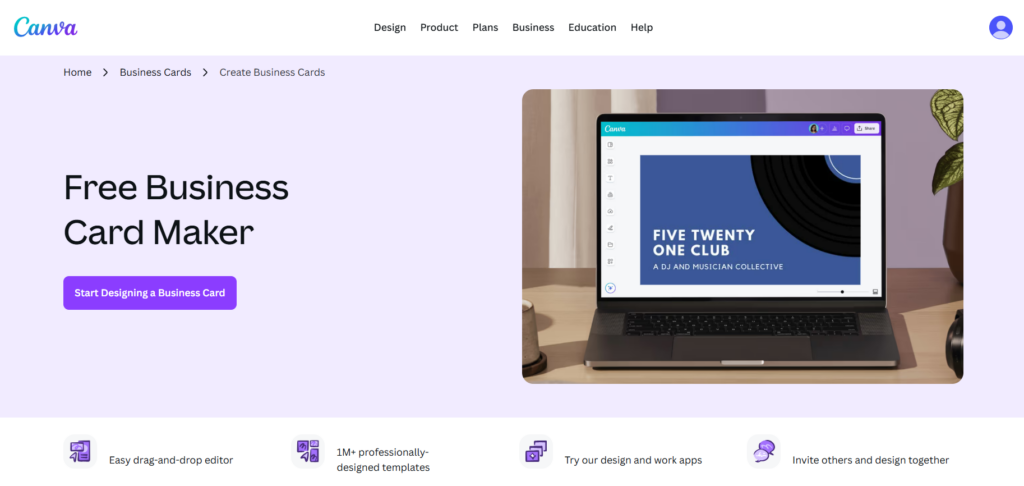
Canva is a solid option for anyone who just needs to get something done quickly without overthinking it. It is not the most powerful tool on this list, but its drag-and-drop editor is easy enough to pick up in minutes, and the template library gives you enough to work with for a basic business card.
The experience is straightforward and beginner-friendly, which is its main selling point. Do not expect a lot of depth, though, as customization options are fairly surface-level compared to some of the other tools here.
What it offers:
- A large library of business card templates to start from
- Simple drag and drop editing with no learning curve
- Basic control over fonts, colors, and layout
- Free to use with paid plans, unlocking more assets
- Decent export quality for standard printing needs
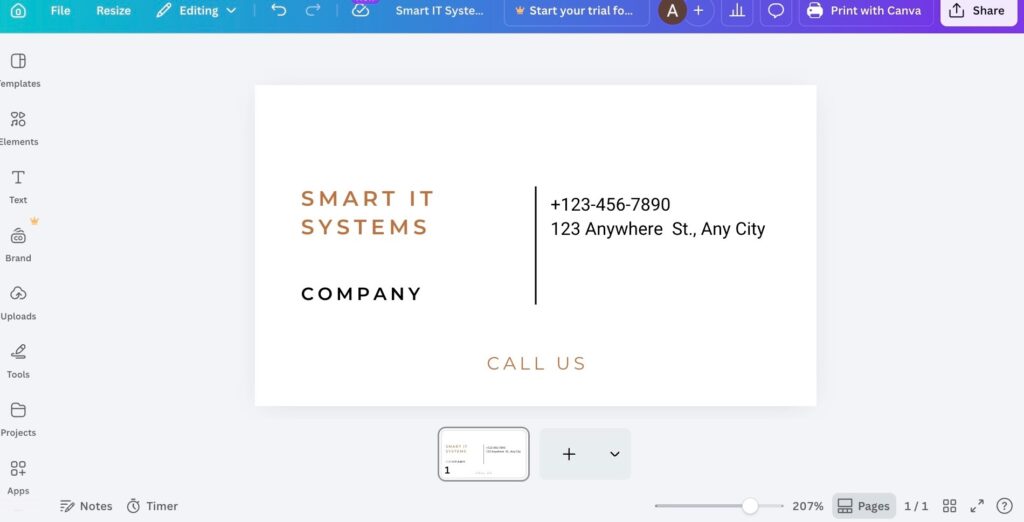
We test Canva to see what the editor could put together, and here is what we got:
Verdict
Canva does what it needs to do for most people, and for a free tool, it is hard to complain too much. That said, if you need something that feels more tailored or refined, you will likely find yourself hitting its limits fairly quickly.
#4 VistaPrint
Overall Rating: 3.5 out of 5
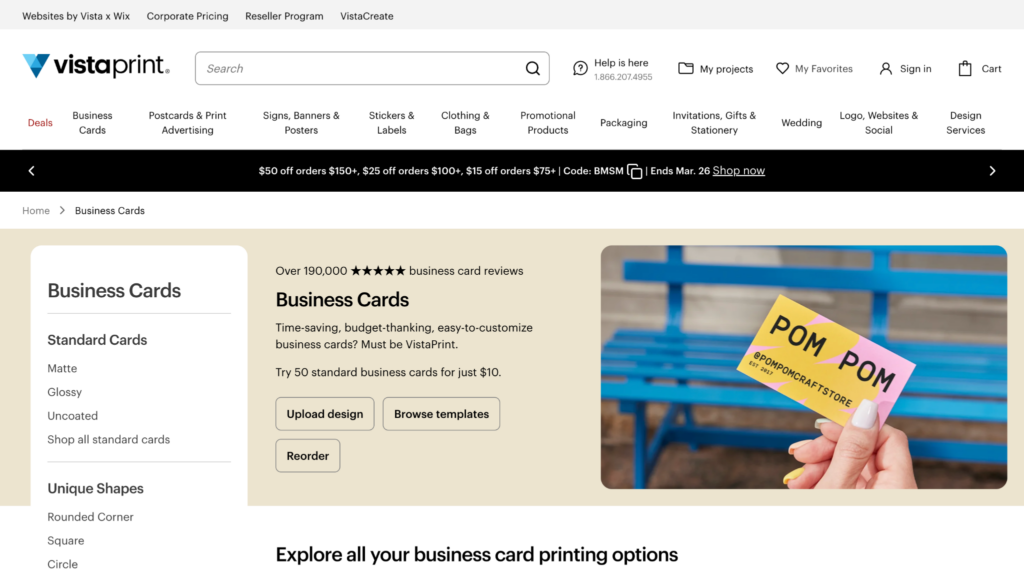
VistaPrint is less of a design tool and more of a printing service that happens to have a basic card builder attached to it. The design side of things is functional but nothing remarkable, and most people will find the templates fairly generic.
Where it earns its place on this list is in the printing itself. Turnaround times are reliable, delivery is consistent, and the physical card quality is decent for the price point.
What it offers:
- Basic business card templates to get you started
- Straightforward editing with limited customization
- Reliable print quality across different card finishes
- Fast turnaround and delivery options
- Bulk printing available at reasonable prices
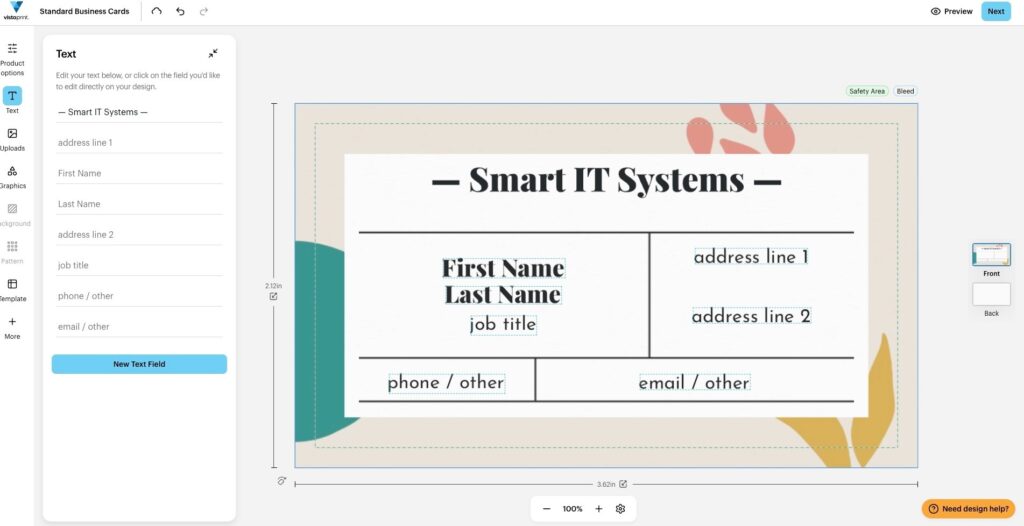
Take a look at how the tool builds a business card:
Verdict
VistaPrint is a practical choice if you already know what you want and just need it printed quickly. As a design tool on its own, it is average at best, but as an end-to-end print solution it gets the job done reliably enough.
#5 Adobe Express
Overall Rating: 3.5 out of 5
Adobe Express gives you more design control than most tools on this list, which is both its strength and its drawback. It is better suited to people who already have some sense of what they are doing visually, as the added flexibility can feel like a lot to navigate if you are coming in with no design background.
The results can look polished when used well, but it takes more effort to get there compared to something like Design.com or BrandCrowd.
What it offers:
- A reasonable selection of business card templates
- More granular control over design elements than most free tools
- Font, color, and layout adjustments with decent depth
- Free tier available with paid plans for additional features
- Export options suitable for both digital and print use
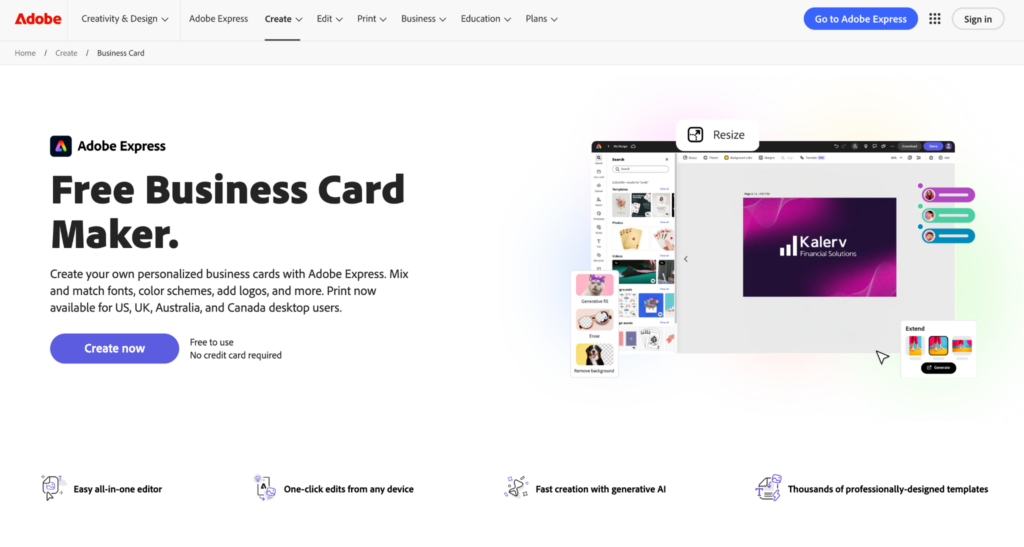
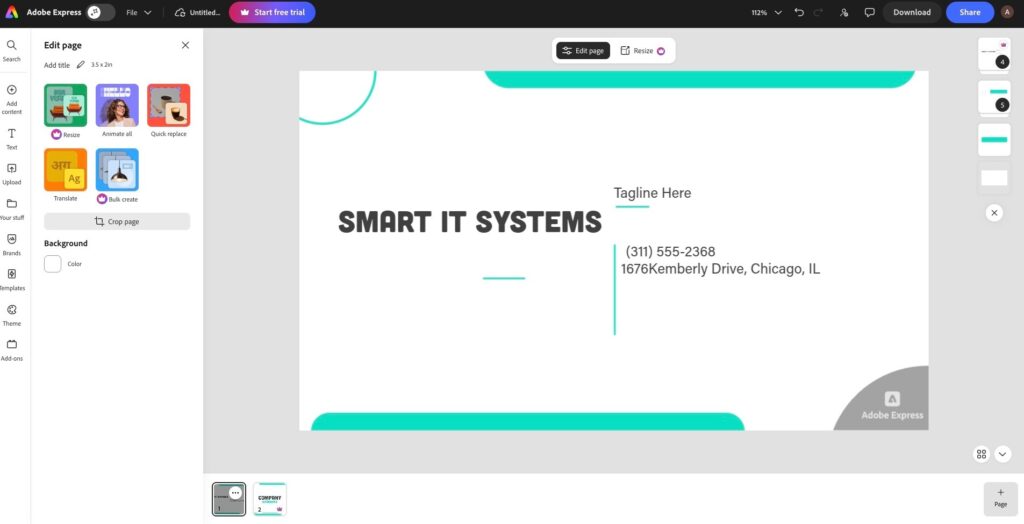
Discover how the tool creates a business card:
Verdict
Adobe Express is a capable tool for someone who wants a bit more say in how their card looks, but it does ask more of you in return. For small business owners without a design background, the learning curve might not be worth it when simpler options exist.
#6 Zazzle
Overall Rating: 3 out of 5
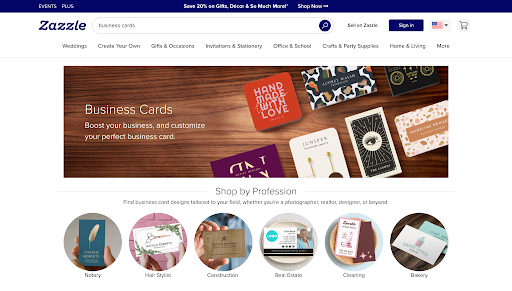
Zazzle takes a different approach from the rest of the tools here, leaning more toward custom and novelty printing than professional business card design. The styles available are distinctive, but they do not always translate well to a clean, business-appropriate look.
It works best for people who want something visually unique and are less concerned with keeping things minimal or corporate.
What it offers:
- A wide range of custom and creative card styles
- Personalized printing with various finishes and materials
- Decent product quality on the physical cards
- Limited practical templates for traditional business use
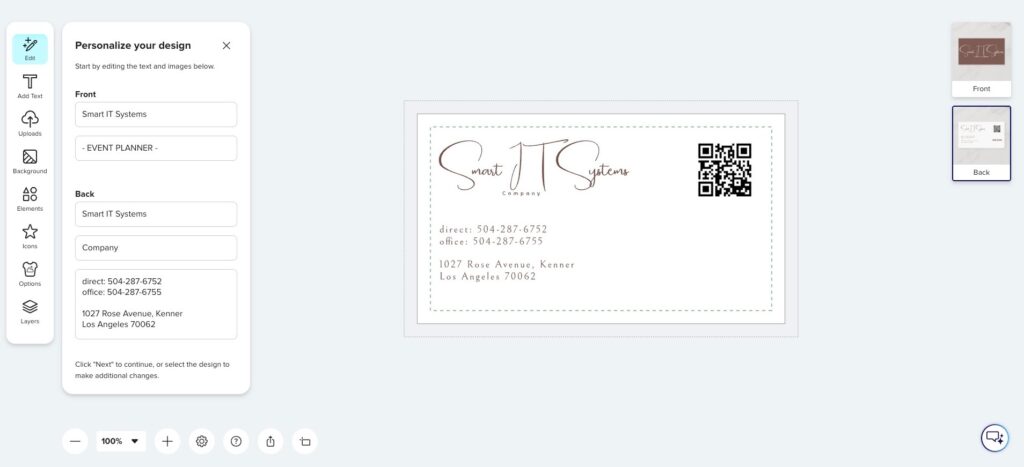
Check out how the tool works.
Verdict
Zazzle has its place, but it is not the first tool we would reach for when putting together a professional business card. If standing out visually is the priority and budget is not a concern, it is worth a look, but for most small businesses, there are better options higher up this list.
Final Thoughts
Picking the right business card generator comes down to more than just ticking boxes on a feature list. What really matters is how naturally the tool lets you put together something that actually looks like you, without eating up half your day in the process.
After putting all of these tools through their paces, Design.com stood out as the clear winner. It takes what is normally a drawn out process and condenses it into something that feels almost effortless. There is no need to piece together a layout from scratch or wade through hundreds of templates hoping something clicks.
You describe what you need, the platform generates polished designs almost immediately, and from there it is just a matter of small adjustments until everything feels right. For anyone who wants a finished, professional looking business card without the usual headache, it is the most dependable option on this list.