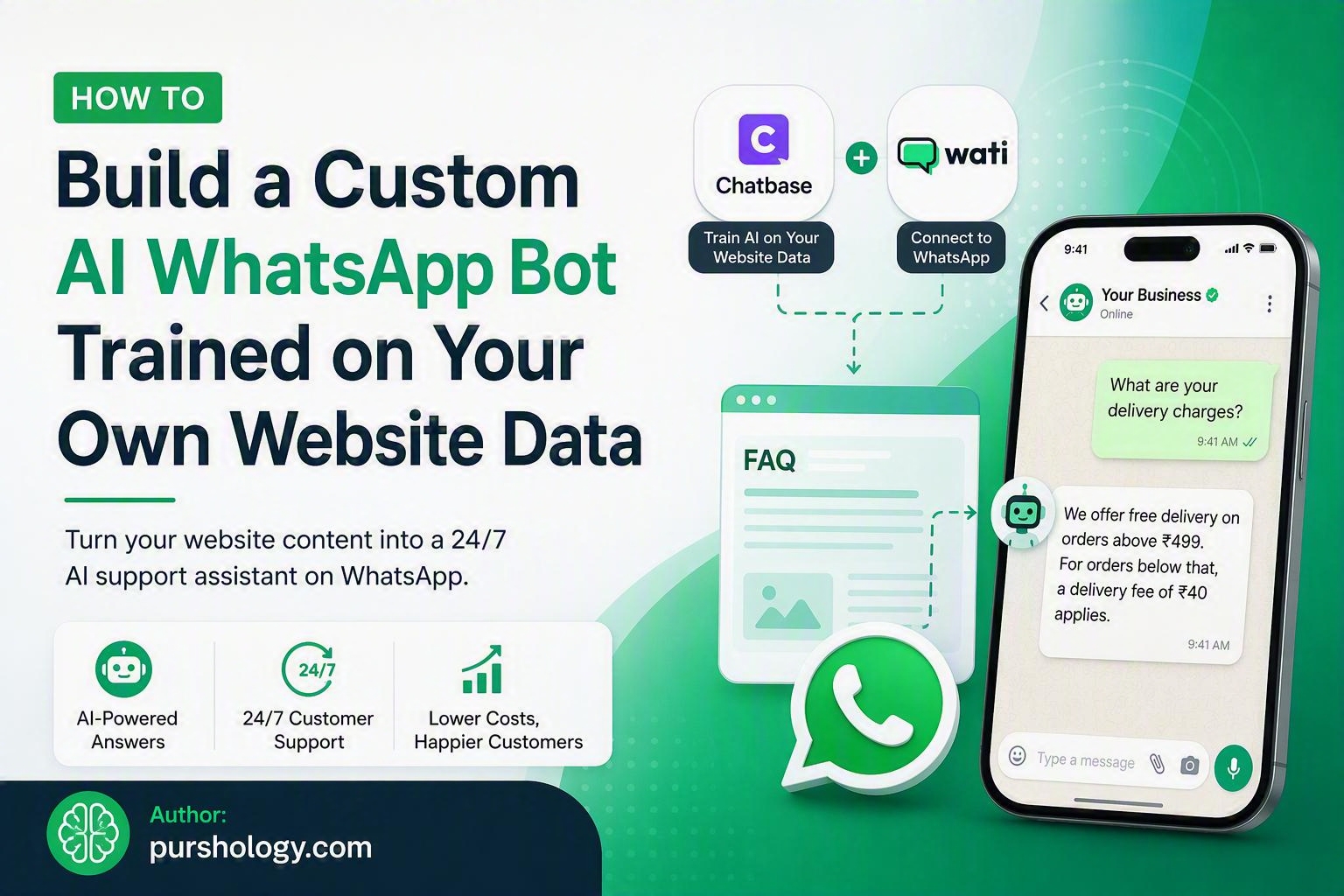
Turn Your Website Into a 24/7 AI Support Agent for WhatsApp
In today’s always-on digital world, customers expect instant answers. For small businesses, providing round-the-clock support can be expensive and resource-intensive. The good news? You can build a custom AI-powered WhatsApp bot trained on your own website content, enabling it to answer customer questions automatically, accurately, and at scale.
Using tools like Chatbase (or Dante AI) and Wati’s WhatsApp API platform, you can create an intelligent support assistant without writing complex code.

TL;DR
- Small businesses often struggle to provide 24/7 customer support.
- You can build an AI WhatsApp bot trained on your website content.
- Use Chatbase or Dante AI to train the AI chatbot using your website FAQs and knowledge base.
- Connect the chatbot to WhatsApp through Wati.
- The bot can automatically answer customer queries, reduce support workload, and improve response times.
- Setup can be completed in a few hours with minimal technical expertise.
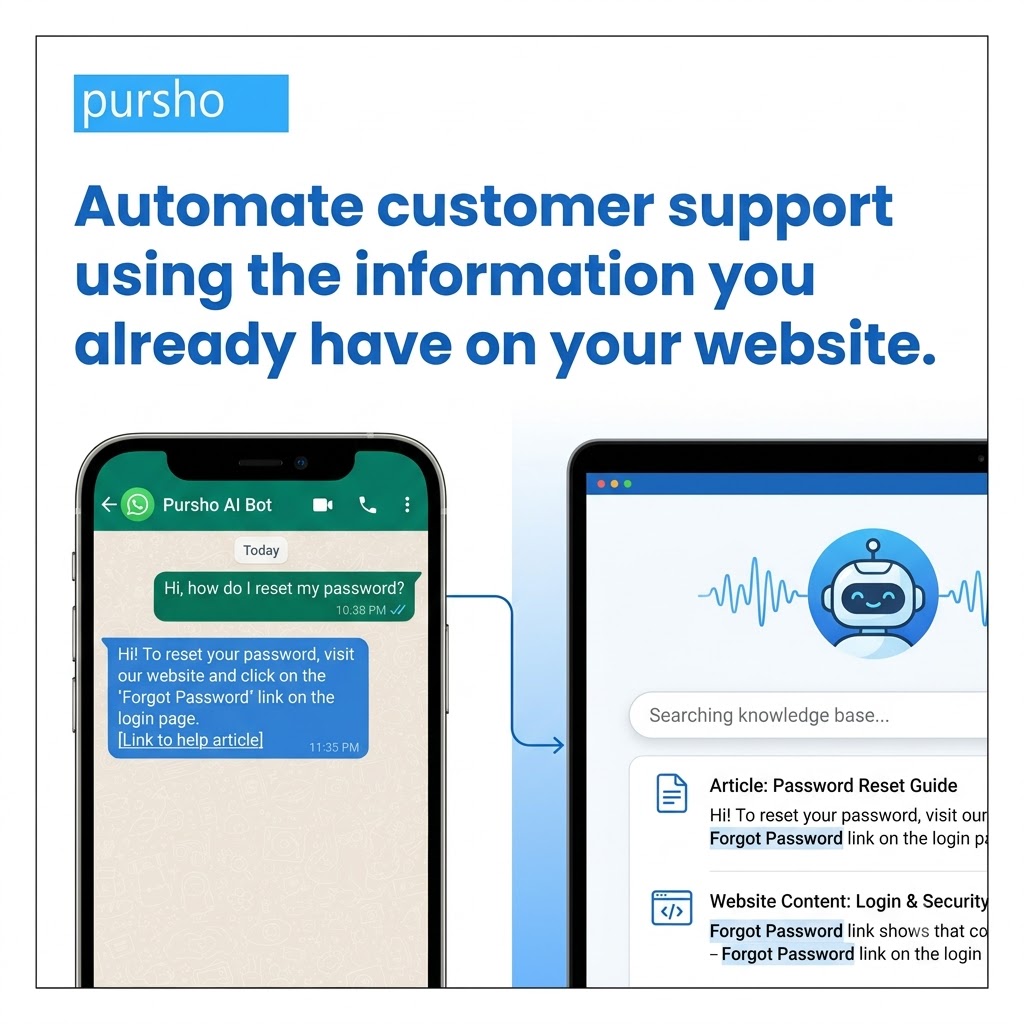
Why Your Business Needs an AI WhatsApp Bot
WhatsApp has become one of the most preferred communication channels for customers. Whether people want product information, pricing details, order updates, or support, they expect quick responses.
However, hiring support agents to handle inquiries 24/7 isn’t always feasible for small businesses.
A custom AI WhatsApp bot can:
- Answer common customer questions instantly.
- Provide support outside business hours.
- Reduce repetitive work for your team.
- Improve customer satisfaction.
- Capture leads and qualify prospects.
- Scale support without increasing staffing costs.
The best part is that the bot can be trained using information that already exists on your website.
The Tool Stack
1. Chatbase or Dante AI
These platforms allow you to create AI chatbots trained on:
- Website content
- FAQ pages
- Help documentation
- Product information
- PDFs and knowledge bases
The AI learns from your content and uses it to respond to customer questions.
2. Wati (WhatsApp API)
Wati helps businesses connect AI-powered chatbots with WhatsApp.
With Wati, you can:
- Receive incoming WhatsApp messages.
- Automate responses.
- Route conversations to human agents when necessary.
- Manage customer interactions from a centralized dashboard.
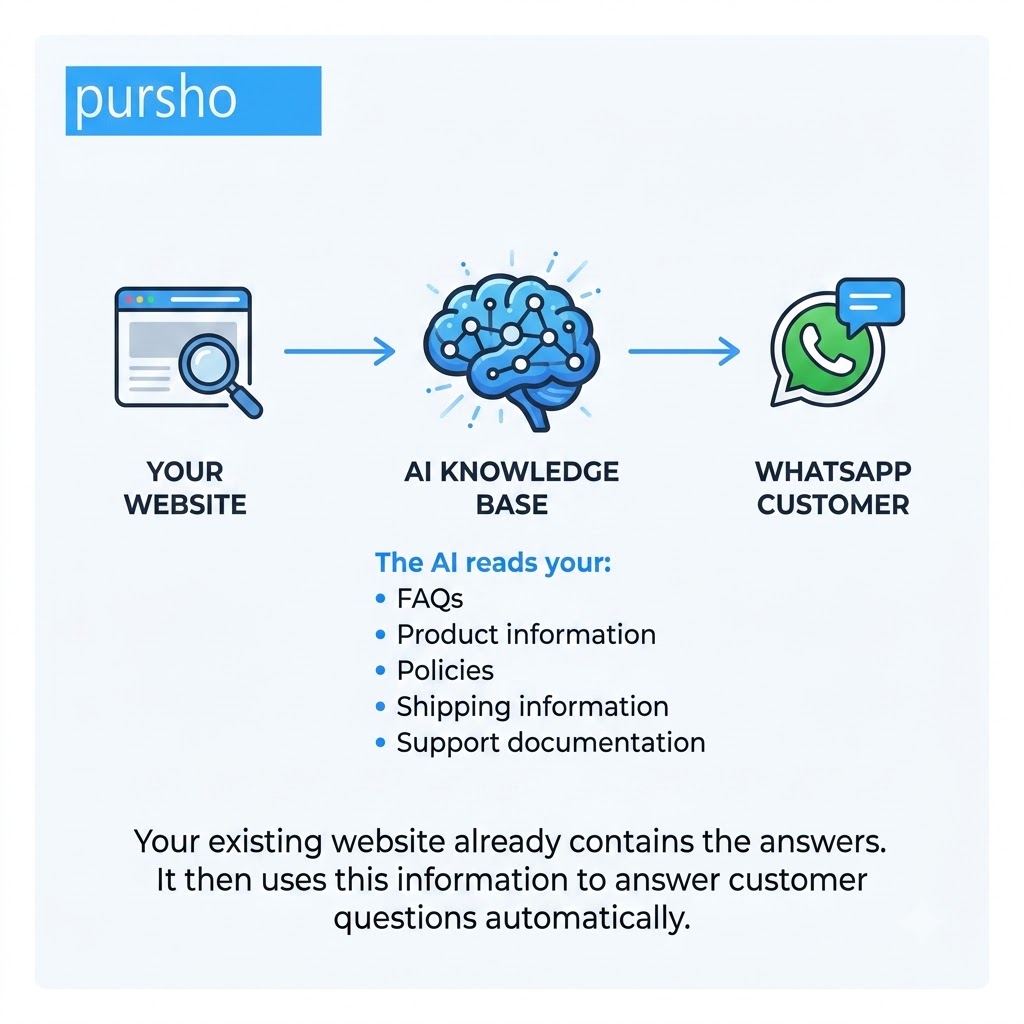
Step 1: Gather and Organize Your Website FAQs
Start by identifying the information customers ask about most frequently.
Examples include:
- Pricing plans
- Shipping policies
- Return procedures
- Product specifications
- Service details
- Appointment booking processes
- Business hours
Create a structured FAQ document containing clear answers to these common questions.
Example
Question: How long does shipping take?
Answer: Orders are typically delivered within 3-5 business days across India.
The clearer your content, the better your AI bot will perform.
Step 2: Train the AI Using Your Website Content
After organizing your FAQs and support information:
In Chatbase
- Create a new chatbot.
- Enter your website URL.
- Allow Chatbase to crawl and scrape your website pages.
- Upload additional FAQ documents if required.
- Review the imported content.
- Train the chatbot.
In Dante AI
- Create a new AI agent.
- Import your website URL.
- Upload FAQs, PDFs, and documentation.
- Configure the chatbot’s personality and response style.
- Train and test the model.
At this stage, your bot should be capable of answering questions based on your website data.
Step 3: Test the Knowledge Accuracy
Before connecting the bot to customers, test it thoroughly.
Ask questions such as:
- What are your business hours?
- What services do you offer?
- How can I contact support?
- What is your refund policy?
Look for:
✅ Accurate responses
✅ Up-to-date information
✅ Natural language replies
✅ Consistent answers
Update the training data whenever new products, services, or policies are added to your website.
Step 4: Connect the AI Bot to WhatsApp Using Wati
Once your chatbot is ready:
- Create a Wati account.
- Connect your WhatsApp Business number.
- Complete WhatsApp API onboarding.
- Configure chatbot workflows within Wati.
- Connect your Chatbase or Dante AI bot using available integrations or API connections.
- Define fallback scenarios for human support.
Now, incoming WhatsApp messages can be passed to your AI chatbot, which generates responses automatically.
Step 5: Configure Human Handover
Even the best AI bots occasionally encounter complex questions.
Create rules that transfer conversations to a live agent when:
- The bot is uncertain about the answer.
- Customers request a human representative.
- Sensitive account-specific actions are required.
A hybrid AI-and-human workflow ensures customers always receive the help they need.
Step 6: Optimize and Improve Over Time
AI bots improve when their knowledge base evolves.
Regularly:
- Add new FAQs.
- Remove outdated information.
- Review unanswered queries.
- Analyze customer conversations.
- Update website content.
The more relevant information your AI has access to, the better the customer experience becomes.
Real-World Example
Imagine a local ecommerce store receiving 100 WhatsApp queries every day:
- “What are your delivery charges?”
- “Do you offer cash on delivery?”
- “How long does shipping take?”
- “What sizes are available?”
Instead of requiring staff to answer each question manually, the AI bot instantly handles these conversations using information pulled directly from the company’s website.
The result?
- Faster customer service
- Lower support costs
- Better lead conversion
- More time for business growth
Benefits of a Website-Trained AI WhatsApp Bot
For Customers
- Instant responses
- 24/7 availability
- Consistent information
- Faster issue resolution
For Businesses
- Reduced support workload
- Lower operational costs
- Increased customer satisfaction
- Better lead management
- Improved scalability
Common Mistakes to Avoid
Using Poor Quality Training Data
If your website content is outdated or confusing, your AI responses will be too.
Ignoring Human Escalation
Always provide a path to a real support agent.
Not Testing Before Launch
Extensive testing helps prevent incorrect answers.
Forgetting Regular Updates
Your AI is only as good as the information it can access.
Final Thoughts
Building a custom AI WhatsApp bot trained on your own website data is one of the fastest ways for small businesses to provide 24/7 customer support without dramatically increasing costs. By combining Chatbase or Dante AI with Wati’s WhatsApp integration, you can transform your website content into an intelligent virtual assistant that answers customer questions, captures leads, and improves customer experiences around the clock.
As customer expectations continue to rise, businesses that automate support with AI will gain a significant competitive advantage while freeing their teams to focus on higher-value activities.
Ready to Build Your Own AI WhatsApp Bot?
Stop losing leads and customer inquiries after business hours. Start leveraging your existing website content to create a smart WhatsApp assistant that works 24/7.
Need help implementing an AI-powered WhatsApp bot for your business? Contact us today to discover how we can help you automate customer support, improve response times, and turn conversations into conversions.