Small businesses in 2026 rely heavily on automation to save time, reduce manual work, and scale without hiring more people. Two tools dominate the no‑code automation space: Zapier and Make. Both are powerful—but which one is truly the best for small business owners?
This guide breaks it down clearly.

TLDR
- Zapier → Best for beginners, fastest to set up, huge app library, simpler Zaps.
- Make → Best for visual workflows, complex automations, and cost‑efficient scaling.
- For most small businesses in 2026:
- Choose Zapier if you want ease and reliability.
- Choose Make if you want power and lower cost per task.
Zapier vs Make: Side‑by‑Side Overview
1. Ease of Use
Zapier
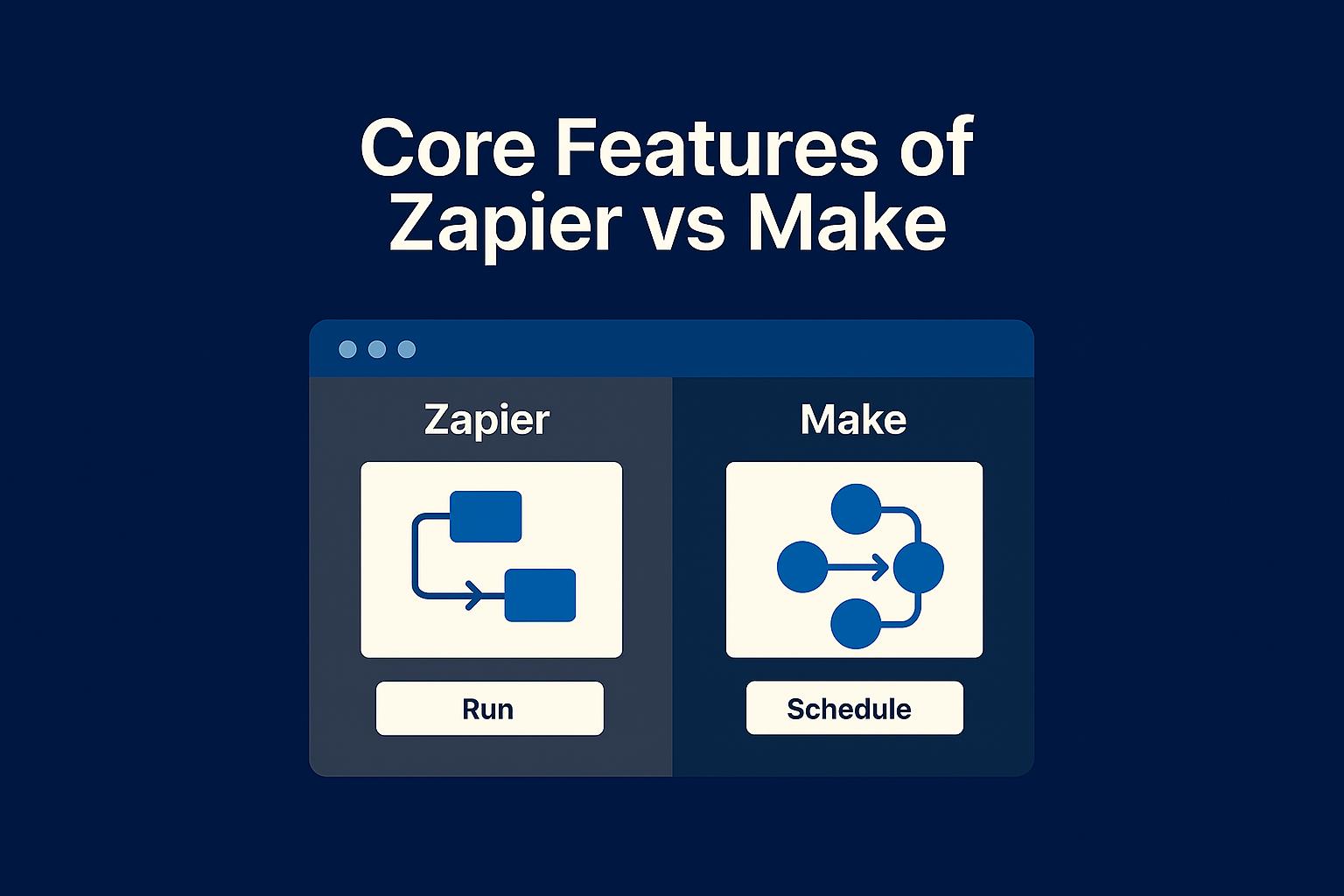
Zapier is built for simplicity. You pick a trigger, choose an action, connect accounts, and you’re done. It’s perfect for teams that want fast setup without learning curves.
Make
Make uses a drag‑and‑drop canvas where you visually design automation workflows. This is much more flexible but slightly more technical.
Best for:
- Zapier → Beginners, non‑technical teams
- Make → Users who want powerful workflow customization
2. Workflow Complexity
Zapier
Zapier supports multi‑step automations but still revolves around linear workflow logic.
Make
Make supports branching, routers, iterations, error handlers, and deeply dynamic workflows.
If your automation looks like a flowchart → choose Make.
If it looks like a checklist → choose Zapier.
3. Pricing
Zapier
You pay for tasks. More tasks = more cost. Simple and predictable, but can get expensive if your business scales.
Make
You pay for operations, but Make’s model is generally cheaper. You can run complex multi‑step workflows with fewer “operations” than Zapier “tasks.”
Winner for budget‑conscious businesses: Make.
4. Integrations
Zapier
The largest automation integration library in the world. Almost every SaaS tool integrates with Zapier first.
Make
Fast-growing integration library, and excellent API handling—but still smaller than Zapier’s.
If you use niche SaaS tools, Zapier is safer.
5. Reliability & Support
Zapier wins reliability—its infrastructure is extremely stable and consistent for business‑critical operations.
Make is reliable too, but occasional workflow hiccups occur if you’re pushing large, complex scenarios.

Which Tool Is Best for YOUR Small Business?
Choose Zapier if you want:
- The easiest automation tool
- Simple workflows (CRM → Email → Spreadsheet)
- Faster onboarding for team members
- The biggest app ecosystem
Choose Make if you want:
- More complex, powerful workflows
- Lower operational costs
- Robust API automation
- A visual “automation canvas” instead of linear steps
Final Verdict
For most small businesses in 2026:
- Zapier is best for simplicity and reliability.
- Make is best for power, flexibility, and better long‑term cost.
If you’re scaling your internal operations heavily, Make usually wins. But if you want something your entire team can understand quickly—choose Zapier.
Need help?
Want a tailored recommendation based on your business, tools, and workflows?
Tell me what you want to automate, and I’ll design:
- Your ideal workflow
- Which tool fits better (Zapier or Make)
- A step‑by‑step automation blueprint
— all customized for your small business.