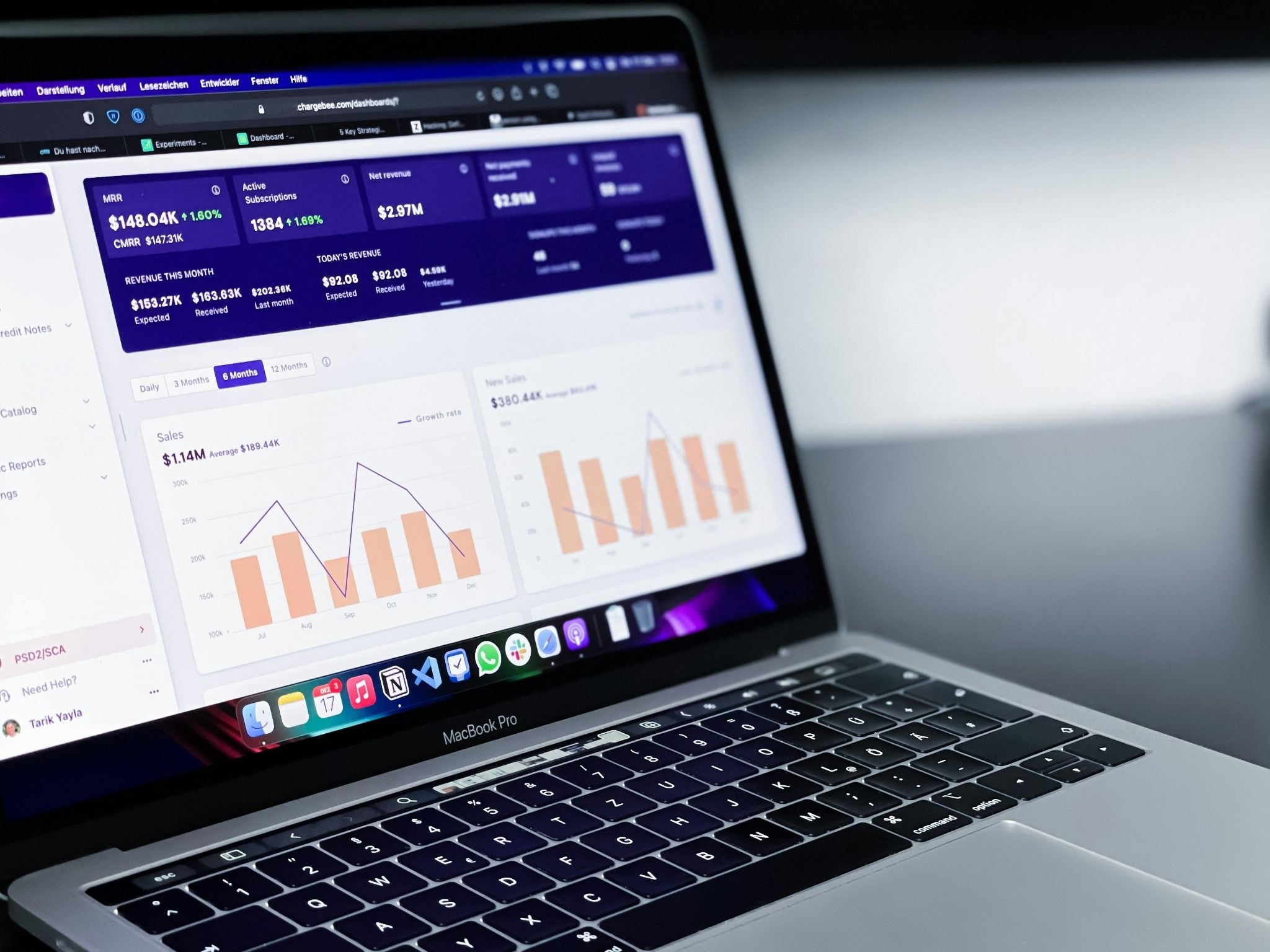
In today’s fast-paced business environment, companies need quick access to accurate information to make better decisions. Traditional dashboard development often requires technical expertise, developers, and significant time investment. However, with the rise of no-code platforms, businesses can now create powerful internal dashboards without writing complex code. These platforms allow teams to collect, organize, visualize, and manage data efficiently while reducing development costs and speeding up workflows.
An internal business dashboard acts as a central hub where employees can monitor important business activities, track performance, and access real-time insights. Whether you want to manage sales reports, employee productivity, customer information, project progress, or financial data, no-code tools make it easier to build customized solutions that fit your organization’s needs.

What Is an Internal Business Dashboard?
An internal business dashboard is a digital workspace designed to display important company data in an easy-to-understand format. It combines information from different sources and presents it through charts, tables, reports, and key performance indicators (KPIs). Instead of searching through multiple spreadsheets or systems, employees can view everything they need in one place.
For example, a marketing team can use a dashboard to track campaign performance, while a sales team can monitor leads, conversions, and revenue targets. Managers can also use dashboards to identify problems, analyze trends, and make data-driven decisions faster.
No-code platforms make the dashboard creation process much simpler by providing ready-made templates, drag-and-drop features, and integrations with popular business tools.
Choose the Right No-Code Platform
The first step in building an internal business dashboard is selecting a suitable no-code platform. The right choice depends on your business requirements, data sources, and the level of customization you need.
Popular no-code tools include platforms that allow users to create databases, applications, and dashboards without programming knowledge. Tools like Airtable, Softr, Glide, Bubble, and other similar platforms provide flexible options for creating internal business solutions.
When selecting a platform, consider factors such as:
- Data storage capabilities
- Integration options
- User access control
- Customization features
- Automation support
- Scalability for future growth
A good platform should allow your team to update information easily and provide a smooth experience for all users.
Define Your Dashboard Goals and Data Requirements
Before creating your dashboard, clearly define what information you want to track. A successful dashboard should solve a specific business problem rather than simply display random data.
Start by identifying the key metrics your team needs. These may include:
- Sales performance
- Customer activity
- Project timelines
- Employee tasks
- Revenue reports
- Inventory levels
- Marketing results
Many businesses use dashboards similar to admin dashboards to organize internal operations, monitor activities, and manage important resources from one central location. By understanding your goals first, you can design a dashboard that provides valuable insights instead of unnecessary information.
Build Your Database Structure
Most no-code dashboards depend on a strong database structure. Before designing the dashboard interface, organize your data properly.
For example, if you are creating a project management dashboard, you may need separate tables for:
- Projects
- Team members
- Tasks
- Deadlines
- Client information
Each table should contain relevant fields that make data easier to filter and analyze. A clean database structure improves dashboard performance and ensures accurate reporting.
No-code platforms usually allow users to create relationships between different data sources, making it possible to connect information and generate dynamic reports.
Design the Dashboard Interface
Once your data is ready, you can start designing the dashboard interface. The goal is to create a simple and user-friendly layout where employees can quickly find important information.
A good internal dashboard usually includes:
- Summary cards showing key numbers
- Charts for visual performance tracking
- Tables for detailed information
- Search and filter options
- User-specific views
Avoid adding too many elements that may confuse users. Focus on displaying the most important information first and keeping the design clean.
Many no-code platforms offer pre-built components that can be customized according to your brand style and business needs.
Add Automation and Integrations
One of the biggest advantages of no-code platforms is automation. Instead of manually updating information, you can connect your dashboard with other tools and automate repetitive tasks.
For example, you can create workflows that:
- Update records automatically
- Send notifications to employees
- Generate reports regularly
- Sync data between applications
Integrations with tools like CRM systems, communication platforms, payment services, and spreadsheets can make your dashboard more powerful and efficient.
Test and Improve Your Dashboard
After building your dashboard, test it with the people who will use it daily. Collect feedback and identify areas that need improvement.
Check whether:
- Data is accurate
- Pages load quickly
- Users can find information easily
- Permissions are correctly configured
- Reports provide useful insights
A dashboard should continue improving as your business grows. Regular updates ensure that it remains useful and aligned with changing business needs.
Benefits of Using No-Code Dashboards
Building an internal dashboard with no-code tools provides several advantages. Businesses can save development time, reduce costs, and allow non-technical employees to create solutions independently.
Some key benefits include:
- Faster implementation
- Lower maintenance requirements
- Easy customization
- Better team collaboration
- Real-time access to information
No-code dashboards also encourage teams to become more data-focused because employees can access important insights without relying on technical departments.
Conclusion
Creating an internal business dashboard using no-code platforms is a practical way to improve productivity, simplify operations, and make smarter business decisions. With the right platform, organized data, clear goals, and thoughtful design, companies can build powerful dashboards without hiring developers or investing in complicated software solutions.
As no-code technology continues to evolve, more businesses will adopt these tools to create flexible and efficient internal systems. Whether you are a small company or a growing organization, a well-designed dashboard can help your team work better and stay focused on achieving business goals.