

Go Back
Report Abuse
Clipflow hero: bold headline about recording workflows and creating videos, with logo and soft gradient background plus three floating previews.
Clipflow homepage hero: bold headline 'Your Chat-Driven Video Editor' with description and Sign up and Browse AI tools buttons.
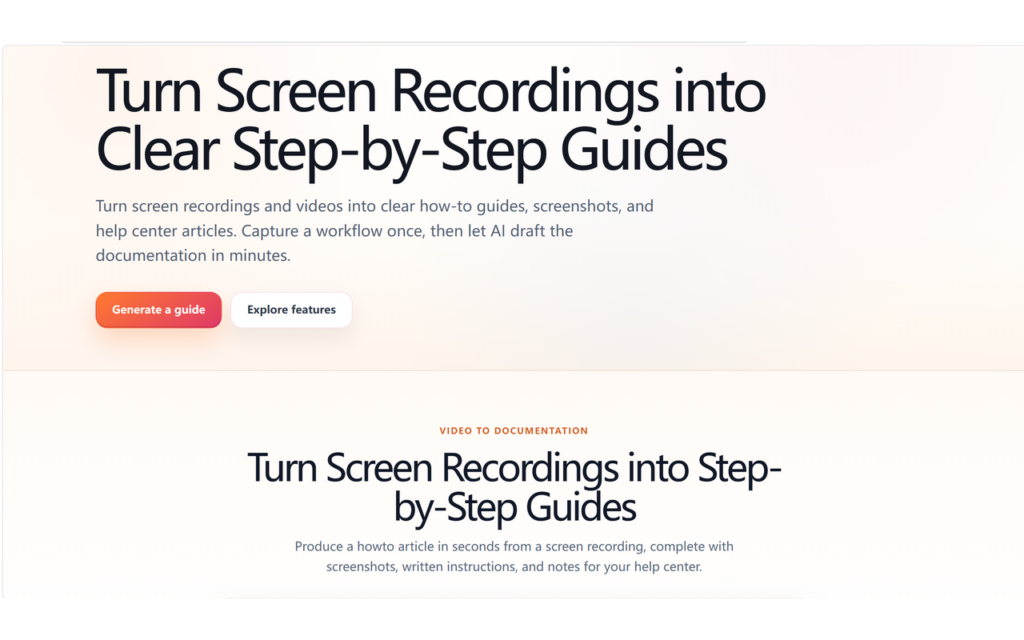
Hero banner: headline about turning screen recordings into step-by-step guides with gradient background and two CTAs, Generate a guide and Explore features, above a second section title about video to documentation
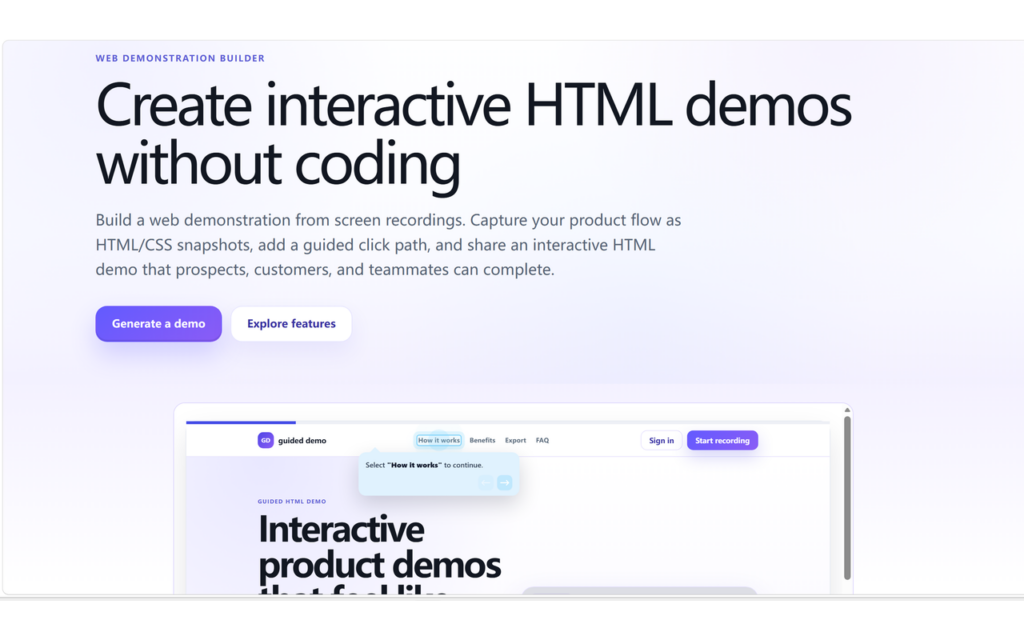
Hero section advertising a web demonstration builder: 'Create interactive HTML demos without coding' with two CTAs 'Generate a demo' and 'Explore features', plus a browser window preview of an interactive demo.
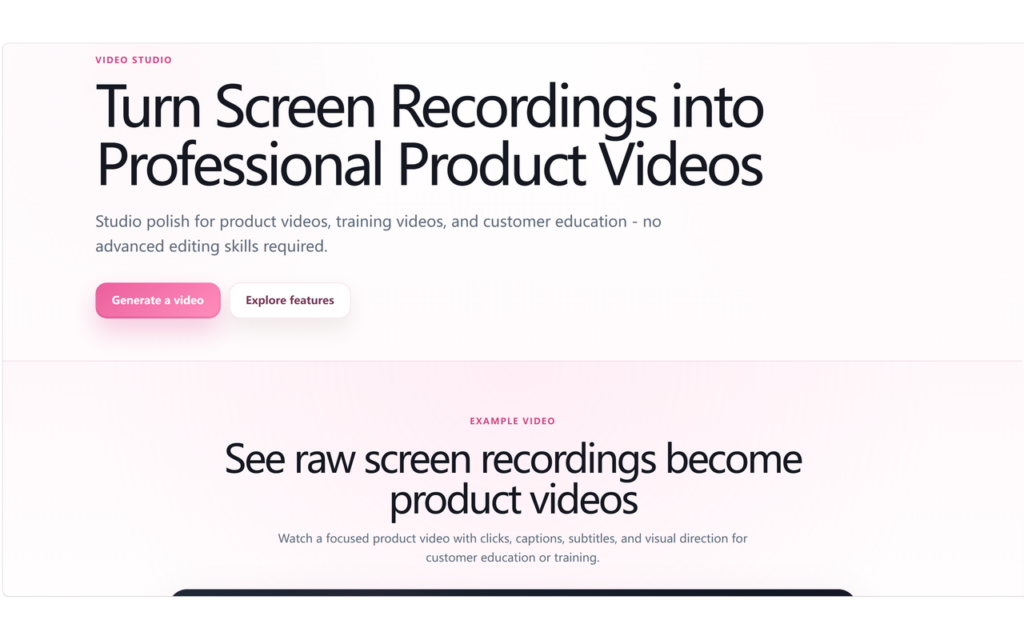
Hero section: bold headline 'Turn Screen Recordings into Professional Product Videos' with subtitle and pink CTA 'Generate a video' and white CTA 'Explore features'.
Clipflow hero: bold headline about recording workflows and creating videos, with logo and soft gradient background plus three floating previews.
Clipflow homepage hero: bold headline 'Your Chat-Driven Video Editor' with description and Sign up and Browse AI tools buttons.
Hero banner: headline about turning screen recordings into step-by-step guides with gradient background and two CTAs, Generate a guide and Explore features, above a second section title about video to documentation
Hero section advertising a web demonstration builder: 'Create interactive HTML demos without coding' with two CTAs 'Generate a demo' and 'Explore features', plus a browser window preview of an interactive demo.
Hero section: bold headline 'Turn Screen Recordings into Professional Product Videos' with subtitle and pink CTA 'Generate a video' and white CTA 'Explore features'.

ClipFlow

Turn product recordings into AI-assisted demo videos, guides and help articles.

Basic Information

Official Website

ClipFlow is designed to turn product workflows into professional tutorial videos, interactive demos, and help documentation. It helps teams transform screen recordings, slides, product workflows, and feature walkthroughs into content that is easier to share, train with, and use for support.

Its core features include generating structured tutorial videos from presentations or product materials, extracting step-by-step instructions from recordings to create help articles, and producing interactive guided demos that can be embedded into websites or documentation. ClipFlow also supports AI-assisted video editing, subtitle generation, click highlights, and natural-language edit requests, allowing users to describe the changes they want in plain text.

ClipFlow will also continue to provide free lightweight tools for common workflows such as audio extraction, format conversion, and video-to-text, helping users present software
products and business processes more efficiently.

Classification

Software Type
Paid

Features & Capabilities

Key Features
AI-assisted video editing, screen recording to tutorial videos, interactive guided demos, captions and subtitles, transcription, voiceovers, dubbing, click highlights, help article generation, video-to-text workflows, format conversion, audio extraction, overlays, silence removal, and web-embeddable demos.
Integrations
None
Recommended For
SaaS teams, product marketers, support teams, onboarding teams, trainers, agencies, startups, and SMBs that need to create product tutorials, demos, and help content.

Technical Details

Deployment
Cloud
Platforms
Windows

Software Information

Launch Date
22/07/2026
Current Version
v 0.1.1
