
Draw Things is an AI-assisted image generation tool that utilizes Stable Diffusion models to create images.
New Vendor-confirmed details

JPG to SVG
Free image editing and SVG tracing, right in your browser
In short
JPG to SVG is a free browser tool for turning JPG, PNG and still WebP images into SVG paths. Crop, resize and export images, then trace your edited artwork without creating an account.
About JPG to SVG
JPG to SVG is a free web application for preparing images and turning raster artwork into SVG paths. It is useful for designers, makers and website owners working with logos, icons and flat illustrations.
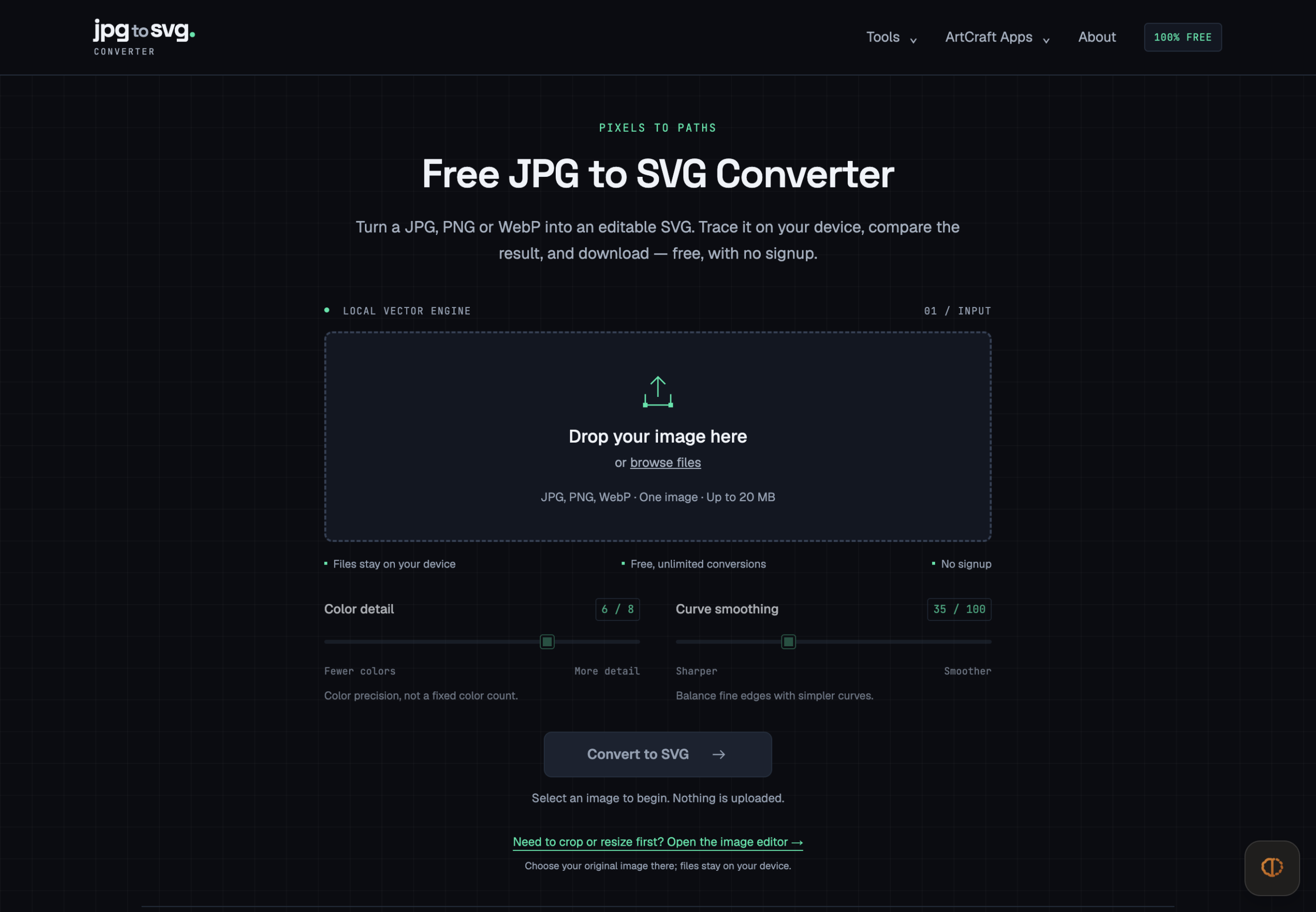
Open a JPG, PNG or still WebP image, adjust color precision and smoothing, inspect the preview and download the SVG. The converter includes a before-and-after comparison and zoom controls to help you review the result.
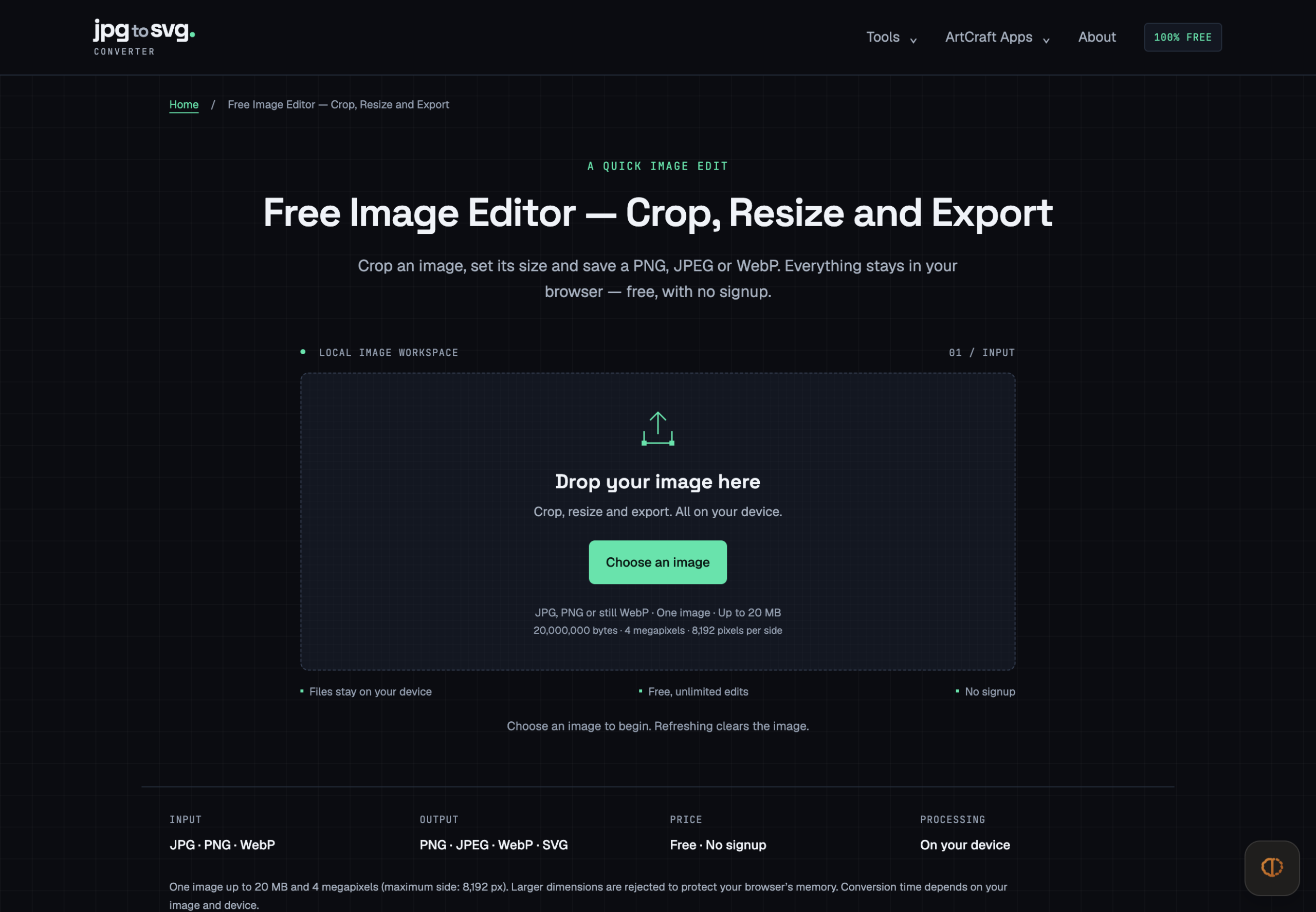
The image editor provides crop coordinates, draggable crop handles and resizing with an optional aspect-ratio lock. Export a PNG or JPEG, or WebP where supported, then continue directly to SVG tracing using the edited image. Image processing runs locally in the browser; your image files are not uploaded for conversion.
No signup or payment is required, and there is no daily conversion quota. Each input can be up to 20 MB, 4 megapixels and 8,192 pixels per side. Tracing is best suited to clear shapes and flat artwork; photographic details and soft transparency may change. The workflow gives you practical control over image preparation and a preview to review before downloading.
What problem does it solve?
Designers and website owners often need to prepare an existing image and turn simple raster artwork into scalable paths. JPG to SVG brings cropping, resizing, image export and SVG tracing into one accessible browser workflow.
What you can do with it
Convert JPG, PNG and still WebP images to SVG paths; crop and resize images; export PNG, JPEG or supported WebP files; adjust tracing color precision and smoothing; compare and download conversion results.
Key features
- Free with no signup or daily conversion quota
- Local image processing in the browser
- JPG, PNG and still WebP input
- SVG output with real vector paths
- Color precision and smoothing controls
- Converter comparison and zoom controls
- Drag or numeric cropping and proportional resizing
- PNG, JPEG and supported WebP export
- Direct handoff from image editing to SVG tracing
Capabilities
AI featuresNo
API availableNo
WebhooksNo
AutomationNo
White labelNo
Who it’s for
Designers, makers, website owners and content creators preparing logos, icons, flat illustrations and everyday web images.
Recommended for: Preparing logos, icons, flat artwork and web images for reuse
Freelancer
Not designed for
Designed for preparing and tracing one image at a time, especially logos, icons and flat artwork. Photographs are simplified, and soft transparency can change during tracing. SVG output should be reviewed in its intended design or craft software. Inputs support up to 20 MB, 4 megapixels and 8,192 pixels per side.
Pricing
FreeFree (No Payment)
- Billing
- Monthly
- Card needed for free plan
- No
Prices are set by the provider and can change. Always check their pricing page.
Technical details
- Product type
- Web Application
- Deployment
- Cloud
- Platforms
- Web
Release info
- Current version
- 1.0
Credibility
- Founded
- 2026
Tags
Reviews
0.0
0 reviews
There are no reviews yet.
Leave a Review
Alternatives to JPG to SVG
See all 282 in Image Tools →Khroma is an AI-driven color tool designed to aid designers in discovering, searching, and saving appealing color combinations…
Maker is an AI-powered creation and editing tool that specializes in video and image generation.
Iliad is an advanced AI tool that focuses on the generation of visual art assets.
Texture Lab is an AI-based tool designed to generate unique, seamless 3D textures for video games.
HitPaw Online Image Watermark Remover is an AI-powered tool designed to remove watermarks from images effectively.
More in Image Tools
Browse category →-
 DecorVizAI furniture visualisation: see any furniture in your real room before you buy
-
 JynnoAI creative studio for images, videos, product ads and stories
-
 Cleanup PicturesCleanup pictures online with AI – remove objects, people & text
-
 nanobanana 21Create freely. Refine endlessly.
-
 Nano Banana 2.1Nano Banana 2.1 AI image generation and reference editing in one workspace.
-
 AI Icon CreatorAI app icon generator with 14 curated styles
Not sure this is the right tool?
Tell us what you need — we’ll match you with the right providers and share their contact details. Free for businesses.
You’re all set!
Tools that already match your request
- We check your request against 1,900+ listed tools.
- We share the contact details of the best-fit providers with you.
- You talk to them directly and choose what suits you.
Alternatives are ordered by how often they are viewed. Cards marked “Sponsored” are paid placements and are always labelled.