

AI video generator for cinematic ads, character stories, animation and social clips.
New Vendor-confirmed details
Kling 4.0 By Kling3Ai
Kling 4.0 AI Video Generator — 30s, Keyframes & References
In short
Create with Kling 4.0 using text, images, keyframes, and multimodal references. Explore 30-second video, stereo audio, 4K HDR plans, and access options.

About Kling 4.0 By Kling3Ai
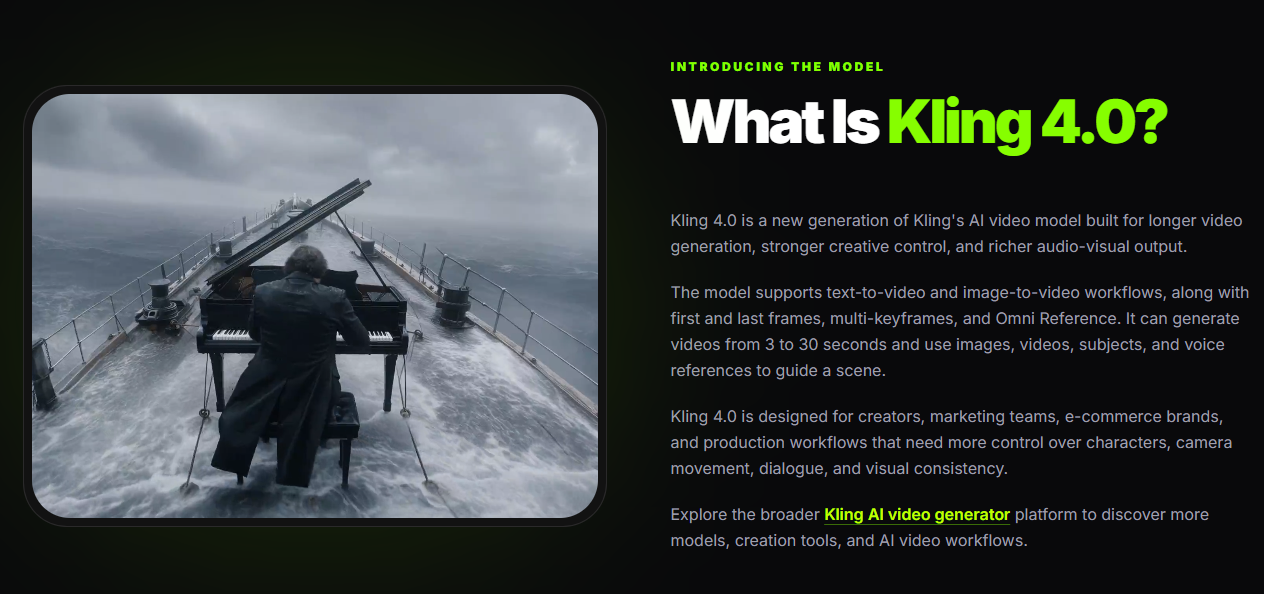
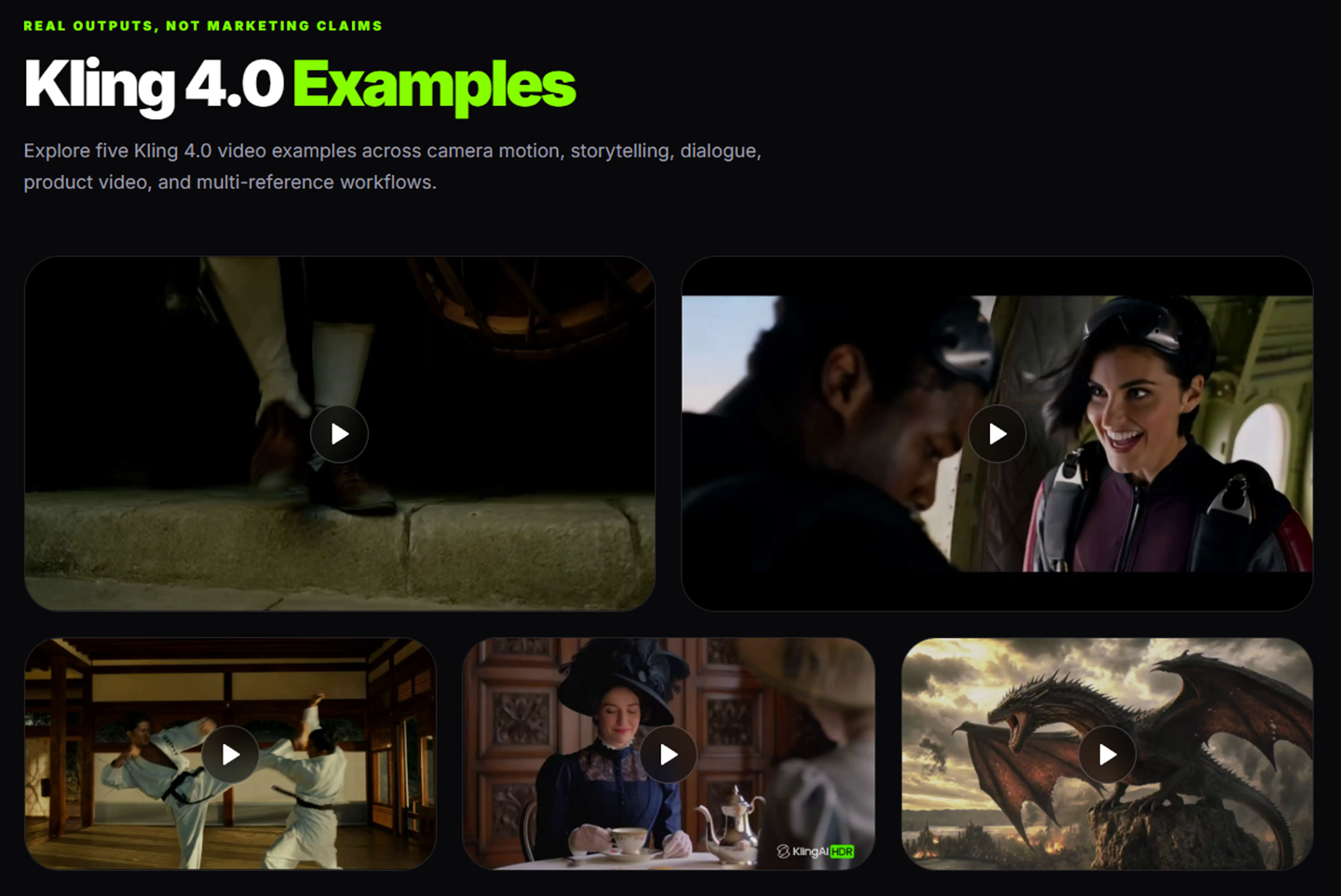
Kling 4.0 is an AI-powered video generation platform designed to help content creators, filmmakers, marketers, and businesses transform text prompts, images, and visual references into cinematic videos. It combines AI video generation with creative controls for scene composition, character consistency, camera movement, and visual storytelling.
The platform is designed to simplify video production, allowing users to explore creative ideas without relying entirely on traditional filming equipment or complex editing software.
Key Features
1. Text-to-Video Generation
Create video scenes from written prompts describing characters, environments, actions, lighting, and camera movements.
2. Image-to-Video Generation
Transform static images into dynamic video sequences with motion, camera effects, and animated visual elements.
3. Multi-Keyframe Control
Guide important moments within a video sequence using multiple keyframes. This helps creators plan scene progression and transitions with greater control.
4. Omni Reference Technology
Use visual and multimodal references to guide character appearance, environments, objects, and overall visual style across video sequences.
5. Cinematic Camera Controls
Explore different camera movements, perspectives, and compositions to create more engaging and visually expressive scenes.
6. AI Audio and Lip Synchronization
Kling 4.0’s announced audiovisual capabilities include stereo audio generation and lip synchronization to support dialogue, sound effects, and immersive storytelling.
Popular Use Cases
Kling 4.0 is designed for a variety of creative applications:
- Social Media Videos: Develop content concepts for TikTok, Instagram Reels, and YouTube Shorts.
- Marketing and Advertising: Create promotional video concepts and branded storytelling.
- E-Commerce: Explore product presentations, lifestyle scenes, and advertising ideas.
- Filmmaking: Develop cinematic sequences, visual storyboards, and experimental short films.
- Education: Visualize explanations, concepts, and learning scenarios.
- Creative Storytelling: Turn written ideas and visual references into animated scenes.
Who Is Kling 4.0 For?
Kling 4.0 is intended for independent creators, filmmakers, digital marketers, advertising agencies, e-commerce businesses, educators, and creative professionals who want to incorporate AI-generated video into their workflows.
What Makes Kling 4.0 Different?
Kling 4.0 emphasizes reference-guided generation and multi-keyframe control rather than relying on text prompts alone. These capabilities are intended to give creators more ways to guide scene composition, movement, and visual continuity.
However, AI-generated videos may still require multiple attempts, conventional editing, and human review. Character consistency, accurate product representation, and precise motion are not guaranteed.
Users should also verify which features, generation limits, and pricing options are available through their selected service.
Conclusion
Kling 4.0 offers a creative approach to AI-assisted video production, combining text-to-video, image-to-video, visual references, and advanced scene-planning capabilities.
Whether developing marketing concepts, exploring cinematic storytelling, or creating social media content, the platform aims to make video creation more accessible and flexible.
What problem does it solve?
Traditional video production often requires expensive equipment, editing expertise, and considerable time. Even with AI video tools, creators may struggle to maintain consistent characters, control camera movements, and connect multiple shots into a coherent sequence. Kling 4.0 aims to address these challenges by combining AI video generation with reference-guided creation and multi-keyframe controls. It helps creators explore visual concepts, plan scenes, and reduce the complexity of producing short-form video content.
What you can do with it
Create videos from text prompts and images; animate still images; develop short cinematic scenes; guide camera movements; plan scene transitions using keyframes; use visual references to guide characters and environments; explore promotional video concepts; create social media content; develop storyboards and visual prototypes; experiment with AI-generated audio and dialogue where supported.
Key features
- Text-to-Video Generation
- Image-to-Video Generation
- Multi-Keyframe Control (Up to 10 Keyframes)
- Omni Reference (Up to 15 Reference Inputs)
- Video Generation Up to 30 Seconds
- Camera Motion Control
- Stereo Audio Generation
- Lip Synchronization
- Video Editing and Extension
- First and Last Frame Control
Capabilities
AI featuresYes
API availableNo
WebhooksNo
AutomationNo
White labelNo
Integrations: No confirmed third-party integrations
Who it’s for
Kling 4.0 is primarily designed for content creators, independent filmmakers, digital marketers, social media managers, advertising teams, and small businesses. It is particularly useful for people who want to experiment with AI-assisted video creation, develop visual concepts, produce short-form content, or explore cinematic storytelling without relying entirely on traditional filming and editing workflows.
Recommended for: Content Creators, Filmmakers, Digital Marketers, Social Media Managers, Advertising Agencies, E-commerce Businesses, Startups, Small Businesses, Creative Professionals
FreelancerStartupSmall BusinessMid-marketEnterpriseAgencyDeveloper
Not designed for
Kling 4.0 is not intended to replace professional video editing software that provides precise frame-by-frame control, nor is it ideal for producing uninterrupted long-form videos. It should not be relied upon for technically exact product demonstrations, factual documentary evidence, or videos requiring guaranteed character consistency and perfectly accurate text. AI-generated footage may require manual corrections, additional editing, and human review. The platform is also unsuitable for workflows involving confidential materials or third-party assets that users are not authorized to upload or process.
Pricing
PaidFreemium (Free + Premium)
- Starting at
- $9.90 one-time (99 credits)
- Billing
- Monthly
- Card needed for free plan
- No
- Pricing page
- See plans
Prices are set by the provider and can change. Always check their pricing page.
Technical details
- Product type
- AI Tool
- Deployment
- Cloud
- Platforms
- Web
Release info
- Current version
- 4.0
Credibility
- Founded
- 2026
Tags
Alternatives to Kling 4.0 By Kling3Ai
See all 110 in Video Tools →
Ray 3.2 AI Video Generator
Turn any image into a 5-second video with plain-language motion prompts
AI Image and Video Creation from a Prompt

Create and edit AI videos and images

AI video & image API. One key. Pay only for results.
More in Video Tools
Browse category →-
 Flux 3 MaxAI video generator for 5–20 second clips with sound
-
 AI Dance GeneratorPick a dance template, add a character photo
-
 Hotel Lobby AI VideoTwo authorized photos, one Hotel Lobby duo video
-
 Rain Dance AI VideoTwo photos, one 28-second seaside Rain Dance video
-
 Earth Zoom Out AIZoom out from any photo to a view of Earth
-
 AI Bulin 47Turn one portrait into a doorway freestyle video
Not sure this is the right tool?
Tell us what you need — we’ll match you with the right providers and share their contact details. Free for businesses.
You’re all set!
Tools that already match your request
- We check your request against 2,000+ listed tools.
- We share the contact details of the best-fit providers with you.
- You talk to them directly and choose what suits you.
Alternatives are ordered by how often they are viewed. Cards marked “Sponsored” are paid placements and are always labelled.