TL;DR
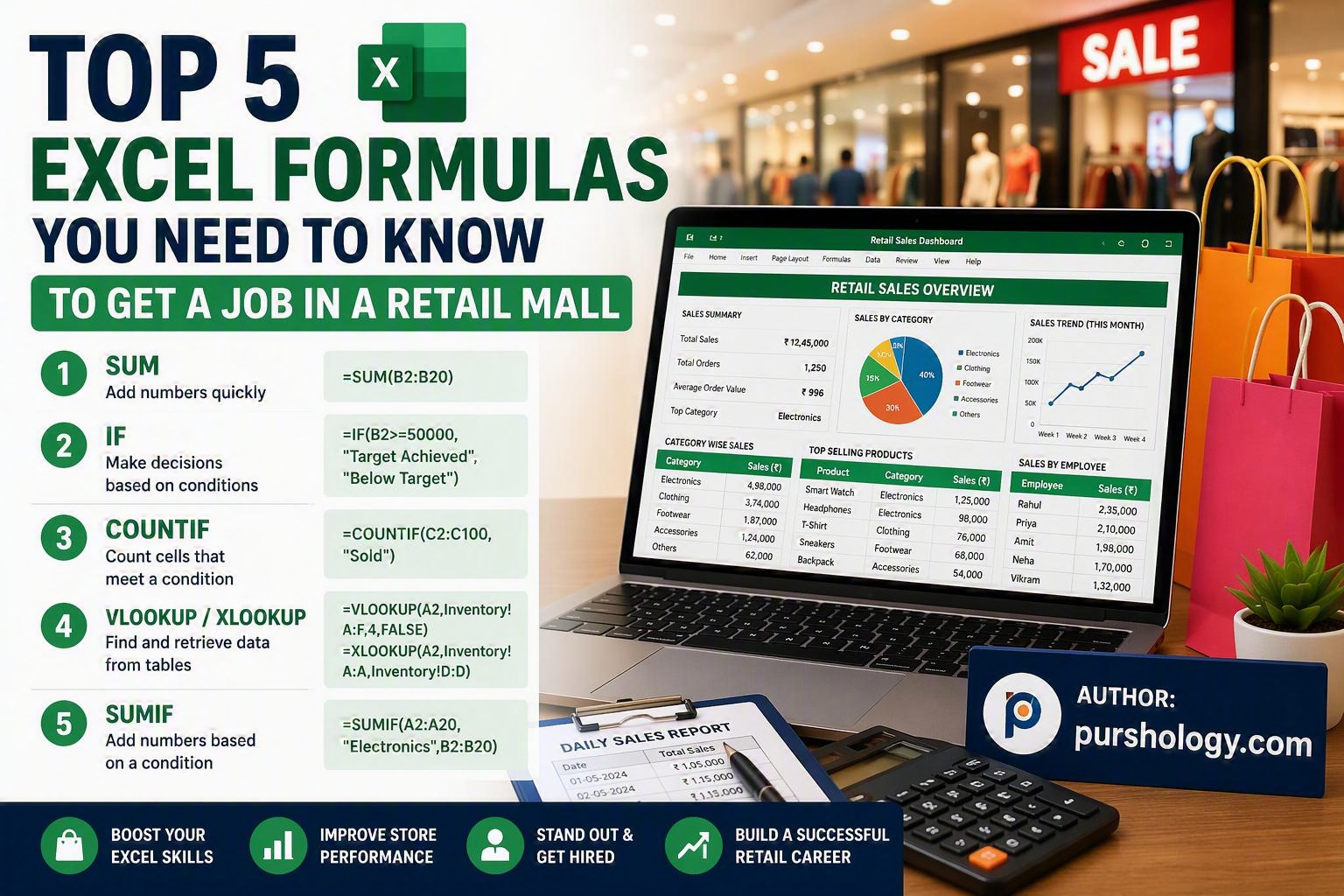
If you’re applying for retail mall jobs such as Sales Associate, Store Executive, Inventory Coordinator, Cashier, or Retail Manager, learning a few essential Excel formulas can significantly improve your employability. The top five formulas are SUM, IF, COUNTIF, VLOOKUP/XLOOKUP, and SUMIF. These functions help manage inventory, track sales, analyze performance, and generate reports efficiently.
Why Excel Skills Matter in Retail Mall Jobs
Modern retail stores rely heavily on data to manage stock, monitor sales, and improve customer service. Whether you’re working in a clothing store, electronics outlet, supermarket, or department store, employers often look for candidates who can organize and analyze information using Microsoft Excel.

Strong Excel skills can help you:
- Track inventory levels
- Monitor daily sales
- Manage customer records
- Generate performance reports
- Reduce manual errors
- Support business decisions
Learning a few key formulas can make your resume stand out and increase your chances of landing a retail mall job.
1. SUM – Calculate Total Sales Quickly
The SUM formula is one of the most commonly used functions in retail.
Formula
=SUM(B2:B20)
Retail Use Case
Suppose a store records daily sales amounts in Column B. The SUM function instantly calculates total sales for the day, week, or month.
Example
| Day | Sales |
|---|---|
| Monday | ₹25,000 |
| Tuesday | ₹30,000 |
| Wednesday | ₹28,000 |
Using SUM provides the total revenue without manual calculations.
Why Employers Value It
Retail employees often need to create sales summaries and reports quickly and accurately.
2. IF – Automate Decision-Making
The IF formula helps classify data based on conditions.
Formula
=IF(B2>=50000,”Target Achieved”,”Below Target”)
Retail Use Case
Store managers often compare sales figures against targets.
Example
| Employee | Monthly Sales | Status |
|---|---|---|
| Rahul | ₹55,000 | Target Achieved |
| Priya | ₹42,000 | Below Target |
The IF formula automatically indicates whether sales goals have been met.
Why Employers Value It
It reduces manual work and helps managers monitor employee performance efficiently.
3. COUNTIF – Count Products or Transactions
The COUNTIF function counts cells that meet a specific condition.
Formula
=COUNTIF(C2:C100,”Sold”)
Retail Use Case
Stores can count:
- Products sold
- Available inventory
- Pending orders
- Customer visits
Example
| Product Status |
|---|
| Sold |
| Available |
| Sold |
| Sold |
COUNTIF quickly identifies how many products have been sold.
Why Employers Value It
Retail businesses depend on accurate counts for inventory management and sales tracking.
4. VLOOKUP or XLOOKUP – Find Product Information Fast
One of the most powerful Excel skills for retail professionals is looking up information from large datasets.
VLOOKUP Formula
=VLOOKUP(A2,Inventory!A:F,4,FALSE)
XLOOKUP Formula
=XLOOKUP(A2,Inventory!A:A,Inventory!D:D)
Retail Use Case
Retrieve product details such as:
- Price
- Stock quantity
- Product category
- Supplier information
Example
Enter a product code and instantly return its selling price.
Why Employers Value It
Retail stores often manage thousands of products. Lookup functions save time and improve accuracy.
5. SUMIF – Analyze Sales by Category
The SUMIF formula adds values that meet specific criteria.
Formula
=SUMIF(A2:A20,”Electronics”,B2:B20)
Retail Use Case
Calculate total sales for:
- Electronics
- Clothing
- Footwear
- Accessories
Example
| Category | Sales |
|---|---|
| Electronics | ₹20,000 |
| Clothing | ₹15,000 |
| Electronics | ₹25,000 |
SUMIF calculates total revenue generated by the Electronics category.
Why Employers Value It
It helps management identify which product categories perform best.
Bonus Excel Skills That Can Boost Your Retail Career
Beyond formulas, employers are impressed by candidates who know:
- Pivot Tables
- Conditional Formatting
- Data Validation
- Filters and Sorting
- Charts and Dashboards
- Basic Inventory Tracking
Combining these tools with the five formulas above can make you a highly attractive candidate for retail mall jobs.
Final Thoughts
Excel remains one of the most valuable workplace skills in the retail industry. By mastering SUM, IF, COUNTIF, VLOOKUP/XLOOKUP, and SUMIF, you can efficiently handle sales reports, inventory records, performance tracking, and business analysis.
Whether you’re applying for a role as a cashier, sales associate, stock coordinator, store supervisor, or retail manager, these Excel skills demonstrate professionalism, productivity, and analytical thinking—qualities that employers actively seek.
Ready to Start Your Retail Career?
Begin practicing these five Excel formulas today and build confidence in handling real-world retail data. The more comfortable you become with Excel, the better your chances of securing and succeeding in a retail mall job.
Explore more career-focused Excel tips and job readiness resources at Purshology.com and take the next step toward your retail career success.