TL;DR
If Trello feels too simple and Asana feels too expensive or complex, these alternatives offer better flexibility for remote teams:
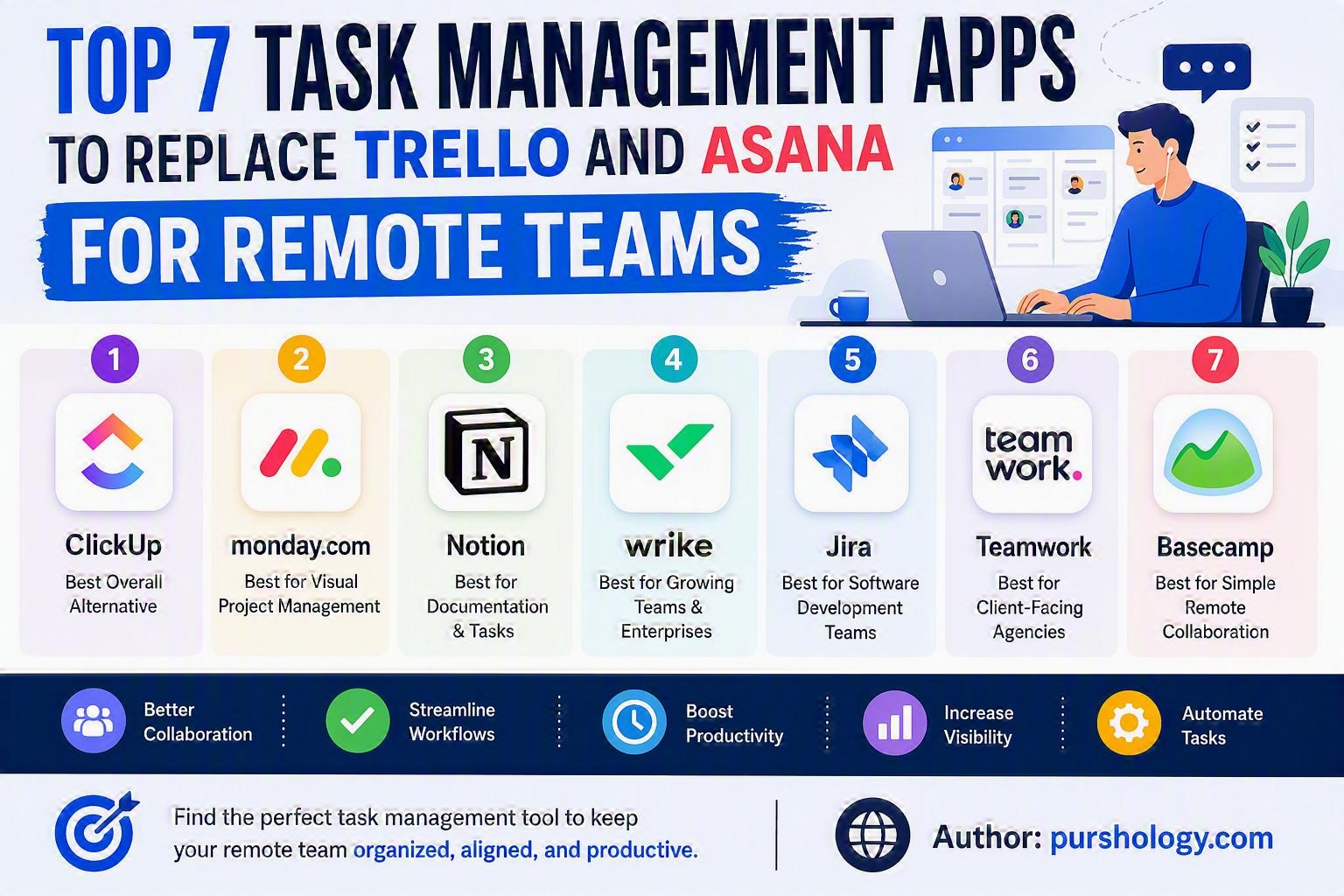
- ClickUp – Best overall alternative
- Monday.com – Best for visual project management
- Notion – Best for documentation and tasks in one place
- Wrike – Best for growing teams and enterprises
- Jira – Best for software development teams
- Teamwork – Best for client-facing agencies
- Basecamp – Best for simple remote collaboration
Why Remote Teams Are Moving Beyond Trello and Asana
Trello and Asana have long been popular project management tools, helping teams organize tasks, track deadlines, and collaborate effectively.

However, as remote work becomes the norm, many businesses are discovering limitations such as:
- Limited customization
- Rising subscription costs
- Complex workflows
- Collaboration bottlenecks
- Lack of advanced automation
- Scalability challenges for larger teams
As a result, organizations are increasingly exploring alternative platforms that better support modern remote work environments.
Here are the top task management apps worth considering in 2026.
1. ClickUp
Best Overall Trello and Asana Alternative
ClickUp has rapidly become one of the most comprehensive work management platforms available.
Key Features
✅ Multiple project views (List, Board, Gantt, Calendar)
✅ Built-in documents and knowledge base
✅ Goal tracking and OKRs
✅ Team chat and collaboration
✅ Advanced workflow automation
✅ AI-powered productivity tools
Why Remote Teams Love It
ClickUp helps eliminate tool sprawl by bringing project management, documentation, communication, and reporting into a single platform.
Ideal For
- Startups
- Marketing teams
- Agencies
- Fast-growing businesses
2. Monday.com
Best for Visual Workflow Management
Monday.com offers a highly visual and customizable interface that makes project tracking simple.
Key Features
✅ Drag-and-drop workflows
✅ Custom dashboards
✅ Workflow automation
✅ Time tracking
✅ Resource management
✅ Cross-team collaboration
Why Remote Teams Love It
Its colorful and intuitive interface helps distributed teams understand priorities and project status at a glance.
Ideal For
- Operations teams
- Marketing departments
- HR teams
- Project managers
3. Notion
Best for Combining Documentation and Task Management
Notion has evolved into much more than a note-taking application.
It allows teams to manage projects, create internal wikis, track tasks, and organize knowledge in a unified workspace.
Key Features
✅ Databases and task tracking
✅ Collaborative documents
✅ Team wikis
✅ AI assistance
✅ Project roadmaps
✅ Meeting notes
Why Remote Teams Love It
Instead of switching between multiple tools, teams can centralize information and workflows in a single platform.
Ideal For
- Content teams
- Remote startups
- Product teams
- Knowledge-driven organizations
4. Wrike
Best for Enterprise Project Management
Wrike is designed for organizations managing complex projects across multiple departments.
Key Features
✅ Advanced reporting
✅ Resource planning
✅ Workflow automation
✅ Custom workspaces
✅ Real-time collaboration
✅ Enterprise-grade security
Why Remote Teams Love It
Wrike provides greater visibility into workloads, deadlines, and resource allocation.
Ideal For
- Enterprise companies
- Large marketing teams
- IT departments
- Cross-functional teams
5. Jira
Best for Agile and Development Teams
Jira continues to be the preferred platform for software development and agile project management.
Key Features
✅ Scrum boards
✅ Kanban boards
✅ Sprint planning
✅ Bug tracking
✅ Release monitoring
✅ Developer integrations
Why Remote Teams Love It
Development teams can manage everything from sprint planning to issue resolution without leaving the platform.
Ideal For
- Software companies
- Engineering teams
- Agile organizations
- Product development teams
6. Teamwork
Best for Agencies and Client Work
Teamwork is built specifically for teams delivering projects to clients.
Key Features
✅ Client collaboration
✅ Project templates
✅ Time tracking
✅ Budget management
✅ Invoice tracking
✅ Resource planning
Why Remote Teams Love It
Unlike many competitors, Teamwork focuses heavily on profitability and client delivery.
Ideal For
- Marketing agencies
- Consulting firms
- Design studios
- Service businesses
7. Basecamp
Best for Simple Remote Collaboration
Basecamp remains one of the easiest project management tools to adopt.
Key Features
✅ Message boards
✅ To-do lists
✅ Team chat
✅ File sharing
✅ Project scheduling
✅ Automatic check-ins
Why Remote Teams Love It
The platform prioritizes simplicity, making it ideal for teams that want less complexity and fewer distractions.
Ideal For
- Small businesses
- Remote-first companies
- Non-technical teams
- Freelance collaborations
Quick Comparison
| Tool | Best For | Complexity | Automation |
|---|---|---|---|
| ClickUp | All-around project management | Medium | Excellent |
| Monday.com | Visual workflows | Medium | Excellent |
| Notion | Documentation + tasks | Medium | Good |
| Wrike | Enterprise teams | High | Excellent |
| Jira | Agile development | High | Excellent |
| Teamwork | Agencies | Medium | Very Good |
| Basecamp | Simple collaboration | Low | Basic |
Which Alternative Should You Choose?
Choose ClickUp If:
- You want the best overall value
- You need advanced features
- You want to replace multiple tools
Choose Monday.com If:
- Visual project tracking matters
- You manage multiple departments
- Ease of use is a priority
Choose Notion If:
- Documentation and knowledge management are critical
- Your team loves flexibility
Choose Wrike If:
- You manage enterprise-level projects
- Reporting is a major requirement
Choose Jira If:
- You run agile software development teams
- Sprint management is essential
Choose Teamwork If:
- You work with clients
- Time tracking affects revenue
Choose Basecamp If:
- Simplicity is your primary goal
- You want quick team adoption
Final Verdict
While Trello and Asana remain strong platforms, remote teams in 2026 have access to more specialized and feature-rich alternatives.
For most businesses, ClickUp offers the best combination of flexibility, automation, collaboration, and affordability, making it the strongest replacement overall. However, the ideal choice depends on your team size, workflows, and business goals.
The best task management software isn’t the one with the most features—it’s the one that helps your team communicate better, stay organized, and deliver work faster.
Ready to Upgrade Your Team’s Productivity?
The right task management platform can transform how your remote team collaborates, tracks progress, and scales operations. Evaluate your team’s current challenges, test a few of these alternatives, and invest in the platform that aligns with your workflow.
Need expert guidance on selecting the best productivity stack for your organization? Contact Purshology today and discover how the right tools can help your remote team achieve more with less effort.