TL;DR:
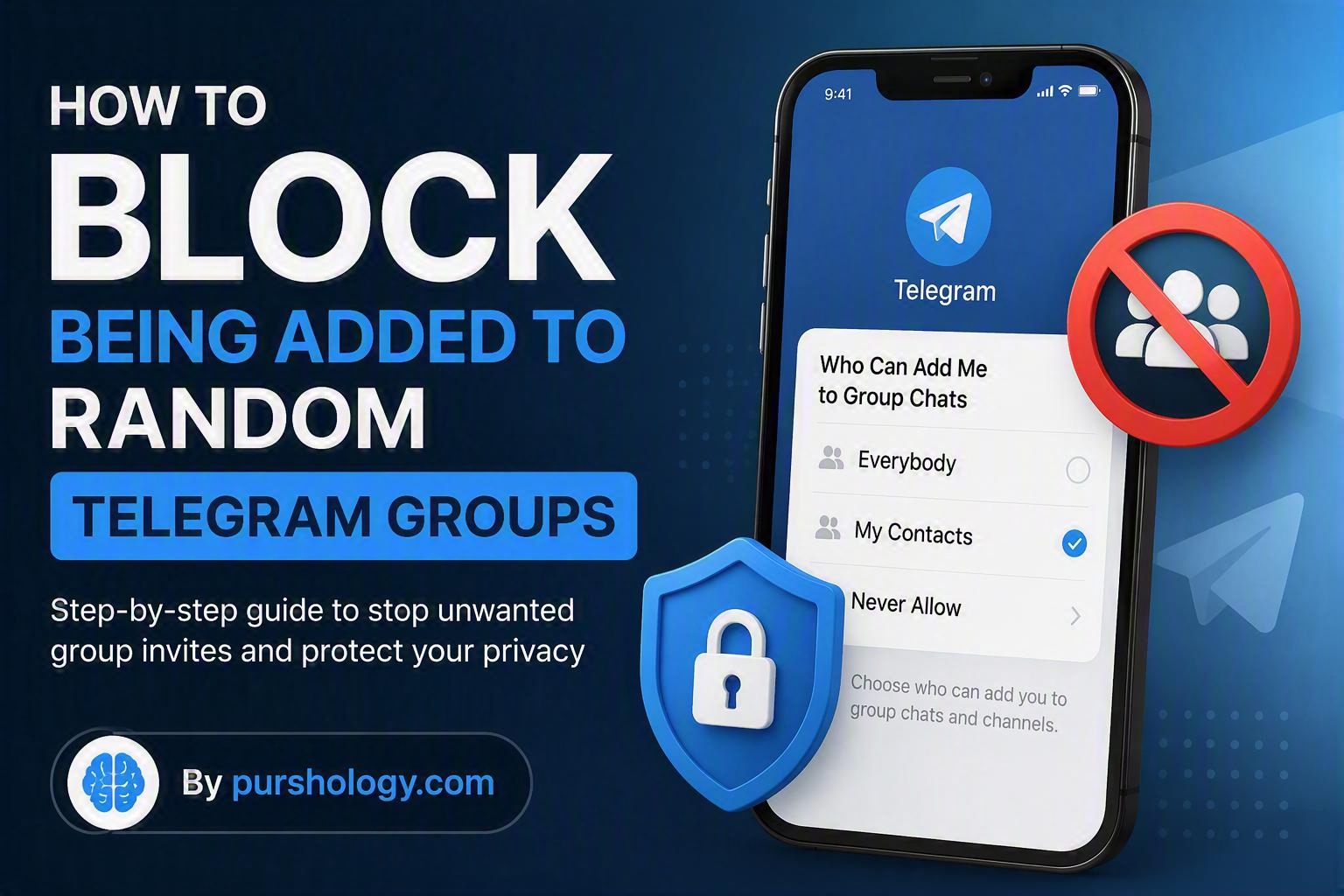
Tired of being added to random Telegram groups by strangers? You can stop it by changing your privacy settings. Open Telegram > Settings > Privacy and Security > Groups & Channels, then choose “My Contacts” or customize who can add you. This simple change helps reduce spam, scams, and unwanted notifications.
Why Am I Being Added to Random Telegram Groups?
Telegram is one of the world’s most popular messaging apps, but its open nature can sometimes attract spammers and scammers. Many users find themselves unexpectedly added to promotional groups, cryptocurrency channels, betting communities, or other irrelevant chats without their consent.

These unwanted additions can lead to:
- Constant notifications and distractions
- Privacy concerns
- Exposure to scams and phishing attempts
- Cluttered chat lists
- Increased risk of interacting with malicious content
Fortunately, Telegram provides built-in privacy controls that allow you to decide who can add you to groups and channels.
How to Stop Random People from Adding You to Telegram Groups
Follow these steps to take control of your Telegram privacy settings.
On Android
- Open the Telegram app.
- Tap the menu icon (three horizontal lines).
- Select Settings.
- Tap Privacy and Security.
- Choose Groups & Channels.
- Under Who Can Add Me to Group Chats, select:
- Everybody (not recommended)
- My Contacts (recommended)
- Add exceptions if needed using the Never Allow list.
On iPhone (iOS)
- Open Telegram.
- Tap Settings.
- Select Privacy and Security.
- Tap Groups & Channels.
- Choose My Contacts to prevent strangers from adding you.
- Configure exceptions if necessary.
On Telegram Desktop
- Open Telegram Desktop.
- Click Settings.
- Navigate to Privacy and Security.
- Select Groups & Channels.
- Update the permission settings to your preference.
Best Telegram Privacy Settings to Improve Security
Blocking random group invites is only the first step. Consider these additional privacy measures:
1. Hide Your Phone Number
Go to:
Settings > Privacy and Security > Phone Number
Set visibility to:
- Nobody or
- My Contacts
This prevents strangers from discovering your number.
2. Limit Who Can See Your Last Seen Status
Restrict visibility of your online activity to trusted contacts.
3. Enable Two-Step Verification
Adding a password to your Telegram account provides an extra layer of protection against unauthorized access.
4. Review Connected Devices
Regularly check active sessions and remove devices you don’t recognize.
5. Report Spam Groups
If you are added to suspicious groups before changing your settings:
- Leave the group immediately
- Report it to Telegram
- Block suspicious accounts
What Happens When Someone Tries to Add You After Changing Settings?
If you’ve restricted group invitations to My Contacts, people outside your approved list typically won’t be able to directly add you to groups. Depending on Telegram’s current features, they may instead be required to send an invite link, giving you more control over whether you join.
This helps prevent unwanted additions while still allowing legitimate invitations from friends, family, or colleagues.
Common Reasons Scammers Use Telegram Groups
Cybercriminals often use Telegram groups to:
- Promote fake investment opportunities
- Share phishing links
- Advertise fraudulent cryptocurrency schemes
- Distribute spam and malware
- Collect personal information from unsuspecting users
By restricting who can add you to groups, you significantly reduce your exposure to these risks.
Frequently Asked Questions
Can I completely stop all Telegram group invitations?
You can greatly reduce them by limiting group additions to My Contacts and using exception lists, but invite links may still be shared with you.
Will my existing group memberships be affected?
No. Changing your privacy settings only impacts future group additions.
Can I block a specific person from adding me to groups?
Yes. Use the Never Allow exceptions list to prevent certain users from adding you.
Do these settings apply to channels too?
Telegram’s privacy settings for groups and channels may vary slightly by version, but similar controls are generally available within the app’s privacy settings.
Final Thoughts
Random Telegram group additions are more than just an annoyance. They can expose users to spam, scams, and privacy risks. Fortunately, Telegram makes it easy to control who can add you to groups and channels. By adjusting a few privacy settings and following basic security best practices, you can enjoy a cleaner, safer messaging experience.
Take Control of Your Telegram Privacy Today
Don’t wait until you’re added to another spam-filled group. Open your Telegram settings now, update your group invitation permissions, and strengthen your privacy controls. A few minutes of setup can save you from countless unwanted notifications and potential security threats.