TL;DR
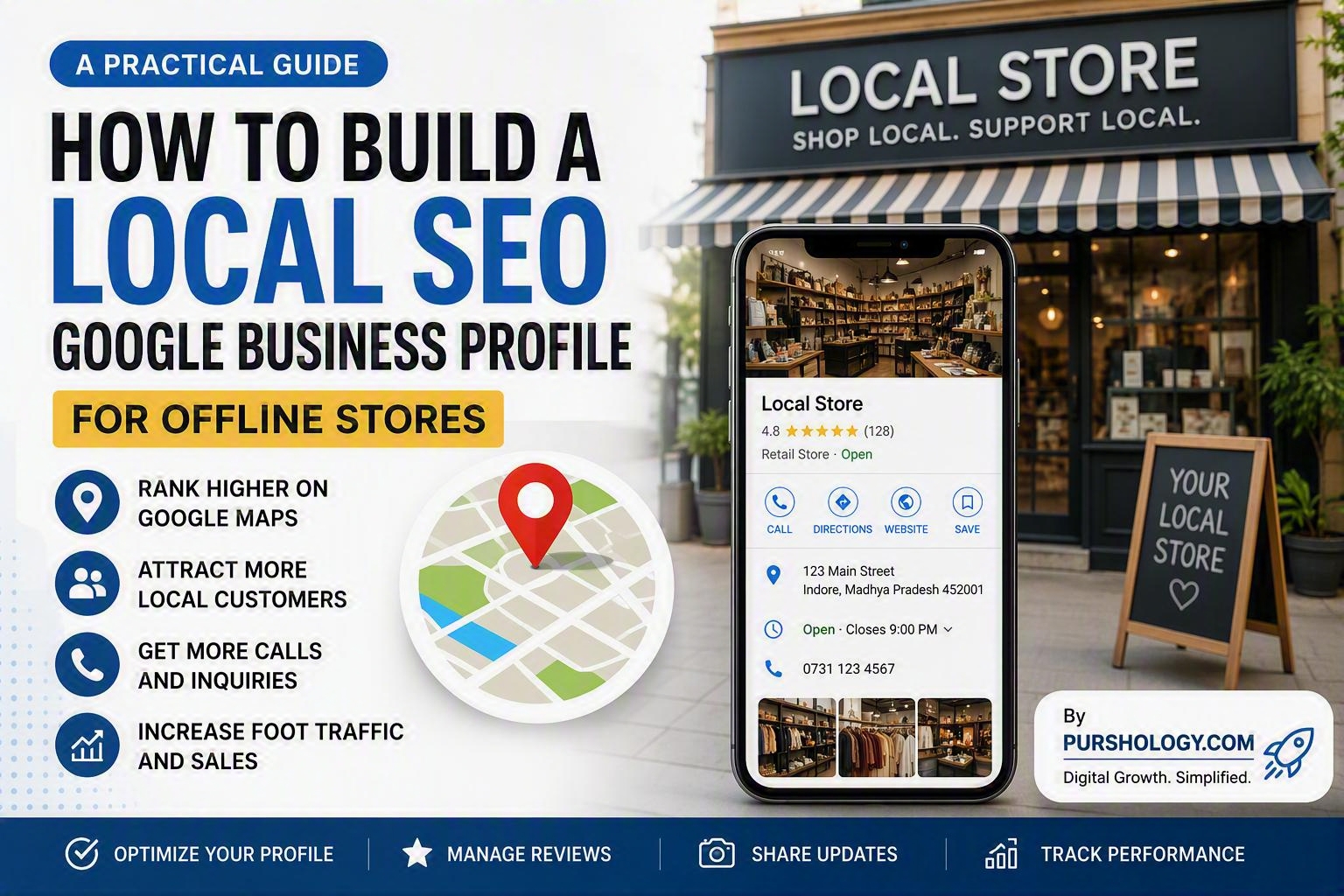
A Google Business Profile (GBP) is one of the most effective Local SEO tools for offline stores. By creating a complete, accurate, and optimized profile, you can improve your visibility on Google Search and Google Maps, attract more local customers, increase phone calls, and drive more foot traffic to your store.
Why Google Business Profile Matters for Local SEO
When people search for products or services near them, Google often displays a map section featuring local businesses. A well-optimized Google Business Profile helps your store appear in these local search results, making it easier for nearby customers to find and choose your business.

For offline stores, local visibility can directly impact revenue. The more visible your business is in local searches, the more opportunities you have to attract ready-to-buy customers.
Step 1: Create and Verify Your Google Business Profile
The first step is to claim or create your Google Business Profile.
Essential Information to Include
- Business Name
- Physical Address
- Phone Number
- Website URL
- Business Hours
- Business Category
Ensure all details are accurate and match the information displayed on your website and social media profiles.
Verification is crucial because verified businesses are more likely to gain customer trust and unlock additional profile features.
Step 2: Choose the Right Business Categories
Your primary category tells Google what your business does.
For example:
- Clothing Store
- Restaurant
- Dental Clinic
- Grocery Store
- Furniture Store
You can also add secondary categories that reflect additional products or services.
Choosing relevant categories improves your chances of appearing in local searches related to your offerings.
Step 3: Write an SEO-Friendly Business Description
Your business description should clearly explain:
- What your business offers
- Who you serve
- Your unique selling points
- Your location
Example
“ABC Furniture is a trusted furniture store in Indore offering modern sofas, dining sets, bedroom furniture, and customized home decor solutions for residential and commercial customers.”
Include location-based keywords naturally without overstuffing them.
Step 4: Add High-Quality Photos and Videos
Customers are more likely to visit stores with attractive visual content.
Upload photos of:
- Storefront
- Interior
- Products
- Staff
- Customer Experience
- Promotions
Consider adding short videos showcasing your store, products, or services.
Fresh visual content signals that your business is active and trustworthy.
Step 5: Keep Business Information Updated
Outdated information can frustrate customers and hurt rankings.
Regularly update:
- Business hours
- Holiday schedules
- Contact information
- Product offerings
- Service details
Consistency across all online platforms is essential for Local SEO success.
Step 6: Collect and Manage Customer Reviews
Reviews are one of the strongest factors influencing local purchasing decisions.
Encourage Customers To:
- Leave honest reviews
- Share their experiences
- Rate products or services
Always Respond To Reviews
For positive reviews:
Thank customers and acknowledge their feedback.
For negative reviews:
Respond professionally and offer solutions.
Active review management demonstrates reliability and customer care.
Step 7: Publish Regular Google Posts
Google Posts allow businesses to share updates directly on their profiles.
Use them to promote:
- New products
- Special offers
- Events
- Seasonal promotions
- Business announcements
Regular posting keeps your profile fresh and increases customer engagement.
Step 8: Add Products and Services
Google Business Profile allows businesses to showcase their offerings directly.
For each product or service, include:
- Title
- Description
- Pricing (if applicable)
- Images
This helps customers understand what you offer before visiting your store.
Step 9: Optimize for Local Keywords
Include location-focused phrases naturally throughout your profile.
Examples:
- Best electronics store in Indore
- Furniture showroom in Vijay Nagar
- Local bakery near Rajwada
- Mobile repair shop in Indore
These keywords help Google connect your business with relevant local searches.
Step 10: Monitor Insights and Performance
Google Business Profile provides valuable analytics.
Track metrics such as:
- Search views
- Map views
- Direction requests
- Website clicks
- Phone calls
- Customer actions
Review this data regularly to identify opportunities for improvement.
Common Local SEO Mistakes to Avoid
❌ Incomplete business information
❌ Incorrect business categories
❌ Ignoring customer reviews
❌ Using low-quality images
❌ Inconsistent contact details
❌ Publishing outdated business hours
❌ Neglecting profile updates
Avoiding these mistakes can significantly improve your local search performance.
Benefits of an Optimized Google Business Profile
An optimized profile can help your offline store:
- Rank higher in local search results
- Appear more prominently on Google Maps
- Attract nearby customers
- Increase phone inquiries
- Build trust through reviews
- Improve foot traffic
- Generate more sales
For brick-and-mortar businesses, these benefits can create a significant competitive advantage in local markets.
Conclusion
A Google Business Profile is the foundation of an effective Local SEO strategy for offline stores. By completing your profile, optimizing business information, collecting reviews, publishing regular updates, and monitoring performance, you can increase your visibility where local customers are searching most.
Ready to Get More Local Customers?
Start optimizing your Google Business Profile today and turn local searches into store visits, phone calls, and loyal customers. A few simple improvements can make a big difference in your local online presence and business growth. 🚀