Most developers can recall their initial experience with SSH key authentication. You run a couple of commands from a tutorial, copy your public key to the server, and boom- no more typing passwords. Honestly, it feels great. It’s definitely more secure than using passwords.
The problem is, that’s also where most people stop. The same key just sits on your laptop for years. You snag a new machine and copy everything over. Someone on your team needs access, and instead of doing it right, you send the private key over Slack to save five minutes.

Before long, no one knows which keys exist, which servers they hit, or who can get in.
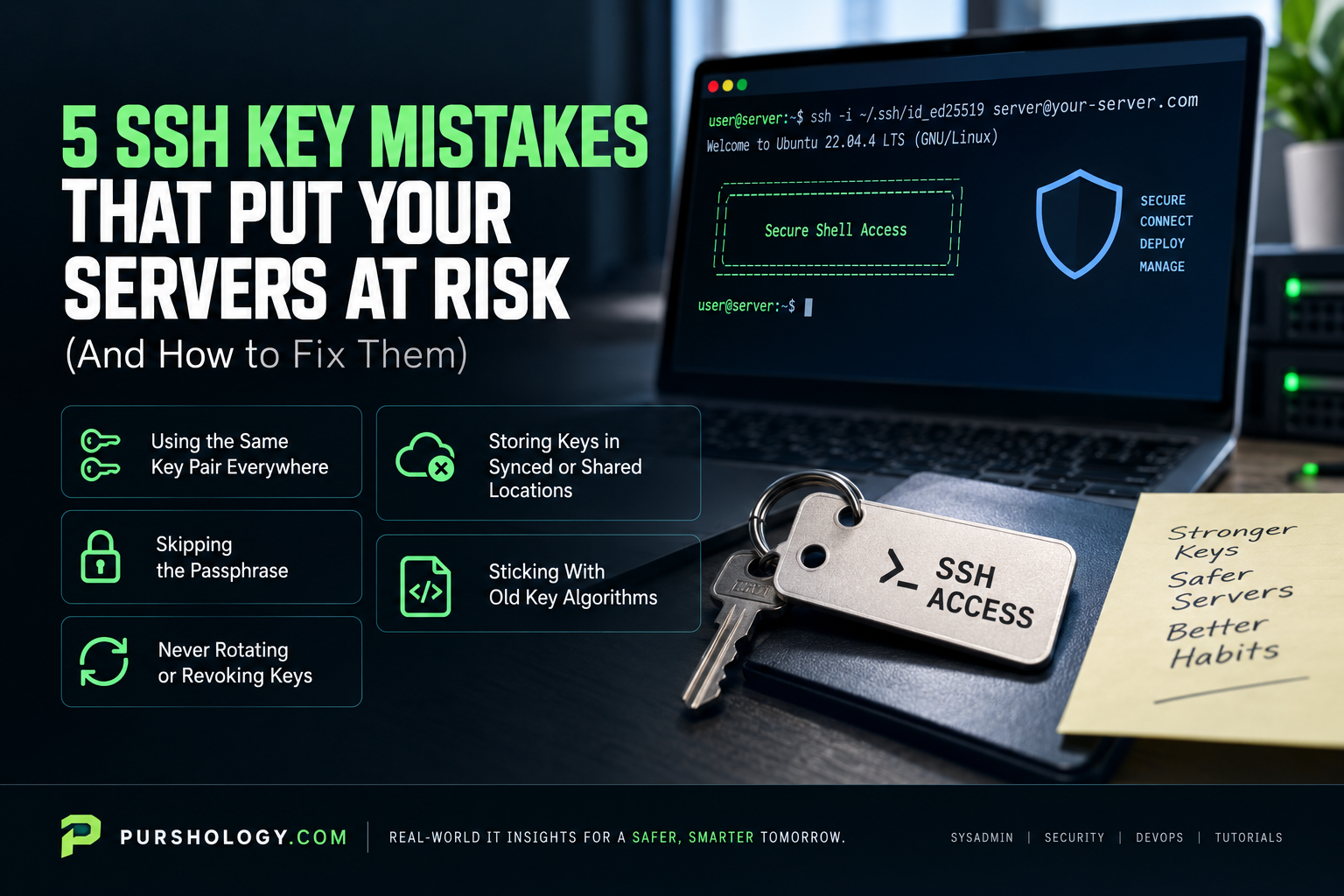
Let’s talk about five SSH key mistakes that show up all the time, and some realistic ways to fix them.
1. Using the Same Key Pair Everywhere
This is the default for almost everyone. You generate one key, drop the public half onto every server, and call it a day. Sure, it works. It’s also a disaster if your laptop disappears or malware swipes your private key; now, an attacker gets into every machine you’ve ever touched.
Fixing this isn’t complicated, but it does take a habit shift: Start generating different keys for different areas of your work and life. At the bare minimum, set up separate keys for things like work servers, side projects, and CI/CD deployments. Label them well:
~/.ssh/id_ed25519_work_prod
~/.ssh/id_ed25519_personal
~/.ssh/id_ed25519_ci_deploy
Then set up your SSH config file so every host knows which key you want to use. It takes five minutes, tops, and means one bad key won’t open every door you have.
If you’re at a company dealing with compliance (PCI DSS, SOC 2, etc.), you should take it even further: unique keys per server or server group. Annoying? A little. But auditors love it, and you’ll have an actual trail to follow if something goes wrong.
2. Skipping the Passphrase
When ssh-keygen prompts for a passphrase, it’s very tempting to just hit Enter twice. Don’t. A private key without a passphrase is just a file; if someone gets their hands on it, it’s game over. That includes hackers, nosy coworkers, or even some sneaky piece of malware.
A passphrase turns your private key into a locked box. If someone nabs the file, they still can’t use it without the passphrase. The main excuse for skipping it? Convenience. Nobody wants to keep typing a passphrase, and you shouldn’t have to.
SSH agents exist for that. On Macs, your passphrase goes into Keychain. On Linux, you have gnome-keyring or kwallet. Enter it once when you log in, then forget about it for the rest of your session.
If you’re running automation that needs a key (like a deployment job), stash those keys in a proper secrets manager or hardware security module. There’s really never a good reason to leave them lying around unprotected.
3. Never Rotating or Revoking Keys
SSH keys, unlike passwords, don’t expire. The key you made back in 2017? Still works, unless somebody goes in and manually deletes it from authorized_keys. That feels convenient, right up until your access logs fill up with ghosts.
A former contractor who left years ago. A staging key that’s still alive even though the server is now in production. An old deploy key for a dead project. All potential threats, just waiting.
What helps? A little bit of routine.
Set a calendar reminder to check who has access every 60 or 90 days, go through the authorized_keys file and make sure everything looks legit. Rotate keys once a year, minimum, and always after someone leaves, or there’s a security scare.
For teams managing more than a handful of servers, this is where the manual process starts to break down. Many teams in this position start looking at Termius alternatives as a lighter, local replacement for cloud-based SSH tools.
Some of these modern SSH clients include built-in key management features that track which keys are deployed where, making audits considerably less painful than grepping through authorized_keys files across 15 different servers.
4. Storing Keys in Synced or Shared Locations
Cloud sync makes life easier until you notice your ~/.ssh/ folder is stored in Dropbox, Google Drive, iCloud, or OneDrive. Now, your private keys live somewhere out in the cloud. Exactly the opposite of what you want.
It gets worse: Sometimes people commit private keys to git repos. It happens way more often than you’d think, even in private repos. And once that happens, there’s a good chance it gets copied or merged somewhere else.
Then there are the less obvious mess-ups. Maybe you copy keys onto USB drives, paste them into messages, or email them to yourself. Every one of those copies is a ticking time bomb.
The answer is simple: A private key should exist exactly once per device. Never commit it to version control. Add ~/.ssh/ to your global .gitignore and don’t look back. Don’t sync your ssh folder to the cloud.
Need a key on a new device? Generate a fresh pair on that machine and add the public key. Don’t move private keys around.
5. Sticking With Old Key Algorithms
If your key starts with ssh-rsa or ssh-dss, it’s time to upgrade. Anything under 2048 bits for RSA is too weak. DSA keys are officially deprecated (since OpenSSH 7.0), and OpenSSH doesn’t even use them by default anymore.
Ed25519 is the go-to now. The keys are short, they verify quickly, and they handle modern attacks better than RSA. Unless you’re connecting to ancient systems, you should be generating Ed25519 keys.
Just run:
ssh-keygen -t ed25519 -C “your-email@example.com“
Upgrading existing infrastructure isn’t quite as quick. You’ll need to add your new public key to every server, test it, and then clear out the old one. For a couple of servers? Done in 20 minutes. For a pile of servers, you probably put it off forever until something breaks.
Want to see what you’re running? Try:
ssh-keygen -l -f ~/.ssh/id_rsa
If it says DSA anywhere, or you see fewer than 3072 bits for RSA, it’s time for a replacement.
The Big Picture
All of these headaches come from treating SSH keys like a set-it-and-forget-it task. People generate keys once, wire them up, and then move on until there’s some sort of emergency.
If you’re managing just your own VPS, the risks are small. But once you’re in a team, the risk grows with every new person, new server, and every month that passes without an audit.
Your workflow matters. The basics, like the built-in SSH on your terminal, leave all the key management to you. More feature-packed SSH clients can help you track keys, organise servers, and see who has access. Whether you need all that depends on your setup and how much you value convenience over control.
Some truths never change, though: Use different keys for different jobs, wrap them with passphrases, rotate them regularly, keep them off the cloud, and lean on modern algorithms. Perfection’s impossible, but these simple habits will close the kinds of gaps that usually lead to real-world breaches.