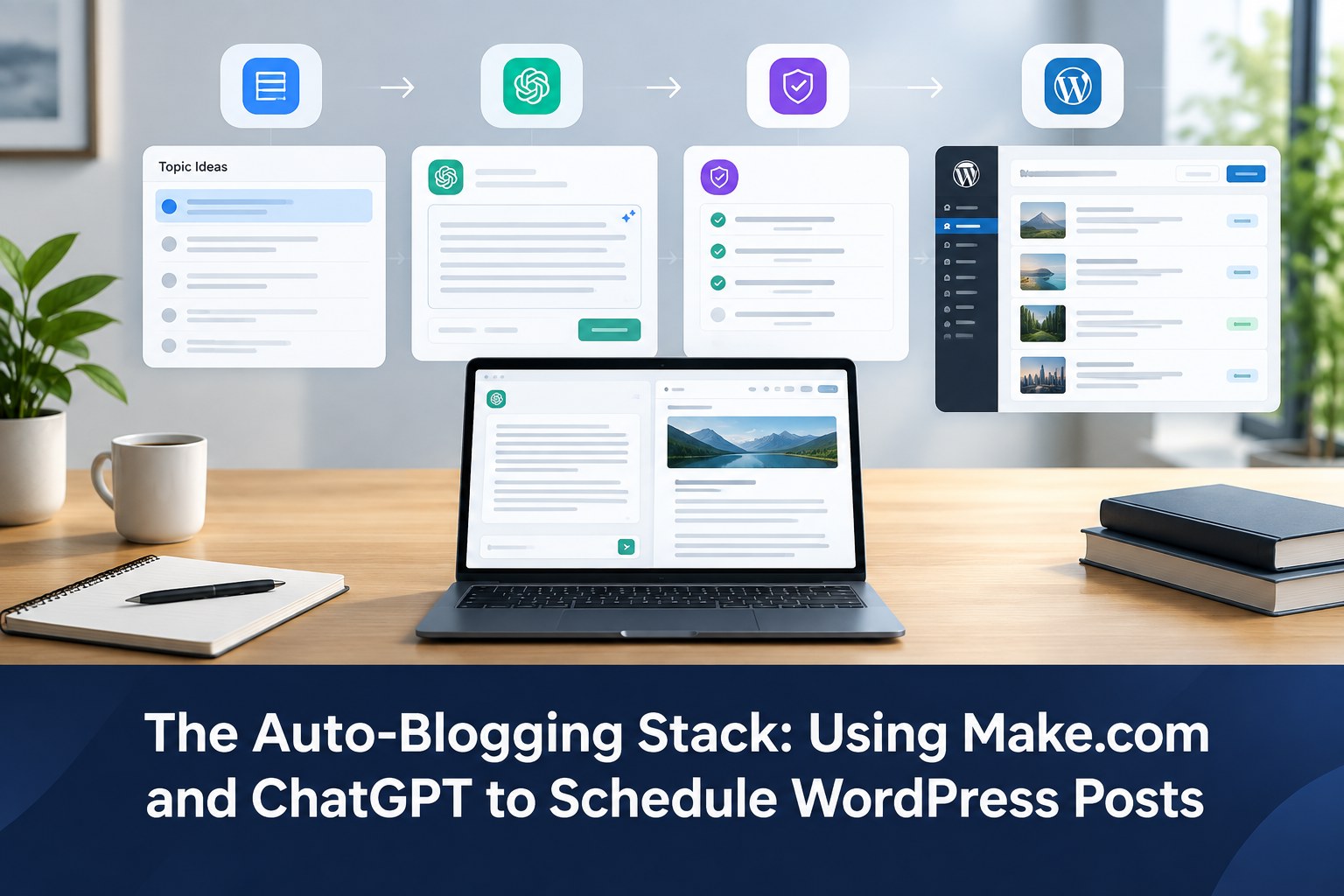
The practical stack: use Make.com as the workflow engine, ChatGPT/OpenAI as the drafting layer, and WordPress as the publishing destination. The safest version is not “AI writes and instantly publishes.” It is “idea → AI draft → quality checks → WordPress draft → human review → scheduled publication.”
What an auto-blogging workflow actually looks like
Make describes scenarios as workflows made from modules that pass data between apps, and its current WordPress/OpenAI integration includes WordPress actions such as creating posts, categories, tags and media. That makes the stack suitable for automating the repetitive parts of a content pipeline while keeping editorial approval as a separate step.

Recommended workflow:
Topic source
   ↓
Make.com
   ↓
ChatGPT / OpenAI
   ↓
SEO + quality checks
   ↓
WordPress draft
   ↓
Human review
   ↓
Schedule / publish
Why Make.com is useful for WordPress automation
Make gives you a visual scenario builder, so the workflow can contain more than one simple “generate a post” action. You can branch on categories, transform fields, add conditions, store intermediate data and send the final result to WordPress. For more context on everyday business automations, see our guide to AI tools and digital workflows.
Make’s current WordPress integration supports creating posts and also provides actions around categories, tags, comments, media and users. Its OpenAI + WordPress pages specifically position the connection for automated content creation and WordPress publishing workflows.
Step 1: Create one structured content record
Do not feed Make a single sentence such as “write about AI.” A better source row or form record contains the information the AI needs to make a useful decision.
| Field | Example |
|---|---|
| Topic | How to automate invoice processing |
| Audience | Small finance teams |
| Primary keyword | invoice processing automation |
| Search intent | Commercial investigation |
| Required tools | UiPath, Zapier |
| Content goal | Explain the workflow and decision points |
| Status | Ready for drafting |
A structured record prevents your AI step from becoming the place where every editorial decision is improvised.
Step 2: Add the ChatGPT/OpenAI drafting step
Use a prompt that asks for structured output rather than an unformatted article. For example, your automation can request:
- Suggested article outline
- Short direct answer
- Full draft
- SEO title
- Meta description
- Primary keyword
- Suggested slug
- FAQ only when useful
Keep your prompt strict about facts. Tell the model to identify claims that require verification instead of inventing prices, product limits, statistics or policy details.
A better prompt pattern
You are writing a practical, people-first technology article.
Topic: {{topic}}
Audience: {{audience}}
Primary keyword: {{primary_keyword}}
Search intent: {{search_intent}}
Tools/entities to cover: {{tools}}

Requirements:
- Answer the main question early.
- Use practical steps and examples.
- Separate verified facts from recommendations.
- Do not invent statistics or pricing.
- Avoid repetitive keyword use.
- Return clean HTML suitable for WordPress.
- End with a concise conclusion.
- Mark claims needing current-source verification.
Step 3: Add a quality gate before WordPress
This is the step that separates useful automation from mass-produced filler.
Create a validation stage that checks whether required fields are present and whether the draft meets your editorial rules. Examples include:
- Title is present and matches the approved topic.
- Primary keyword is present.
- Meta description is within a sensible length.
- Article contains an introduction and logical headings.
- There are no obvious placeholder tokens such as
{{company}}. - High-stakes or time-sensitive claims are flagged for human review.
Step 4: Create a WordPress draft, not an instant live post
Make’s current WordPress integration can create a post. For a serious business website, configure the automation so the resulting WordPress item enters the editorial queue as a draft or otherwise remains unapproved until a human checks it.
This approach is especially important when your blog includes product comparisons, current pricing, software capabilities, regulations, cybersecurity advice or other facts that can change.
Step 5: Handle WordPress fields separately
Do not treat the article body as the only WordPress field. A robust scenario maps each value separately:
| Content field | Automation output |
|---|---|
| Title | Approved visible title |
| Body | Clean HTML article |
| Excerpt | Short summary |
| Category | Existing category where possible |
| Tags | Small reusable tag set |
| Status | Draft for review |
Keeping these fields separate makes the workflow easier to audit and update later.
Step 6: Add internal-link logic
Before the article reaches WordPress, your workflow can retrieve relevant existing article URLs from a content list and pass those candidates to the AI step. The model can then recommend a small number of links that actually help the reader.
Do not ask the model to invent URLs. Your source list should contain the real pages available on the site.
Step 7: Add a human approval queue
A useful auto-blogging system should save humans time, not pretend humans are unnecessary. Give the reviewer a simple checklist:
- Is the article genuinely useful?
- Are current claims verified?
- Does the article contain original analysis or a practical workflow?
- Do the links work?
- Is the title accurate?
- Does the article match the intended search intent?
How to schedule publication without losing control
Make can help create the WordPress content pipeline, while WordPress remains the system of record for editorial status. The final publishing schedule should be driven by an approved queue rather than by an AI model deciding on its own that an article is ready to go live.
A small-team example
Imagine a three-person agency that wants two useful articles each week.
Monday: topics are added to a content sheet.
Tuesday: Make sends approved topics to OpenAI for structured drafts.
Wednesday: validation catches missing metadata and placeholder text.
Thursday: WordPress receives drafts and the editor checks facts, examples and links.
Friday: approved posts are scheduled.
The value comes from removing repetitive copy-paste work while retaining an editorial gate.
Common auto-blogging mistakes
Publishing everything the model produces
Automation volume does not equal content quality. Use a draft-first workflow.
Using one giant prompt for the entire system
Split research, drafting, formatting and validation into explicit stages. This makes failures easier to locate.
Hard-coding every category
Use existing site taxonomy and keep the category structure stable. Creating dozens of categories automatically weakens site architecture.
Skipping current-source verification
Software integrations, product plans, APIs and pricing can change. A content workflow should flag those statements for review.
Where Make.com + ChatGPT is a strong fit
- Turning structured topic ideas into first drafts
- Generating consistent article templates
- Creating excerpts and metadata from approved content
- Moving drafts into WordPress automatically
- Connecting content operations to spreadsheets, forms or other business systems
Where it should not replace humans
Do not outsource final judgment for legal, financial, medical, security or other high-stakes claims. Also review original examples, product comparisons and any article where a wrong detail could damage trust.
FAQ
Can Make.com publish ChatGPT-written articles directly to WordPress?
Technically, Make’s current integration can create WordPress posts. A safer editorial design is to create drafts first and require human approval before publication.
Can this workflow add categories and tags?
Yes. Make’s current WordPress integration exposes actions for creating and managing content entities such as categories and tags. For an established site, it is better to map to an existing taxonomy rather than generate new terms for every post.
Does auto-blogging guarantee SEO rankings?
No. Automation can improve production efficiency, but ranking still depends on usefulness, relevance, originality, technical quality, site architecture and many other signals.
Conclusion
The strongest auto-blogging stack is not a fully autonomous publisher. It is a controlled content pipeline: Make.com moves the data, ChatGPT accelerates research and drafting, WordPress stores the work, and a human editor makes the final decision. That design gives a startup or agency speed without sacrificing editorial accountability.
Primary references: Make: WordPress + OpenAI integration; Make: WordPress integration.