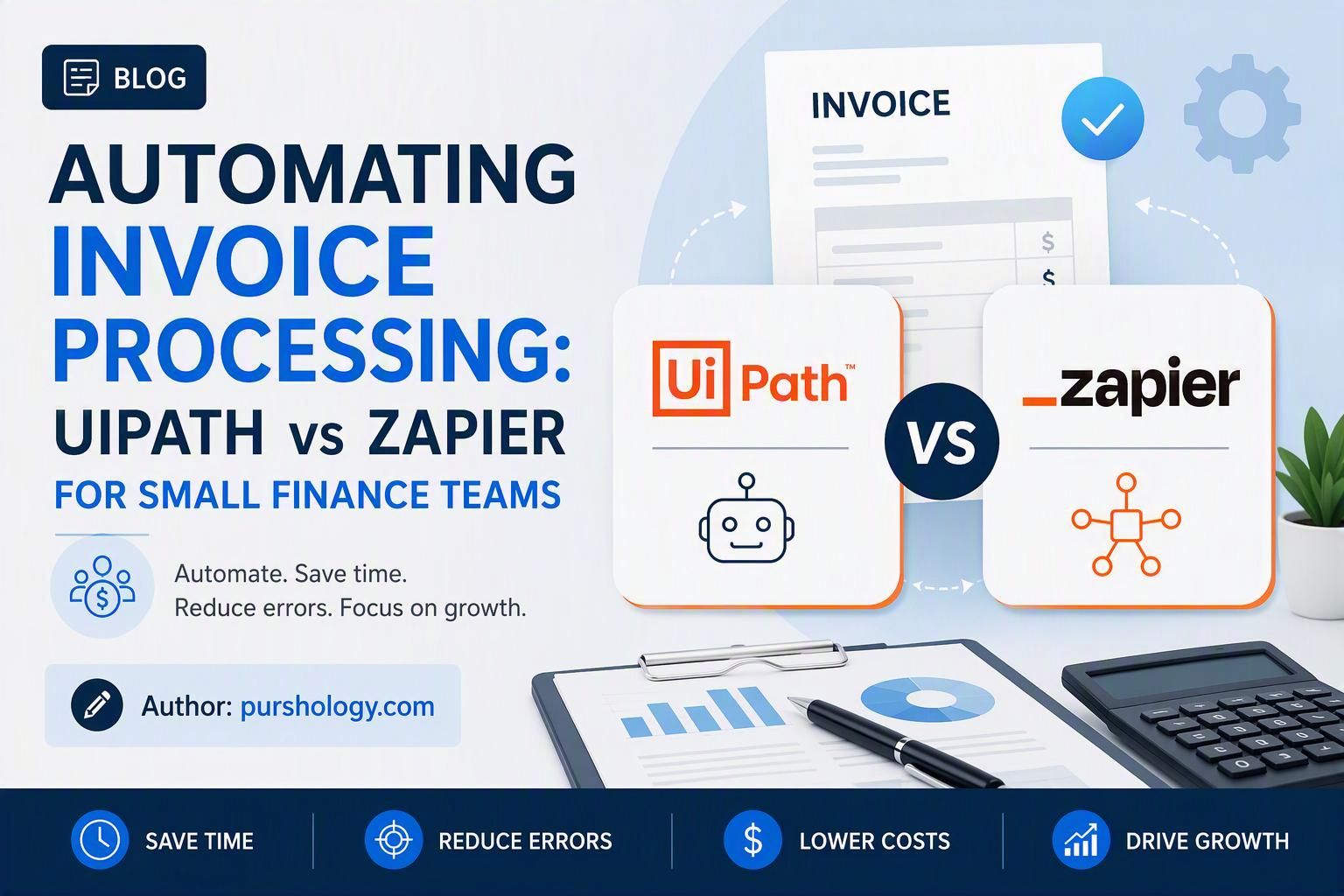
For a small finance team, invoice automation is not really about making invoices “AI-powered.” It is about removing repetitive handoffs without losing control over approvals, exceptions and the accounting system of record. In 2026, both UiPath and Zapier can automate invoice workflows, but they are built for different levels of complexity.
Quick answer: choose Zapier when your process is mostly app-to-app routing with predictable fields and a small number of exceptions. Choose UiPath when invoices arrive in messy formats, require document understanding, involve legacy applications or need governed human-in-the-loop processing at scale.

What invoice automation should actually do
A useful invoice workflow normally has five stages: receive the invoice, extract the fields, validate the information, route it for approval, and update the accounting or ERP system. The automation should also create an exception path when the invoice is missing information or fails a business rule.
For example, an incoming PDF might be captured from an accounts-payable mailbox. The workflow extracts vendor name, invoice number, date, tax amount, total and purchase-order information. It then checks whether the vendor exists, whether the total matches the purchase order and whether the invoice needs manager approval.
Where UiPath fits
UiPath is the stronger option when document processing itself is the difficult part. Its current Intelligent Xtraction & Processing (IXP) platform is designed to classify and extract information from structured, semi-structured and unstructured documents, including invoices and purchase orders. UiPath also supports human-in-the-loop validation, traceability and audit controls.
That matters when your finance team receives invoices from many vendors using different layouts. Instead of building a separate rule for every template, an intelligent document-processing layer can identify relevant fields and send uncertain cases to a person.
UiPath’s current positioning is also more enterprise-oriented. Its finance automation offering connects with ERP and AP systems such as SAP, Oracle, NetSuite, Workday and Dynamics, and emphasizes governance and production reliability.
Where Zapier fits
Zapier is a better fit when the hard part is connecting the applications around the invoice. Its current platform supports trigger-and-action workflows across thousands of apps, and its invoice automation tooling can extract invoice data, route it and update connected systems.
A small agency might have a simple flow such as: invoice arrives by email → extract the key fields → create a record in the accounting system → notify the owner in Slack → create a follow-up task if payment is overdue. That is exactly the type of workflow where a no-code orchestration platform can be easier to operate than a full RPA deployment.
UiPath vs Zapier: practical comparison
| Requirement | UiPath | Zapier |
|---|---|---|
| Simple app-to-app automation | Good | Excellent |
| Messy invoice formats | Excellent | Good with the right extraction tool |
| Legacy desktop applications | Excellent | Limited |
| Complex approval logic | Excellent | Good for simpler rules |
| Fast no-code setup | Moderate | Excellent |
| Governance and audit requirements | Strong | Strong for connected workflows, but architecture matters |
| Small-team experimentation | May be more platform than needed | Usually easier |
A decision framework for a small finance team
Choose Zapier if…
- Most invoices already contain predictable fields.
- Your accounting platform has a usable integration or API.
- Your workflow is mostly routing, notifications, record creation and follow-up.
- You want finance staff to maintain the automation without a dedicated automation team.
Choose UiPath if…
- Invoices arrive as scans, images or highly variable documents.
- You need robust document classification and extraction.
- Parts of the process run in desktop or legacy software.
- Exception handling, auditability and controlled automation are central requirements.
The hybrid option is often the most practical
Small teams sometimes assume they must choose one platform. That is not always necessary. A document-processing system can extract and validate invoice information, while a lighter automation layer handles notifications, task creation and simple integrations.
The important design principle is to give each system one clear responsibility. Do not make five tools independently edit the same financial record. Keep the accounting or ERP system authoritative and make automation layers move information into and around it.
Build the exception path before the happy path
A common automation mistake is designing only for a clean invoice. Real finance work contains duplicates, missing purchase orders, incorrect tax information, changed bank details and invoices that do not match expected amounts.
Define rules such as “send to human review if vendor is unknown,” “hold if invoice number already exists,” and “require approval if the amount exceeds the team’s threshold.” This makes automation safer because the system knows when not to act.
A simple pilot you can run
- Collect a representative sample of recent invoices, including difficult cases.
- Map the exact fields your accounting process requires.
- Separate deterministic checks from document-extraction work.
- Automate one narrow workflow rather than the entire AP process.
- Measure extraction quality, exception rate, processing time and manual touches.
- Only then expand to more vendors or business units.
Do not judge the project by how impressive the demo looks. Judge it by how many invoices reach the correct destination without a person copying the same data between systems.
Bottom line
UiPath wins when invoice documents and process complexity are the problem. Zapier wins when connecting existing finance apps and automating predictable handoffs is the problem. For a small team, start with the simplest architecture that handles your real exceptions. If a lightweight workflow solves the job, do not buy enterprise complexity. If document variation, legacy systems and governance are already creating friction, a more capable document-automation platform can be justified.
Sources and further reading
Reviewed for current product positioning and publicly documented capabilities in September 2026. Pricing and feature availability can change, so confirm them with the vendor before making a purchasing decision.