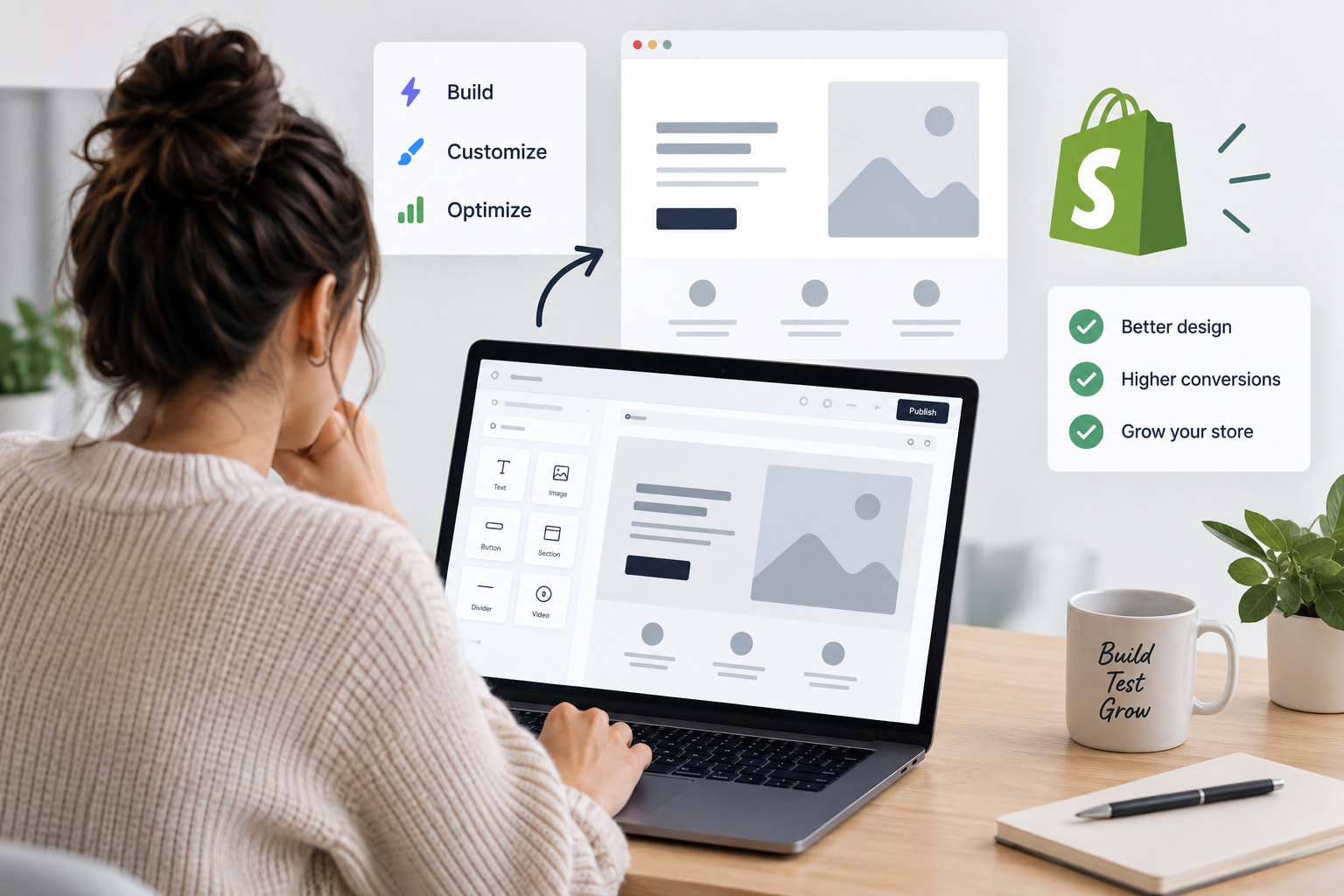
A strong Shopify product page has to do more than display a product. It needs to communicate value clearly, present the right information at the right time, work well across devices, and give shoppers enough confidence to complete a purchase.
Shopify page builders approach this in different ways. Some focus on AI-assisted page generation, while others prioritize visual design control, reusable sections, testing, or direct-response landing pages.

For this comparison, we looked at each tool’s approach to product page creation, customization options, Shopify integration, conversion-focused features, ease of use, and suitability for different ecommerce workflows.
At a Glance
| Tool | Best for |
| PagePilot | AI-assisted product page creation and rapid product testing |
| GemPages | Flexible visual editing with conversion-focused elements |
| Replo | Advanced design control for ecommerce teams |
| Shogun | Custom product pages for established Shopify brands |
| PageFly | Flexible general-purpose Shopify page building |
| Zipify Pages | Direct-response landing pages and sales funnels |
1. PagePilot — Best for AI-assisted product page creation and testing
PagePilot is a Shopify-focused AI product page builder designed for merchants who want to reduce the manual work involved in creating new product pages.
Instead of starting with a blank layout, merchants can use an existing product URL to generate a customizable product page. The resulting page can then be edited before being imported into Shopify, including changes to copy, images, pricing, variants, and other page elements.
This workflow makes PagePilot particularly relevant for merchants testing multiple products or offers. Rather than manually assembling every initial page, teams can use AI to create a starting point and then refine it for their store and audience.
Key strengths:
- AI-assisted product page generation
- Generates pages from existing product URLs
- Editable product copy and imagery
- Drag-and-drop editing
- Shopify import
- Designed around faster product-page creation and testing
Potential considerations: PagePilot is primarily focused on Shopify product pages and product-testing workflows. Brands looking for extensive control over an entire storefront may prefer a broader visual page builder.
Best suited for: Shopify merchants and product-testing teams that prioritize fast product page creation with AI assistance.
2. GemPages — Best for conversion-focused visual editing
GemPages is a no-code Shopify page builder that gives merchants substantial control over product pages, landing pages, and other storefront experiences.
Its visual editor supports ecommerce-specific elements alongside standard design components, allowing merchants to create product pages without coding. GemPages also provides conversion-oriented elements such as sticky add-to-cart buttons and stock counters, as well as sales funnel functionality.
The platform’s Image-to-Layout feature can use AI to convert a reference image or URL into an editable layout, adding an AI-assisted option to what is otherwise a hands-on visual building experience.
Key strengths:
- Drag-and-drop visual editor
- Product and landing page templates
- Conversion-focused ecommerce elements
- Image-to-Layout functionality
- Sales funnel capabilities
- Responsive design controls
Potential considerations: Merchants still need to make many of the design and content decisions themselves, so the workflow may require more hands-on setup than tools focused primarily on automated product page generation.
Best suited for: Shopify merchants who want visual flexibility and conversion-focused components while maintaining hands-on control over page design.
3. Replo — Best for advanced design control
Replo is a Shopify page builder aimed at ecommerce teams that want detailed control over their storefront and campaign pages.
Its visual editor can be used to build product pages, landing pages, homepages, and reusable sections. Teams can control responsive layouts and create reusable design systems, while developers can extend pages further using custom code and Shopify functionality.
Replo also supports experimentation and analytics features, making it particularly relevant for larger teams that treat landing and product pages as part of an ongoing optimization program.
Key strengths:
- Advanced visual editor
- Product and landing page creation
- Reusable sections and design systems
- Responsive design controls
- A/B testing and analytics capabilities
- Options for developer-level customization
Potential considerations: Its breadth and level of customization can be more than smaller merchants need, particularly when the main requirement is quickly creating straightforward product pages.
Best suited for: Established ecommerce teams, designers, and brands that prioritize detailed creative control and experimentation.
4. Shogun — Best for established Shopify brands
Shogun is a visual ecommerce page builder that supports custom Shopify product pages, landing pages, and other storefront content.
Merchants can use Shogun to create new layouts or customize existing Shopify product pages. Its page-building environment supports ecommerce elements such as product information, add-to-cart functionality, tabs, accordions, and media alongside broader design components.
The platform also supports reusable content and integrations with other ecommerce applications, making it suitable for brands managing more established Shopify storefronts.
Key strengths:
- Visual page editing
- Custom Shopify product layouts
- Product-specific ecommerce elements
- Reusable content and templates
- Responsive design controls
- Ecommerce app integrations
Potential considerations: Shogun is more focused on hands-on page building and customization than automatically generating complete product pages from product data or URLs.
Best suited for: Established Shopify brands that want to customize product pages and other storefront experiences through a visual editor.
5. PageFly — Best for flexible general-purpose Shopify page building
PageFly is a general-purpose Shopify page builder that can be used for product pages, landing pages, collection pages, homepages, and other parts of a storefront.
Its drag-and-drop editor combines standard design elements with Shopify-specific product components. Merchants can work with product information, media, variants, metafields, add-to-cart functionality, and other ecommerce elements while controlling how the page appears across different devices.
PageFly also supports integrations with a broad range of Shopify apps, which can be useful for merchants whose page-building requirements extend beyond individual product pages.
Key strengths:
- Drag-and-drop editing
- Multiple Shopify page types
- Shopify-specific product elements
- Responsive editing
- Templates
- Third-party app integrations
Potential considerations: Its broad feature set means merchants looking specifically for AI-led product page generation may find the workflow more manual than specialized AI page builders.
Best suited for: Shopify merchants looking for a flexible visual builder that can be used across multiple areas of their store.
6. Zipify Pages — Best for direct-response landing pages and funnels
Zipify Pages is a Shopify page builder with a strong focus on landing pages, product offers, and direct-response ecommerce campaigns.
Its templates and page-building tools are designed around sales-oriented experiences, making it particularly relevant for merchants sending paid traffic to dedicated landing pages rather than relying exclusively on standard Shopify product templates.
Zipify Pages also sits within a broader ecosystem of tools aimed at increasing order value and optimizing ecommerce funnels.
Key strengths:
- Conversion-oriented landing pages
- Shopify-focused page building
- Direct-response templates
- Mobile-friendly page creation
- Sales funnel use cases
- Integration with the wider Zipify ecosystem
Potential considerations: Its direct-response focus may be less suitable for brands primarily looking for extensive storefront design flexibility or AI-generated product pages.
Best suited for: Shopify merchants running paid campaigns, promotions, product offers, and direct-response funnels.
How to Choose a Shopify Product Page Builder
The right page builder depends largely on how a store creates and optimizes its product pages.
For merchants launching and testing products frequently, PagePilot offers an AI-assisted workflow that can reduce the amount of manual work required to create the initial page.
GemPages is a stronger fit for merchants who want a visual editor combined with conversion-focused ecommerce elements, while Replo provides deeper design and experimentation capabilities for teams that need more control.
Shogun is suited to established brands looking to customize existing Shopify storefront experiences, and PageFly provides a broad set of page-building capabilities across different Shopify page types. Zipify Pages is particularly relevant when landing pages are closely tied to paid acquisition and direct-response funnels.
The best choice therefore depends on whether the priority is AI-assisted creation, design flexibility, experimentation, general storefront customization, or campaign-specific landing pages.
FAQ
What is a Shopify page builder?
A Shopify page builder is a tool that allows merchants to create or customize storefront pages without building every layout directly through Shopify theme code. Depending on the tool, this can include product pages, landing pages, collection pages, homepages, and campaign-specific pages.
Can you create Shopify product pages without coding?
Yes. Tools such as PagePilot, GemPages, Replo, Shogun, PageFly, and Zipify Pages provide no-code or visual workflows for creating ecommerce pages, although the amount of manual design required varies between platforms.
Are AI Shopify page builders different from traditional page builders?
They can be. Traditional visual page builders generally give merchants an editor, templates, and page elements that they arrange themselves. AI-assisted builders can automate parts of the initial creation process, such as generating a starting layout or product page from existing information. Some visual builders also now include individual AI-assisted features, so the distinction is becoming less rigid.
Should you use a page builder or a Shopify theme?
They serve different purposes. A Shopify theme establishes the broader design and structure of a storefront, while a page builder can provide additional control over specific pages or sections. Some merchants use their theme for most of the store and a page builder for important product pages, landing pages, or campaigns.
What should you look for in a Shopify product page builder?
Consider how much design control you need, how frequently you launch new products, whether AI-assisted creation would save time, mobile responsiveness, Shopify compatibility, ecommerce-specific elements, integrations, testing requirements, and how easily pages can be updated after launch.
Final Thoughts
Shopify page builders vary considerably in how they approach product page creation. PagePilot emphasizes AI-assisted generation and faster product testing, while GemPages and PageFly provide broader visual building environments. Replo offers deeper design and experimentation capabilities, Shogun is geared toward customizable ecommerce experiences, and Zipify Pages focuses more heavily on direct-response landing pages and funnels.
Rather than choosing solely based on the number of features available, merchants should consider how each tool fits their existing workflow. A store frequently testing new products may value faster initial page creation, while a brand with a dedicated design team may prioritize granular visual control, reusable components, or experimentation features.
About the Author
Mika Kankaras is a B2B SaaS writer with over six years of experience covering marketing automation, AI workflows, customer experience software, and business technology. She specializes in testing and evaluating software and translating complex product features into clear, practical insights for business users.
LinkedIn: Mika Kankaras on LinkedIn