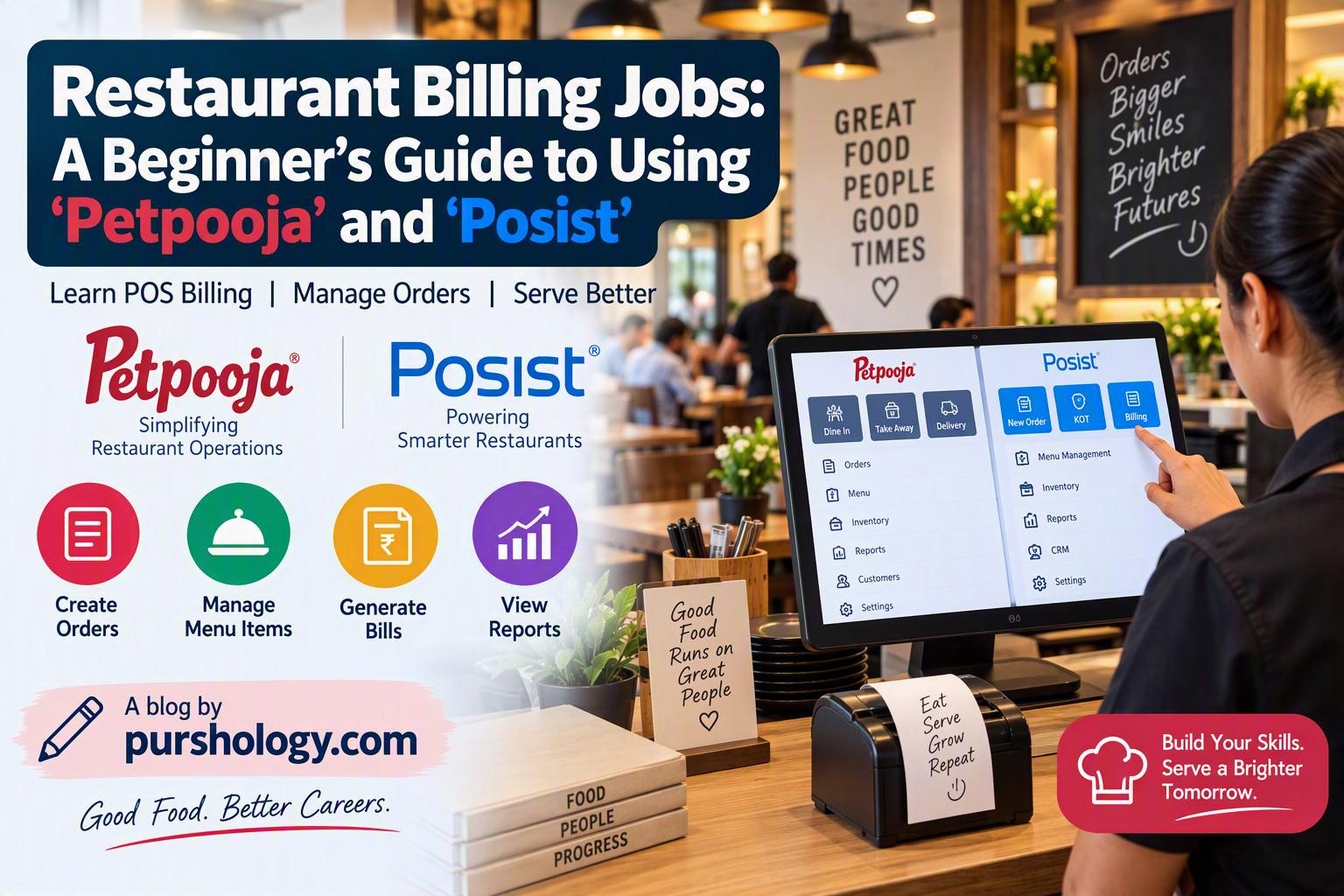
Restaurant billing jobs are not just about printing a receipt. A cashier or POS operator helps the service team record orders accurately, send the right items to the kitchen, apply authorised discounts, accept payments and close the shift with a clean record. Restaurant systems such as Petpooja and Posist (now associated with the Restroworks brand) are designed to bring many of these tasks into one workflow.
This beginner’s guide explains the skills employers commonly expect, how to practise a typical billing flow, and what to verify before handling live transactions. Menus, screens and permissions differ by restaurant and software configuration, so always follow the outlet’s own training and operating procedures.

What does a restaurant billing operator do?
- Confirm the table, takeaway or delivery order type.
- Select the correct menu items, quantities, add-ons and special instructions.
- Send the order to the kitchen through a KOT (Kitchen Order Ticket) or the configured kitchen display.
- Check the bill before accepting payment.
- Record the payment method and provide the receipt.
- Escalate voids, refunds, price changes and unusual discounts to an authorised supervisor.
- Help reconcile the shift’s cash, card, UPI and other payment totals.
Petpooja and Posist/Restroworks: what should a beginner know?
Petpooja publicly describes restaurant POS features such as multi-terminal billing, table and area management, KOT routing, configurable bills, online-order management and inventory reporting. Restroworks positions its platform around restaurant operations and point-of-sale workflows. Feature availability depends on the plan, outlet setup, integrations and permissions; do not assume every restaurant has the same screens.
For a beginner, the most transferable skills are the same across systems: navigate the menu, identify the order correctly, check quantities and modifiers, understand the KOT flow, process authorised payments, and follow the end-of-shift checklist.
A practical billing workflow
- Log in correctly. Use your own assigned account. Never share passwords or use a manager’s login to bypass permissions.
- Choose the order type. Confirm dine-in table, takeaway, pickup or delivery before adding items.
- Enter the order carefully. Verify item, quantity, size, add-ons and customer notes. Repeat special instructions when needed.
- Send the KOT. Check that the order reached the right kitchen station. If the outlet uses separate stations, confirm that food and beverage items route correctly.
- Review the bill. Check items, discounts, service charges and applicable taxes according to the restaurant’s approved setup. Never invent a discount or alter a tax setting yourself.
- Take payment. Select the actual method used. For split bills or split payments, confirm each amount before completing the transaction.
- Close the order. Print or share the receipt as required and confirm the order status is complete.
Example: a dine-in order
A guest orders two meals and one beverage. Before sending the KOT, the operator checks the quantities and any meal modifiers. When the guest asks for the bill, the operator confirms all items were served, reviews the total, selects the payment method actually used and issues the receipt. If an item was entered twice, the operator follows the restaurant’s void or correction process instead of quietly deleting the record.
End-of-shift checklist
- Count cash using the outlet’s cash-handling procedure.
- Compare POS payment summaries with cash, card and UPI settlement records.
- Record any authorised voids, refunds, discounts or cancelled orders.
- Report unexplained differences immediately; do not adjust figures just to make totals match.
- Log out and hand over pending orders or unresolved issues.
Common beginner mistakes
Frequent errors include choosing the wrong table, missing an add-on, sending an order to the wrong station, selecting cash when the guest paid by UPI, applying an unauthorised discount and closing a bill before confirming the order. A deliberate final review is faster than correcting a disputed bill later.
How to practise before your first shift
Ask the trainer for a demo or sandbox environment. Practise creating a test order, sending a KOT, editing an order under supervision, splitting a bill and reviewing shift reports. Do not experiment with live orders or real payments without permission. Learn the restaurant’s escalation rules for refunds, cancellations and network outages.
Frequently asked questions
Do I need accounting experience for a restaurant billing job?
Basic arithmetic, accuracy, customer service and willingness to learn are often more important for an entry-level operator. The employer will train you on its menus, payment process and POS configuration.
Are Petpooja and Posist screens identical?
No. Layouts, terminology and enabled features can differ by product version and restaurant configuration. Learn the workflow, then practise on the exact system used at your workplace.
Can a cashier issue a refund or change prices?
Only if the employer’s policy and user permissions allow it. Many outlets restrict sensitive actions to a manager or supervisor.
Key takeaway
A reliable restaurant billing operator combines POS navigation with careful order checking, respectful customer communication and honest payment reconciliation. Master the workflow first; speed will improve with practice.
For official product details, consult Petpooja’s restaurant billing software overview and the current Restroworks website. Interface details may change over time.