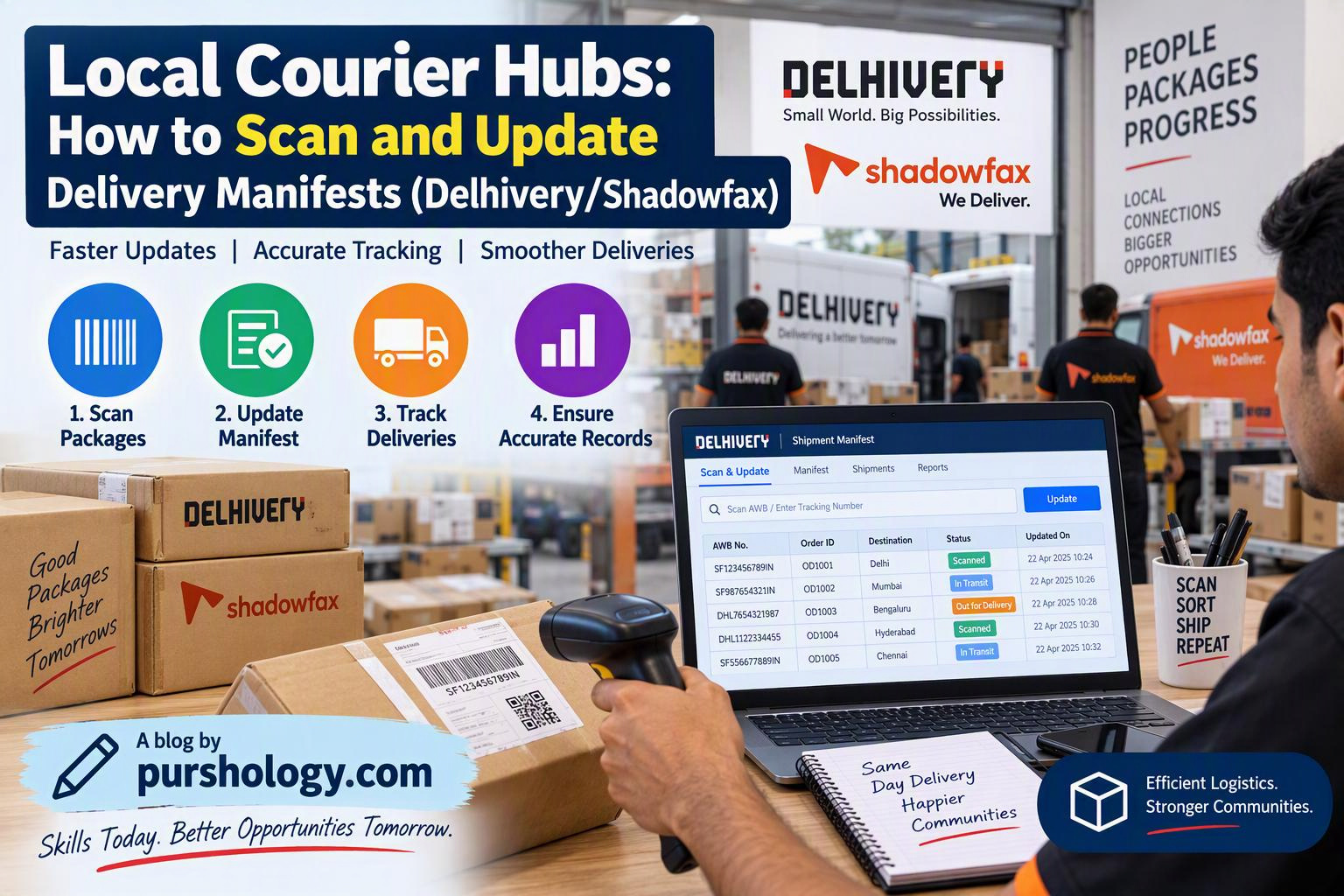
A delivery manifest is a shipment list used to reconcile the parcels expected for a pickup, dispatch, bag, route or handover. In a local courier hub, scanning and updating the manifest correctly helps staff detect missing parcels, duplicate scans, incorrect routes and shipment-status mismatches before a consignment leaves the hub.
Delhivery One documents shipment states such as Pending, Ready to Ship, Ready for Pickup, InTransit, Out for Delivery and Delivered, and explains that a shipment can receive an airway bill (AWB) when it is manifested. The exact screens and scan names in Delhivery, Shadowfax or another courier system can vary by account, service and current software version. Use the hub’s live SOP and do not invent a status when the system presents a different one.

What to prepare before scanning
- The manifest, pickup sheet or system-generated shipment list for the correct date and route.
- A working scanner or approved mobile scanning app, plus a charged device and network connection.
- Parcels with readable barcodes/AWB labels and packaging that is safe to handle.
- A designated exception area for damaged, unlabelled, duplicate or unmatched parcels.
- The authorised handover process and the name or ID of the person receiving the shipment.
Step-by-step manifest workflow
- Open the correct batch. Confirm hub, service type, pickup/dispatch date, route and manifest or batch ID. A common mistake is scanning into yesterday’s batch or a neighbouring route.
- Count before scanning. Compare the physical parcel count with the expected count. Keep a note of any obvious shortage, excess parcel or damaged package before the first scan.
- Scan each barcode once. Align the scanner with the parcel label and wait for the system confirmation. Do not assume a beep alone means the scan was accepted; check the on-screen result or approved audio/visual confirmation.
- Match the parcel to the manifest. Confirm the AWB or shipment ID belongs to the open batch. If the parcel appears under another route or manifest, stop and use the exception workflow rather than forcing it into the current list.
- Verify required shipment details. Check destination/route and any required service flags. Weight and dimensions may need to be recorded or verified for some services; follow the account’s specific rules.
- Resolve scan errors. For an unreadable label, use the authorised lookup or relabelling procedure. For duplicate scans, already-dispatched shipments or system errors, follow the escalation path. Never create a made-up AWB or borrow another parcel’s label.
- Reconcile totals. Compare scanned, expected, missing, excess and exception counts. A manifest should not be treated as complete simply because most parcels have scanned.
- Close or hand over the batch. Complete the system action required by your operation and obtain the required pickup/handover acknowledgement. Record the time and responsible person as per policy.
- Check the next status. Verify that the system shows the expected state after manifestation or handover. Delhivery’s help centre explains its order-state workflow; follow the equivalent instructions for your carrier account.
Example: the manifest expects 42 parcels but only 40 scan
Do not close the batch just to clear the screen. Recheck the physical stack, look for parcels placed in the wrong cage, verify unreadable labels through the approved process, and compare the exception list. If two parcels are genuinely missing, record the discrepancy and notify the shift supervisor before the handover. A correct exception report is safer than a false “complete” status.
What each scan should prove
- Identity: the parcel label matches the shipment record.
- Location or stage: the parcel is at the hub or handover point represented by the scan.
- Time: the event is recorded at the actual time of handling, according to the system.
- Custody: the next person or carrier accepts the parcel through the required process.
Do not scan parcels that are not physically present merely to make a route look ready. Do not share customer addresses or phone numbers in informal group chats when the system’s authorised exception process is available.
Common problems and what to do
| Problem | Safe response |
|---|---|
| Barcode will not scan | Check label condition and scanner focus; use the authorised lookup/reprint process. |
| Shipment is not in this manifest | Verify the AWB and route; move it to the correct exception workflow. |
| Duplicate scan warning | Check scan history and physical parcel; do not repeatedly scan until the warning disappears. |
| Physical count differs from system count | Recount and document the variance before closing or handing over. |
| Network or app failure | Follow the approved offline/contingency SOP; do not invent a timestamp or status. |
| Damaged parcel or label | Photograph and record it only using approved tools, then notify the supervisor. |
Daily hub checklist
- Correct manifest, hub, date and route selected.
- Physical parcel count completed before scanning.
- Every parcel scanned and matched to its shipment record.
- Duplicate, missing, excess and damaged parcels handled as exceptions.
- Final count reconciled before closure.
- Handover acknowledged by the designated person.
- System state checked after the batch is processed.
Frequently asked questions
Does scanning a parcel mean it is delivered?
No. A scan records a particular event or stage. Delivery should only be marked through the authorised proof-of-delivery process.
Are Delhivery and Shadowfax screens identical?
No. The names of screens, batch actions and status transitions may differ. Learn the system and SOP used at your hub rather than applying steps from another carrier’s portal.
Can a supervisor correct a wrong scan?
Use the carrier’s approved correction or support workflow. Keep the audit trail and never conceal an error by creating an unrelated scan.
Key takeaway
Good manifest handling is a reconciliation process, not just a sequence of beeps. Match the physical parcel to the correct shipment, record only events that actually occurred, resolve exceptions and complete a documented handover. For cross-state e-commerce consignments, also review PURSHOLOGY’s guide to e-way bills for interstate e-commerce shipping where applicable.
Operational reference: Delhivery One’s official order-tracking guide and Delhivery One Help Center. Use the current carrier portal instructions for account-specific steps.