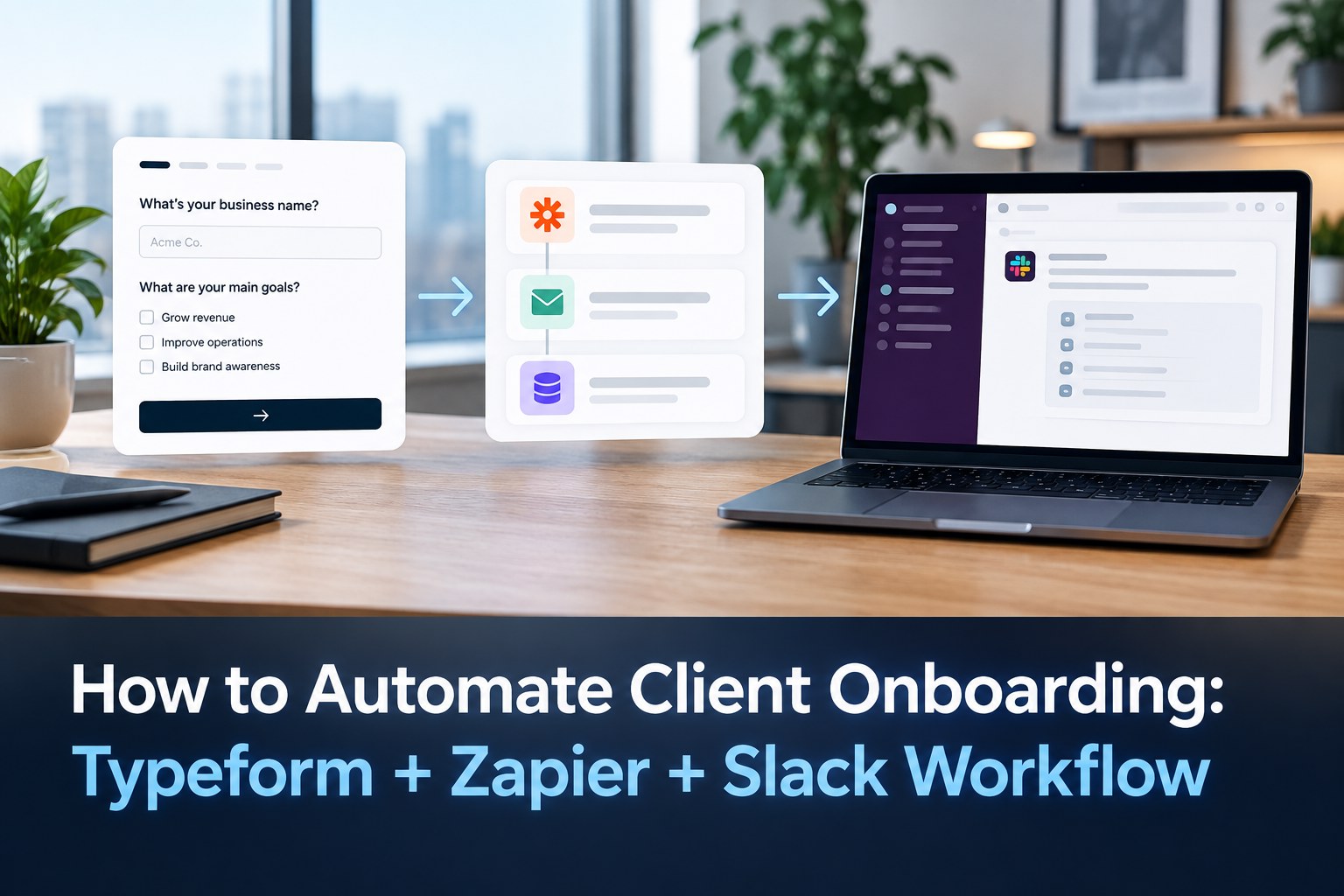
Best starting point: use Typeform to collect structured client information, let Zapier validate and route the submission, and send a tailored Slack message to the right delivery team. This turns a manual “new client” handoff into a repeatable workflow without requiring a custom application.
What the workflow does
The simplest useful version is:

Typeform submission → Zapier trigger → filters/formatting → Slack notification
When a prospect or new client completes the onboarding form, Zapier can capture the response and send the selected answers to a Slack channel or direct message. Zapier currently documents Typeform’s New Entry event as an instant trigger, and provides Typeform-to-Slack templates for channel messages, direct messages, private-channel alerts and other actions.
Why this is better than a shared spreadsheet
A spreadsheet can store the answers, but it does not automatically tell the next person what needs attention. A workflow can turn one submission into a clear operational event. For a broader look at business automation choices, see our guide to digital solutions for growing businesses.
| Manual approach | Automated approach |
|---|---|
| Someone checks the form | Zapier receives the submission |
| Details are copied into chat | Zapier formats the important fields |
| Someone decides who should handle it | Filters or paths can route the request |
| Onboarding starts after a handoff | The team can act as soon as the form arrives |
Build the Typeform onboarding form first
Keep the form focused on information that changes what your team does next. A service agency might collect:
- Client name and company
- Primary contact and email
- Service purchased
- Business website
- Project goal
- Target launch date
- Access or asset checklist
- Preferred communication channel
- Important constraints or notes
Use required fields for information your delivery team cannot proceed without. Avoid asking for everything you may possibly need later; a form that feels like paperwork reduces completion quality.
Step 1: Create the Zapier trigger
In Zapier, select Typeform and use New Entry as the trigger. Connect the correct Typeform account and choose the onboarding form. Run a test so the Zap receives a realistic sample response.
Zapier currently lists Typeform and Slack as a supported integration pair and shows templates for notifying a Slack channel whenever a new Typeform entry arrives.
Step 2: Clean and route the data
Do not dump every field into Slack. First decide what the receiving team actually needs to see.
A useful message can contain:
🆕 New client onboarding
Client: {{client_name}}
Company: {{company}}
Service: {{service}}
Launch target: {{launch_date}}
Owner: {{assigned_team}}
Priority: {{priority}}
Website: {{website}}
Notes: {{key_notes}}
For larger teams, add a filter before Slack. For example, a “Website Development” response can go to one channel, while “SEO” can go to another. The exact routing logic depends on your form fields and team structure.
Step 3: Send the right Slack notification
Slack can be the operational handoff rather than another database. Use a channel message when a team needs shared visibility, or a direct message when a single owner is responsible.
Zapier’s current Typeform/Slack templates include channel notifications, direct messages, private-channel delivery and scheduled digests.
Make the workflow more useful with simple rules
High-priority routing
If the form includes a priority field, route urgent requests to the delivery lead rather than treating every submission identically.
Service-based routing
Create paths such as Website, SEO, Software Development or Digital Marketing. This reduces the “Who owns this?” delay that usually follows a new form response.
Client-size routing
An agency can route enterprise or multi-location projects to a senior account owner while sending smaller packages to a standard onboarding queue.
Incomplete submission handling
Do not notify the delivery team with an unusable record. Add a validation step for required business details and create a follow-up task when information is missing.
A practical agency example
Imagine a web-development agency receives a signed project and immediately sends the client a Typeform. The form asks for domain details, business goals, pages required, content readiness and target launch date.
Once submitted, Zapier can:
- Receive the Typeform entry.
- Check the service and priority fields.
- Format a clean summary.
- Send the message to the correct Slack channel.
- Direct-message the assigned account owner for urgent projects.
The important improvement is not “using three tools.” It is creating a predictable handoff with less copying and fewer missed notifications.
What not to automate too early
Automation should remove repetitive coordination, not remove necessary judgment. Do not automatically mark a client as “ready for development” merely because a form was submitted. A human may still need to verify payment, access, scope, contracts or technical requirements.
Common mistakes
- Sending every field to Slack: the important information gets buried.
- No ownership rule: a notification without an owner still requires manual coordination.
- No test submission: malformed field mappings can silently break the useful part of the handoff.
- Automating exceptions as if they were normal: unusual projects often need human review.
Privacy and access checklist
Client onboarding can contain confidential business information. Keep only the fields that are necessary, avoid posting secrets or passwords into Slack, restrict channels appropriately and review which accounts have access to the Typeform, Zapier and Slack workflow.
Final workflow blueprint
Typeform: collect structured onboarding data
Zapier: trigger, filter, format and route
Slack: deliver the handoff to the people who act on it
This combination is a strong fit for startups, agencies and service businesses that need a faster onboarding handoff without building custom software first.
FAQ
Can Typeform send responses to Slack automatically?
Yes. Zapier currently supports Typeform-to-Slack workflows, including sending selected Typeform answers to a Slack channel when a new entry is submitted.
Should the Slack message contain the complete Typeform response?
Usually no. Send the fields the receiving team needs to act on immediately, and keep the full record in the system where it belongs.
Can this workflow replace an onboarding CRM?
No. It can improve the handoff between intake and execution, but a CRM, project system or client portal may still be the right place for the longer-term record.
Conclusion
The most useful client-onboarding automation is rarely complicated. Start with a clear Typeform, use Zapier to turn the submission into a structured event, and make Slack the delivery point for the team that needs to act. Once that flow is stable, you can add CRM updates, task creation, document requests or other steps without changing the core process.
Sources: Zapier Typeform + Slack integration; Typeform Slack notification integration.