
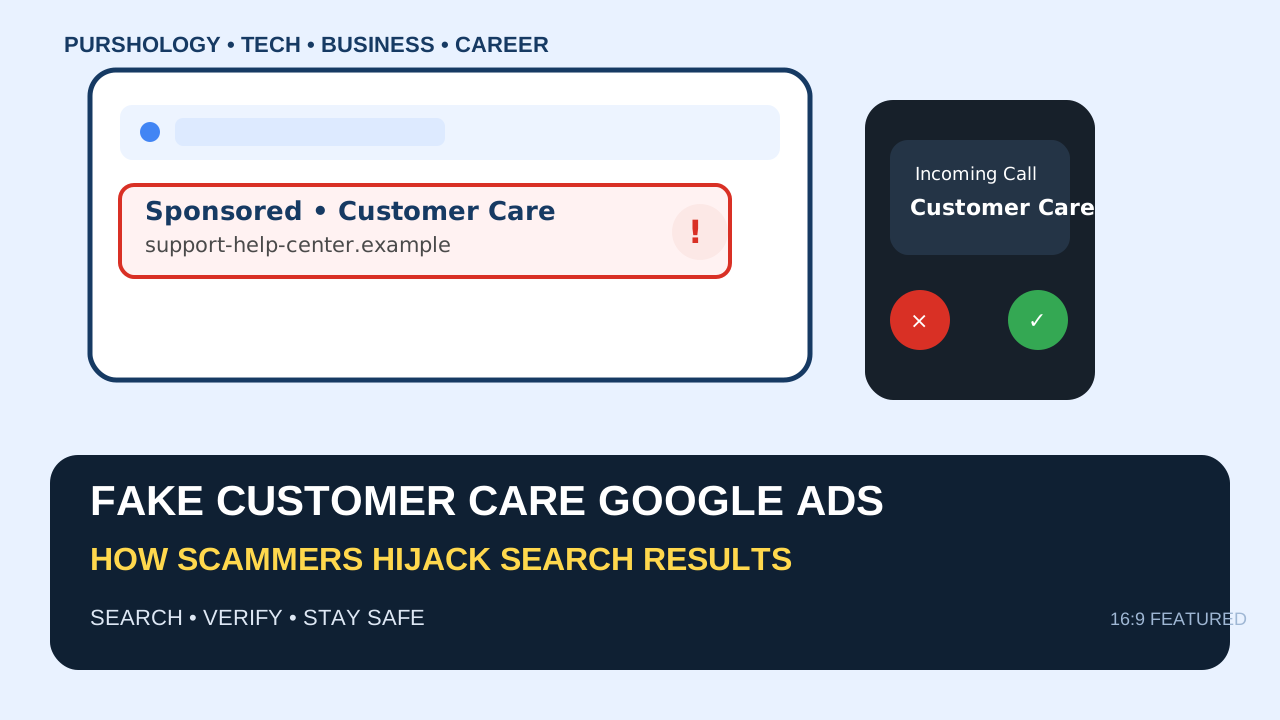
When a person urgently searches Google for a bank, courier, telecom, shopping site or other company’s customer-care number, a sponsored result can look like the fastest route to help. The danger is that scammers may use misleading ads, look-alike domains and fake phone numbers to impersonate trusted businesses. Google’s advertising policies prohibit impersonation and misleading business information, but users still need to verify who they are contacting before sharing money, passwords or one-time codes.
The first rule: treat a customer-care ad as an advertisement, not proof of authenticity
A sponsored label tells you that a result is an advertisement. It does not, by itself, prove that the advertiser is the company you intended to contact. Google’s policy says advertisers may not impersonate another brand or business or hide material information about their identity.

This distinction matters because a scammer can create a page whose wording resembles a help centre while using a different domain, phone number or contact channel. A safer pattern is to start from the company’s official app, a verified statement, an official website you already know, or a support link reached through the company’s own navigation.
How fake customer-care ads typically work
- Capture urgent intent. The searcher types a phrase such as “customer care number” or “cancel my order.”
- Present a believable landing page. The page may use familiar colours, words like support or help, and a prominent phone number.
- Move the conversation off the trusted channel. The caller may ask for WhatsApp, a screen-sharing session or an app install.
- Create pressure. The scam often introduces urgency: account suspension, refund deadlines, KYC problems or an alleged security incident.
- Ask for something the real support team should not need. Common red flags include OTPs, UPI PINs, card CVVs, full passwords, remote-control access or money transfers to “reverse” a transaction.
7 checks before calling a number from search results
1. Read the domain, not just the page title
Look at the full website address. Brand-like words in a domain do not make the domain official. Watch for extra words, unusual spellings, unfamiliar top-level domains and domains that have nothing to do with the company’s primary website.
2. Open the official website separately
Type the known domain yourself or open the company’s official app. Use its Help, Support or Contact section and compare the number or channel with what you found in search.
3. Prefer account-specific support
If you are already a customer, support inside your logged-in app or account is generally easier to authenticate than a random number surfaced by a search query.
4. Never disclose one-time credentials
A support representative should not need you to read out an OTP that authorizes a login, payment or other security-sensitive action. The same rule applies to UPI PINs and card security codes.
5. Refuse unsolicited remote access
Be extremely cautious if a supposed support agent asks you to install remote-control software or grant screen-sharing access. This can turn a simple support problem into account takeover or payment fraud.
6. Check the same information in another official source
For a bank, courier, marketplace or telecom provider, compare support details with the official app, bill, card, package information or verified website rather than relying on one search result.
7. Stop when the story becomes financially urgent
“Pay now,” “share the OTP,” “install this app,” or “move money to a safe account” are strong warning signs. End the call and restart the process through an official channel.
How to verify a suspicious number or website in India
For suspicious URLs, phone numbers, WhatsApp numbers and other digital identifiers, India’s National Cyber Crime Reporting Portal provides a “Report Suspect” facility. The Government of India portal also lists 1930 as the national cybercrime helpline for online financial fraud.
Keep evidence if money or sensitive information has already been shared: screenshots, the exact URL, the phone number, transaction details and messages can be useful when reporting the incident.
What to do if you already called a fake customer-care number
- Stop the conversation and do not provide any more information.
- If you shared passwords, change them from the genuine service and review active sessions.
- If you shared banking or payment details, contact the bank or payment provider through an official channel immediately.
- If money was transferred because of online fraud, report it promptly through the official cybercrime channels; the Government of India portal directs victims of financial cyber fraud to 1930.
- Remove any remote-access application that you installed at the caller’s request and review device permissions.
How businesses can reduce customer-care impersonation risk
Businesses should keep support information consistent across their official website, app, invoices, transactional emails and verified social profiles. A clear support page with the canonical domain, official phone numbers and warnings about OTPs or remote-access requests gives customers a reference point when a misleading search result appears.
Quick checklist
| Before you call | What to verify |
|---|---|
| Domain | Does it match the company’s known official website? |
| Phone number | Can you confirm it inside the official app or website? |
| Urgency | Is someone pushing you to act immediately? |
| Credentials | Are you being asked for OTPs, PINs or passwords? |
| Remote access | Are you being asked to install an unfamiliar app or share your screen? |
| Payment | Are you being told to transfer money to “fix” a problem? |
Bottom line
A customer-care number appearing in Google results is only a lead, not proof of legitimacy. Verify the domain and contact details through a trusted official channel before you call, and treat requests for OTPs, PINs, remote access or urgent payments as reasons to stop and re-check.
