Screenshot any website with one API call: PNG, JPEG, WebP, PDF or video

Browser PDF tools — edit, merge, compress, convert, protect.
In short
TidePDF is a browser-based PDF toolkit for edit, merge/split/organize, compress, Office↔PDF, OCR, and protect/watermark jobs. No standalone app required. Files are deleted after use per the privacy policy.
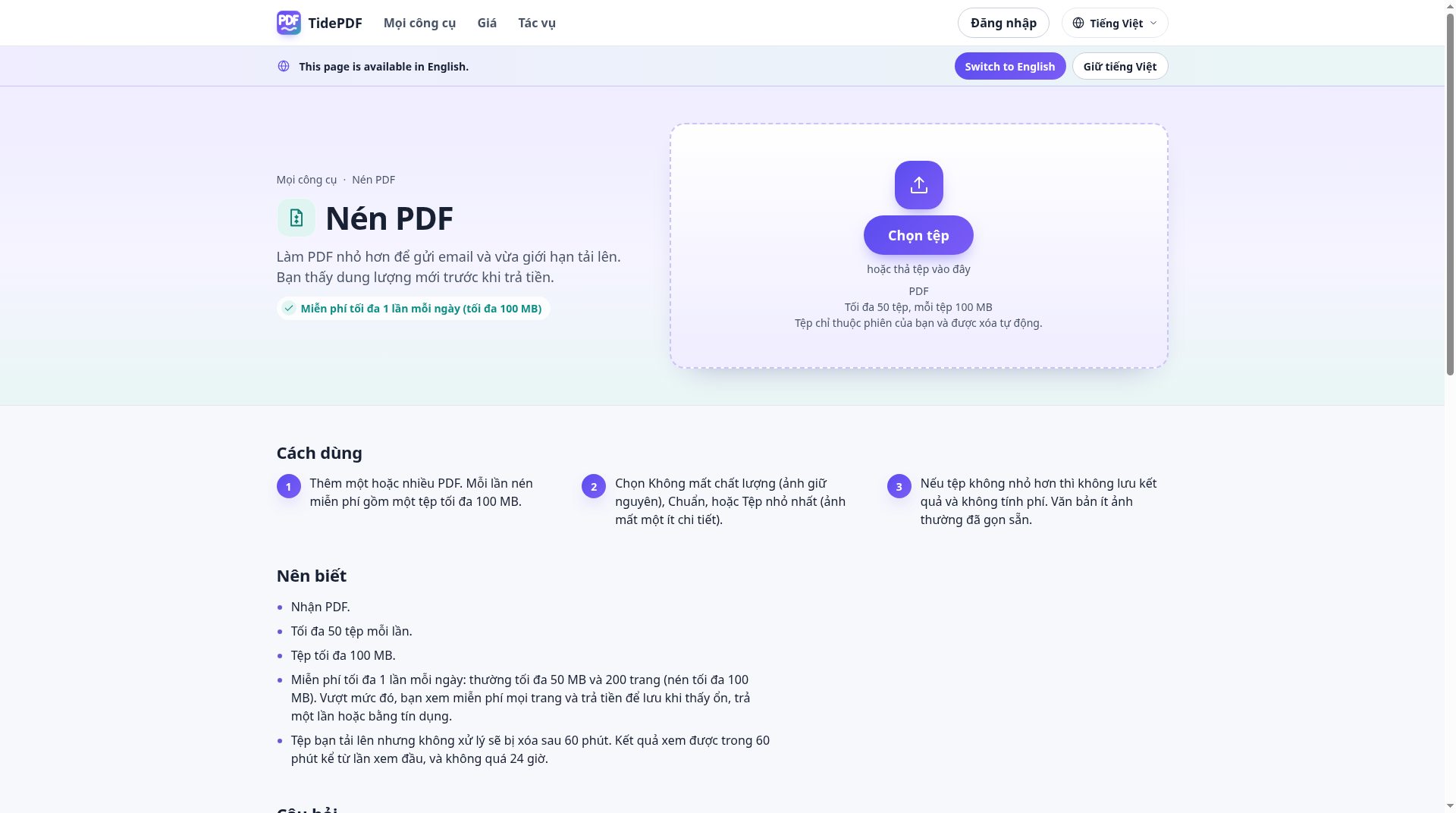
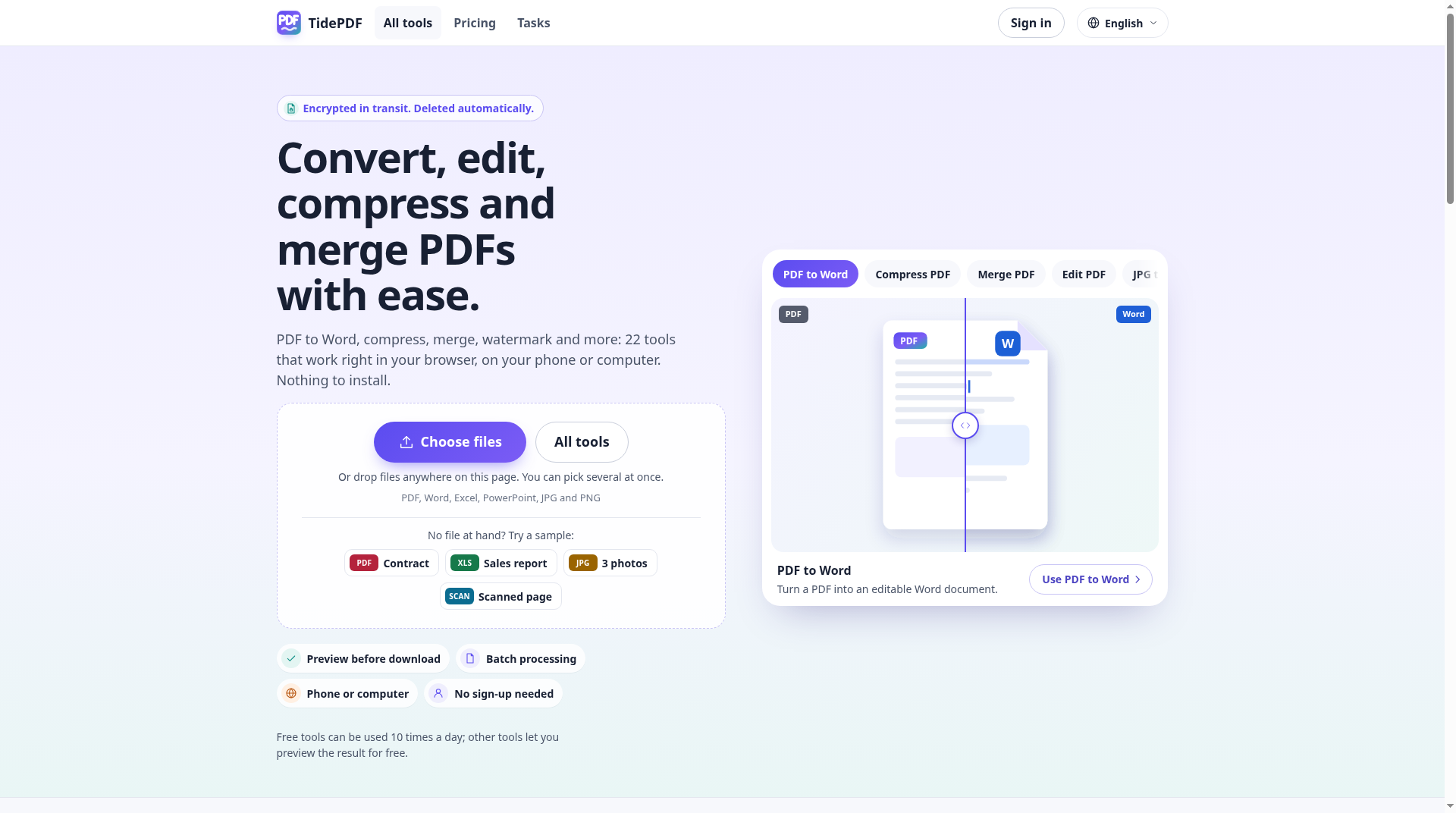
TidePDF is a browser-based PDF toolkit. In the browser you can edit PDFs, merge, split, and organize pages, compress files, convert between Office formats and PDF, run OCR, and protect or watermark documents. No standalone app is required. Files are deleted after use per the privacy policy.
Working with PDFs often means switching between tools or installing a desktop app for everyday jobs such as editing, merging or splitting, compressing, converting, OCR, and protecting or watermarking files.
Edit PDFs; merge, split, and organize pages; compress PDFs; convert between Office formats and PDF; run OCR; protect and watermark documents — all in the browser.
Individuals, freelancers, startups, and small teams who need browser-based PDF tools for everyday document work, without installing a standalone app.
Recommended for: Individuals, freelancers, startups, and small teams who need browser-based PDF tools.
It is not a desktop or mobile app, and it is not an AI writing or image-generation product. It is not intended as a full enterprise document-management system.
Prices are set by the provider and can change. Always check their pricing page.
Screenshot any website with one API call: PNG, JPEG, WebP, PDF or video
Simplify document management for your business.
German rental-property records for private landlords
Sensible is an intelligent document-processing tool catering especially for developers requiring high-volume data extraction from…
Turn PDFs, YouTube videos and text into editable AI mind maps.
Convert PDF, Word & more to clean Markdown for AI
 CedricThe AI teammate that attends your meetings and does the work
 ToolExoFree online calculators and practical browser tools
 ZeraBooksAI bookkeeping software that runs your books fully automated
 UPIQRToolFree UPI QR codes, payment posters & links. No signup.
 Face AnalysisFree on-device AI face analysis & face shape tools
 Well StockdFridge inventory and recipes you can make now
Tell us what you need — the purshoLOGY team and matching tool providers will get back to you. Free for businesses.
Alternatives are ordered by how often they are viewed. Cards marked “Sponsored” are paid placements and are always labelled.