
One API key to access multiple AI models.

What 20 LLMs cost per month at your own token volume
In short
Free calculators for AI costs: a monthly LLM API bill for 20 models from your own token volume, the messages-per-day point where a $20 subscription beats pay-as-you-go, and an all-in budget for a content or coding workflow.
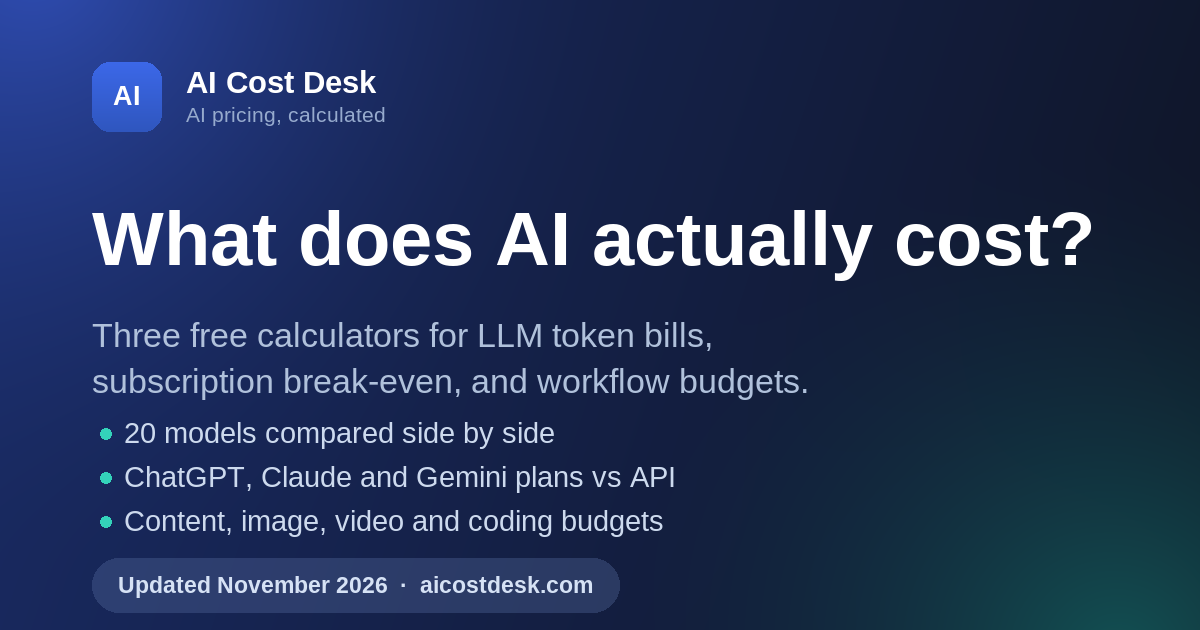
AI Cost Desk answers one question: what does AI actually cost for my workload? It is a free static site with three calculators built from the providers’ own pricing pages.
LLM API cost — prompt tokens, reply tokens, requests per day and an optional cache hit rate, then a monthly bill for 20 models side by side, plus the cheapest model that still counts as flagship.
Subscription vs API — the messages-per-day point where a $20 plan stops being cheaper than pay-as-you-go.
Workflow budget — articles, images, video and coding hours priced as one monthly number across three stacks.
Every rate links to the provider page it came from with the date it was checked, and announced increases sit next to today’s price. No signup, no email gate: all calculations run in the browser and nothing typed is stored. Ad-supported, which is how it stays free.
Model prices change every few weeks, and every provider prices input, cached input and output tokens differently. Teams end up rebuilding the same spreadsheet to answer one question: what will our workload cost this month, and is a $20 subscription cheaper than paying per token? Price increases are announced quietly, so budgets built on the old rate go stale without anyone noticing.
Estimate a monthly LLM API bill for a given workload (prompt size, reply size, requests per day, cache hit rate) across 20 models side by side. Find the messages-per-day point where a $20 subscription stops being cheaper than pay-as-you-go. Price a mixed content or coding workflow (articles, images, video, coding hours) as one monthly number across three stacks. Check which rates are about to increase and when.
Integrations: None — it is a standalone page and does not connect to other tools.
Developers and founders choosing a model for a product, product managers and finance teams putting AI into a budget, and individual power users deciding between subscriptions and API billing. It is for people who already know roughly what their usage looks like and need it translated into a monthly number.
Recommended for: Developers and founders budgeting an AI feature, product managers and finance teams planning AI spend, and anyone deciding between an AI subscription and API billing.
It is not a usage meter, invoice reconciliation tool or enterprise contract negotiator. It does not connect to provider accounts or read real billing data, does not model negotiated or regional pricing, taxes or enterprise discounts, and does not recommend which model is best for a task. It is a public-rate calculator that depends on the user entering their own numbers.
Prices are set by the provider and can change. Always check their pricing page.
One API key to access multiple AI models.
One API key for Claude, GPT, Gemini, Grok and more
Weaviate is an open-source vector database that allows users to store data objects and vector embeddings from ML-models and scale…
MindsDB is an AI development cloud platform that allows development teams to build applications powered by AI in a fast and…
Explore local language models for your hardware
dstack is an open-source tool designed for the efficient development and deployment of LLM (Large Language Models) across…
 DeepSeek V4 HubDeepSeek V4 API, Pricing, Benchmarks & Guides
 APIroveOne AI API platform for video, image and text
 ParadevParadev is your open-source command centre for building with agents.
 CodingPassOne pass. Every coding agent.
 AIReiterOne AI API for image, video, and text generation.
 Social FetchPublic social media data as JSON, via API and MCP
Tell us what you need — the purshoLOGY team and matching tool providers will get back to you. Free for businesses.
Alternatives are ordered by how often they are viewed. Cards marked “Sponsored” are paid placements and are always labelled.