

AI Instagram content generator for local businesses.
New Vendor-confirmed details
MultCloud
Transfer, sync, and back up files across clouds in one place.
In short
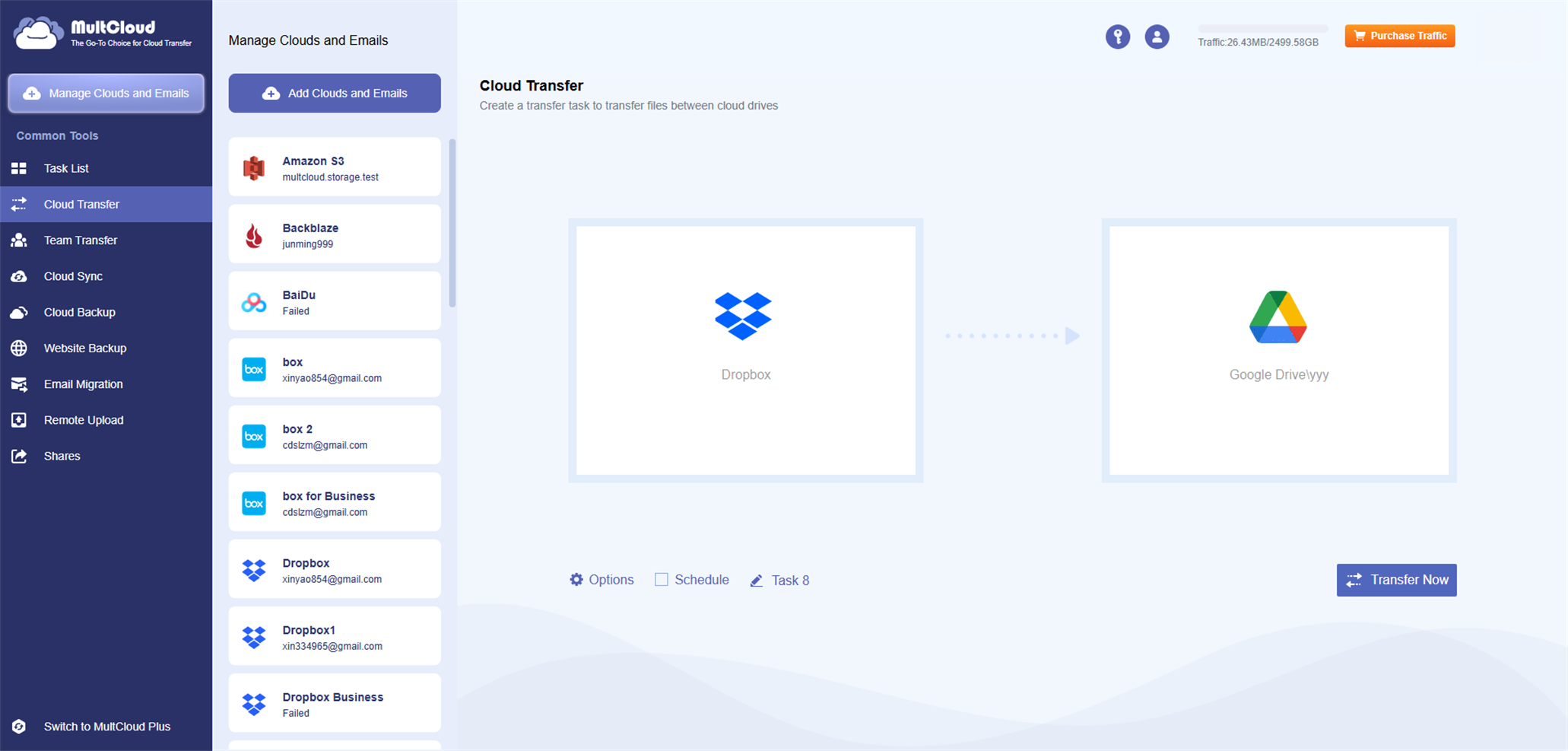
MultCloud is a web-based platform for transferring, syncing, and backing up files between cloud storage services. It lets users manage multiple cloud accounts from one interface without downloading and re-uploading files.



About MultCloud
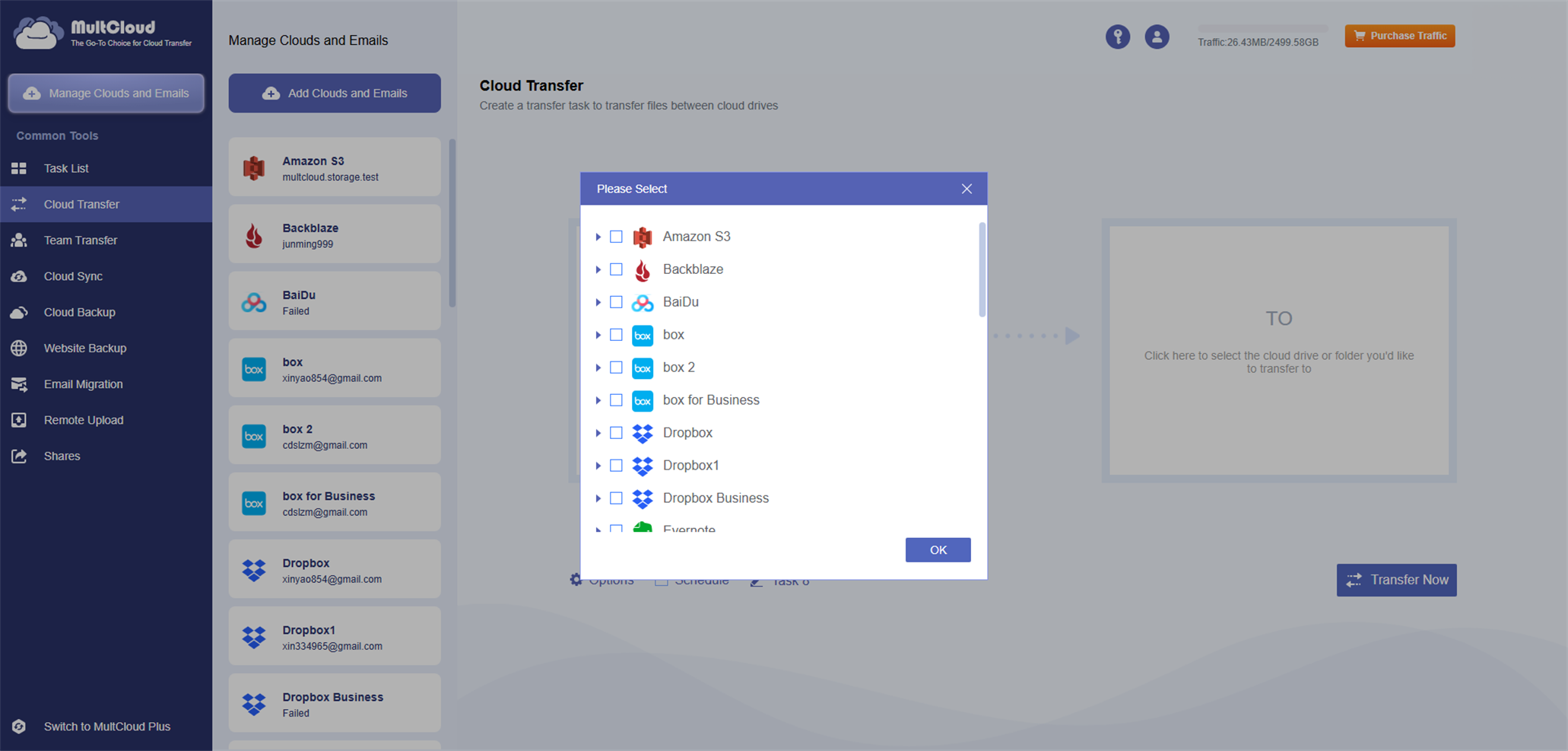
MultCloud is a cloud storage management platform that helps individuals and teams access and manage multiple cloud accounts from a single interface. It connects services such as Google Drive, OneDrive, Dropbox, Box, MEGA, and Amazon S3, and supports FTP and WebDAV connections.
Its core features include:
• Cloud-to-cloud transfer: Move files between cloud storage without downloading them to a local device and uploading them again.
• Cloud synchronization: Keep folders synchronized across cloud accounts using one-way, two-way, real-time, or scheduled sync options.
• Cloud backup and restore: Back up files from one cloud service to another and restore data from saved backup versions when needed.
• Centralized file management: Upload, download, copy, move, preview, and rename files across connected accounts in one place.
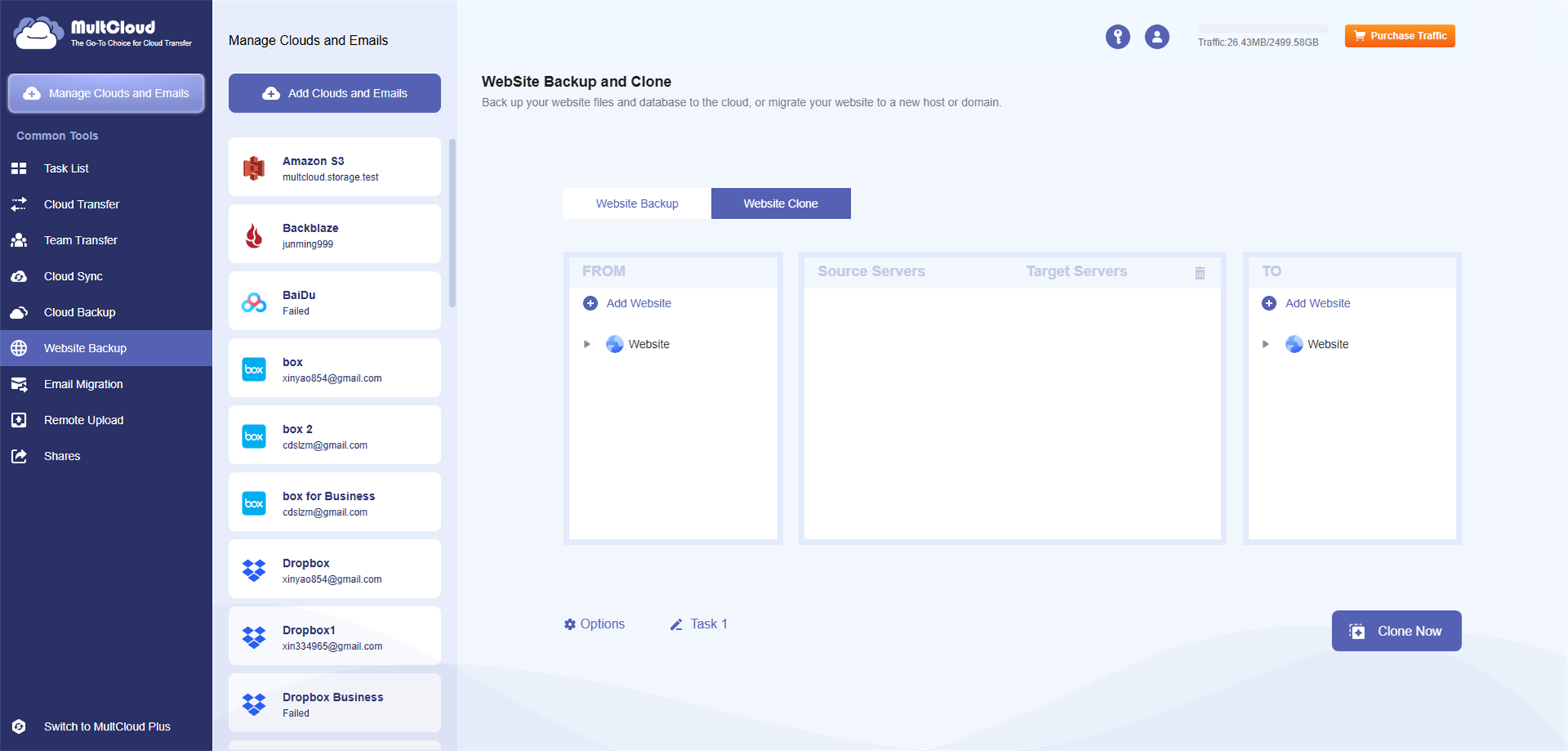
• Email backup: Save emails and attachments as PDFs to a computer or cloud storage, with filtering and scheduling options.
MultCloud offers a free plan with limited data traffic and paid plans for additional traffic and advanced features. It is designed to simplify cloud migration, recurring file transfers, and multi-cloud file management.
What problem does it solve?
MultCloud simplifies managing files across multiple cloud accounts and eliminates the need to manually download and re-upload files between services.
What you can do with it
Transfer files between clouds, sync folders, back up and restore cloud files, schedule recurring tasks, and manage files across multiple accounts.
Key features
- Cloud-to-cloud transfer
- One-way and two-way sync
- Real-time sync
- Cloud backup and restore
- Scheduled tasks
- Multi-cloud file management
- Email backup
- Remote upload
Capabilities
AI featuresNo
API availableNo
WebhooksNo
AutomationYes
White labelNo
Integrations: Google Drive, Google Workspace, OneDrive, OneDrive for Business, SharePoint, Dropbox, Dropbox Business, Box, MEGA, Google Photos, iCloud Photos, Amazon S3, pCloud, FTP, WebDAV and more.
Who it’s for
Individuals, freelancers, and small teams that use multiple cloud storage services and need easier file migration, synchronization, and backup.
Recommended for: Individuals, freelancers, startups, and small teams managing multiple cloud storage accounts.
FreelancerStartupSmall Business
Not designed for
MultCloud is not a standalone cloud storage provider, a document editor, or a tool for recovering deleted files from local hard drives.
Pricing
FreeFreemium (Free + Premium)
- Starting at
- Free plan available; paid plans from $19.99/month.
- Billing
- Monthly
- Card needed for free plan
- No
- Pricing page
- See plans
Prices are set by the provider and can change. Always check their pricing page.
Technical details
- Product type
- Web Application
- Deployment
- Cloud
- Platforms
- AndroidiOSWeb
- Support
- Get support
Release info
- Current version
- 8.8.5
- Last updated
- 31/05/2026
- Changelog
- View changelog
Credibility
- Founded
- 2013
Tags
Reviews
0.0
0 reviews
There are no reviews yet.
Leave a Review
Alternatives to MultCloud
See all 21 in Automation Tools →Xembly is an AI-powered assistant tool for business executives and professionals to maximize their productive time.
Automaited is an AI-powered automation software designed to streamline and simplify various tasks for companies.
Broadn: AI Assistant for Efficient Work AI in Your Inbox: Broadn introduces an AI Assistant, Herbie, that you can access from…
Veritone is an enterprise AI platform that offers innovative and customized AI solutions to help businesses transform their…
Salesforce Einstein is an advanced artificial intelligence solution that is integrated into Salesforce's Customer 360 platform.
More in Automation Tools
Browse category →- Augment AIAugment is a personal AI assistant built to enhance productivity for professionals by streamlining digital tasks.
- CheatlayerCheatLayer is an AI-based tool that aims to automate business processes using natural language.
- ScanflowScanFlow is an AI scanner tool designed for smart devices that enables data capture and workflow automation.
- HintsHints AI Assistant is a powerful tool designed to help businesses save time and increase efficiency by automating mundane tasks.
- DocQmentorDocQmentor is an AI-powered digital automation solution designed to streamline and optimize productivity in finance, logistics…
- Process TalksProcess Talks is an AI tool that aims to automate daily office workflows using natural language interaction.
Not sure this is the right tool?
Tell us what you need — we’ll match you with the right providers and share their contact details. Free for businesses.
You’re all set!
Tools that already match your request
- We check your request against 1,900+ listed tools.
- We share the contact details of the best-fit providers with you.
- You talk to them directly and choose what suits you.
Alternatives are ordered by how often they are viewed. Cards marked “Sponsored” are paid placements and are always labelled.