Radiant Imaging Labs offers a tool known as Radiant Photo.
Edit the text inside any image with AI
In short
PixText edits the text that's already inside an image. Click any text in a screenshot, poster or product photo, type new words, and AI erases the original and rebuilds the background — size, colour and position matched automatically. Free to start, with no daily download limit.
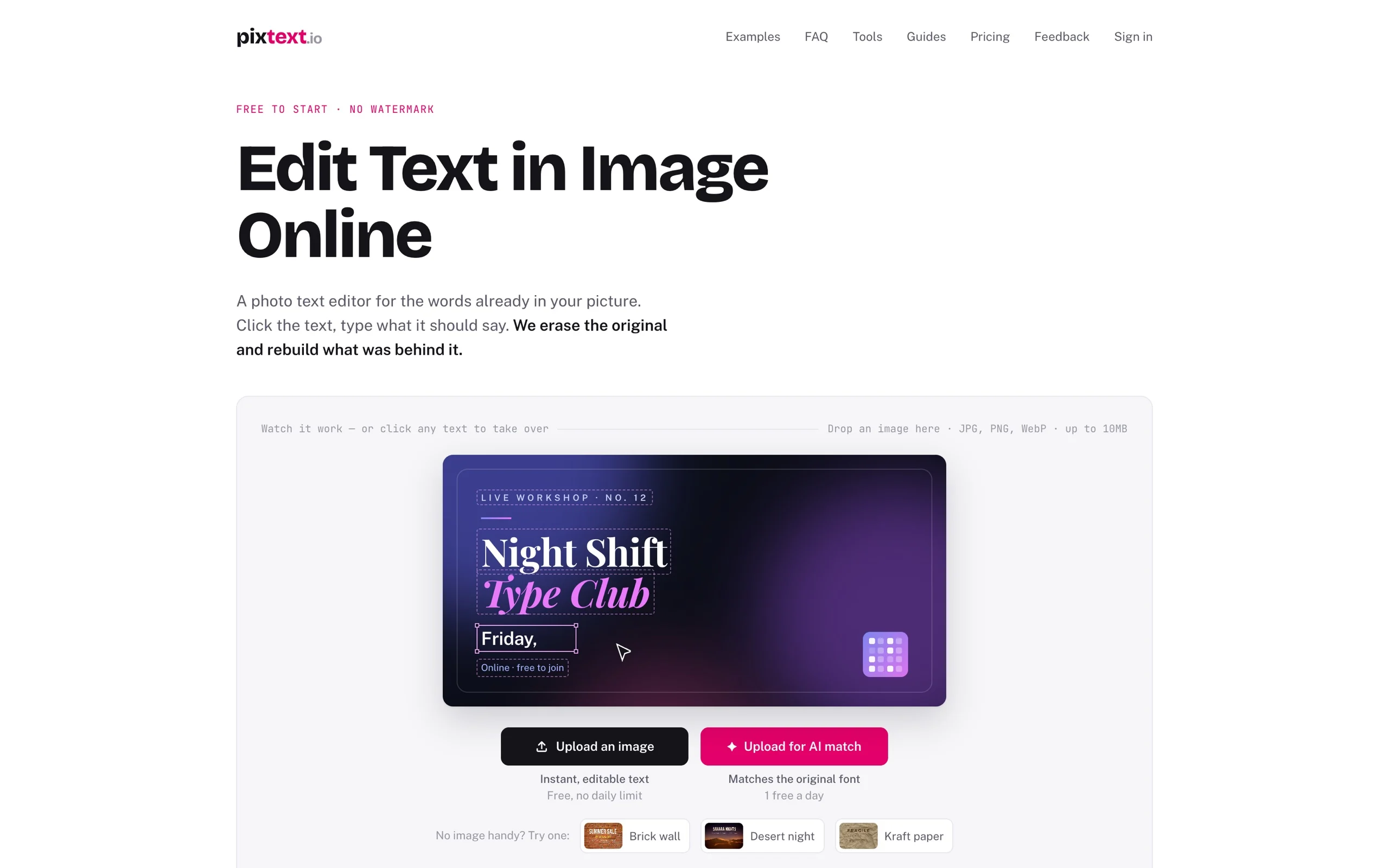
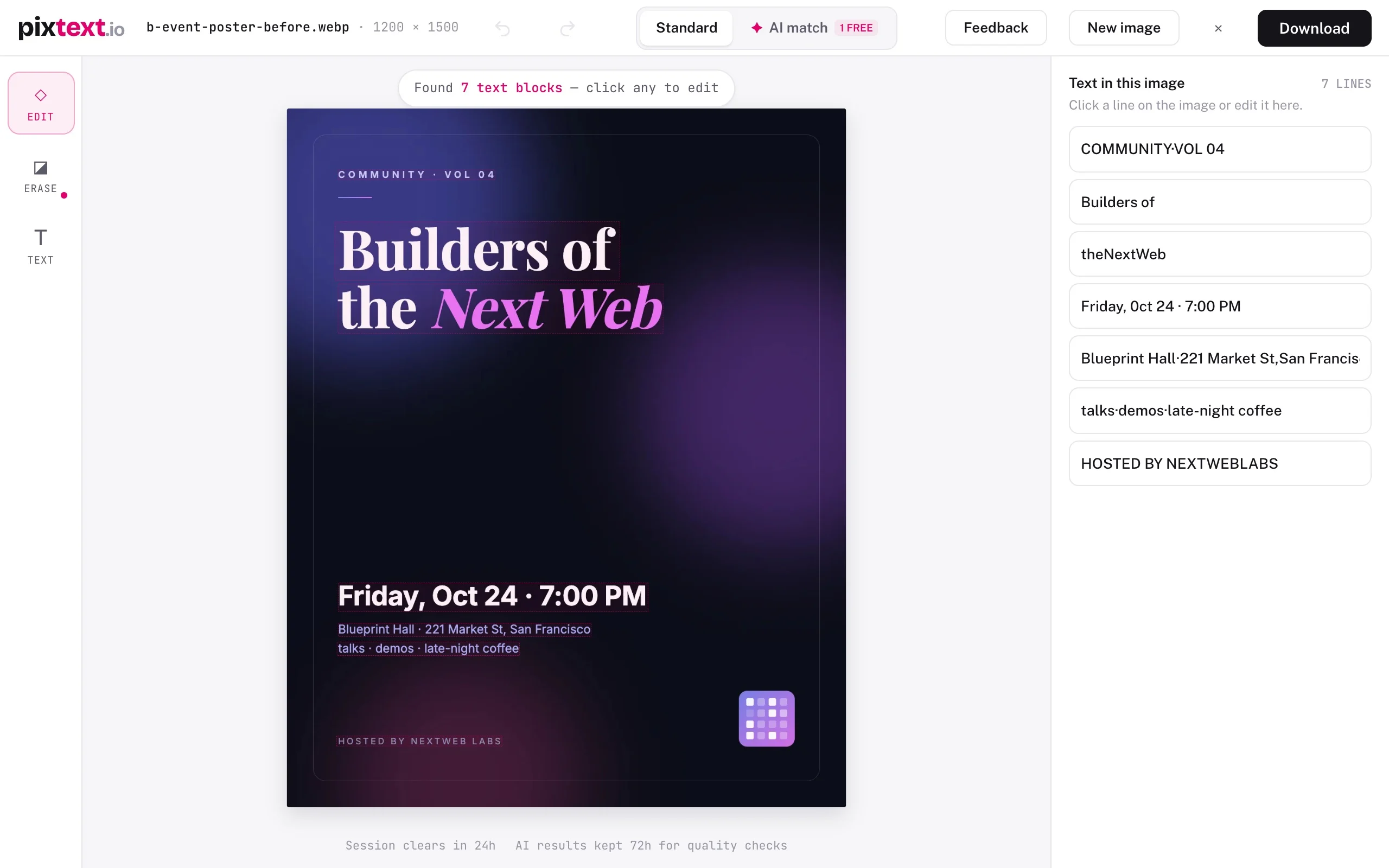
PixText edits the text that’s already inside an image. Click any text in a screenshot, poster or product photo, type new words, and AI erases the original and rebuilds the background — size, colour and position matched automatically.
Typical jobs: fix a typo in a marketing screenshot, change the date on an event poster, update prices on a product image, remove burned-in captions or date stamps, or replace private details with placeholders before sharing a bug report.
Editing and downloading are free, with no daily limit (a free account is needed to download). Signed-in accounts get one AI match a day; optional AI match packs start at $1.99, one-time.
Most image editors can only put new text on top of a picture. PixText edits the text that is already in the image: fix a typo, change a date or price, or remove burned-in captions, without rebuilding the design.
Fix a typo in a marketing screenshot; change the date on an event poster; update prices on a product image; remove burned-in captions or date stamps; replace private details with placeholders before sharing a bug report.
Marketers refreshing campaign graphics, shop owners updating prices on product photos, event organisers moving a date on a poster, and developers or support teams cleaning up screenshots for docs and bug reports.
Recommended for: Marketers, shop owners, event organisers, and support or developer teams cleaning up screenshots
Not designed for batch processing or API use.
Prices are set by the provider and can change. Always check their pricing page.
Radiant Imaging Labs offers a tool known as Radiant Photo.
Make it pop: AI videos, images and songs
Draw Things is an AI-assisted image generation tool that utilizes Stable Diffusion models to create images.
Maker is an AI-powered creation and editing tool that specializes in video and image generation.
AI creative studio for images, videos, product ads and stories
SnapEdit is an AI-powered online photo editing tool, designed to provide a collection of photo editing features.
 NanoPicEdit any photo by describing the change
 Remove AnythingAI workspace to remove objects, backgrounds, and watermarks
 Nano BananaUse Nano Banana 2 online for headshots, product photos and image edits
 LensPromptsFree, tested AI image and video prompts. Copy in one click
 AI Weight Loss SimulatorSee your weight loss before and after from one photo
 AI HairstyleTry 100+ haircuts and 30+ hair colors on your own photo
Tell us what you need — the purshoLOGY team and matching tool providers will get back to you. Free for businesses.
Alternatives are ordered by how often they are viewed. Cards marked “Sponsored” are paid placements and are always labelled.