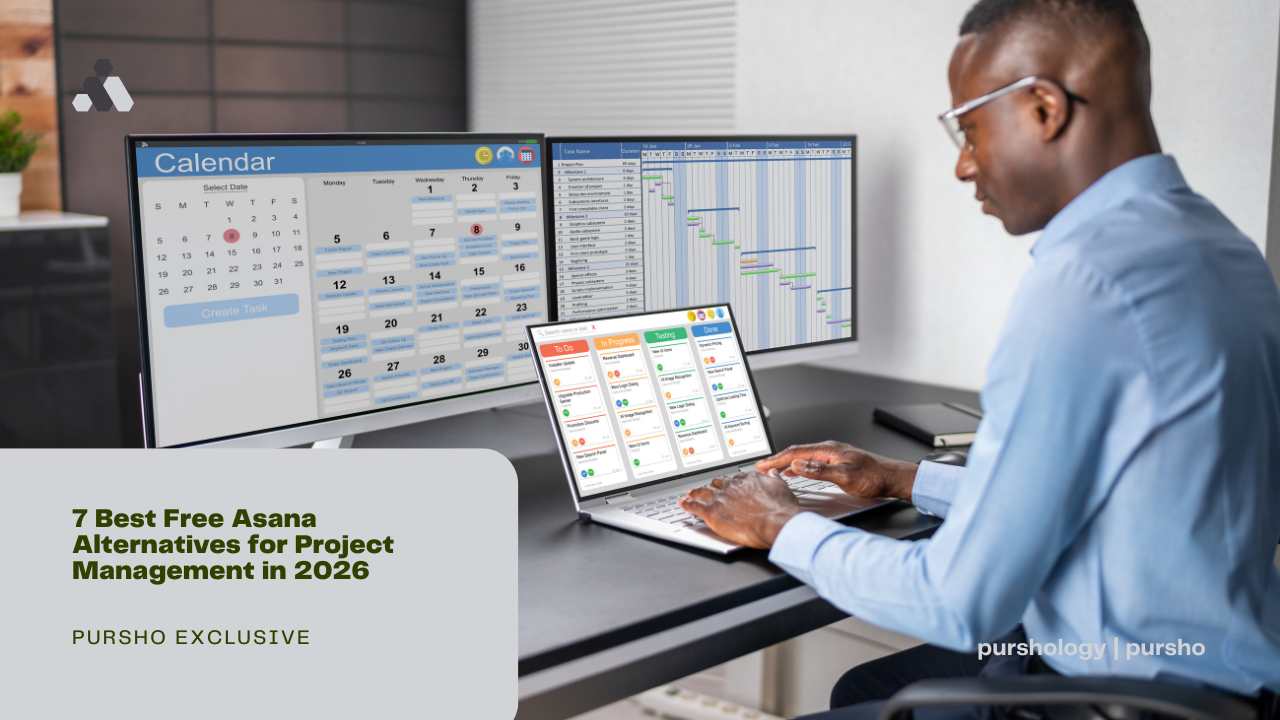
As organizations strive to enhance productivity and streamline operations, project management tools have become essential. These tools provide teams with a collaborative platform to plan, execute, and monitor projects effectively. With various options available, selecting the right tool can make a significant difference in achieving project goals.
Why Consider Asana Alternatives?
While Asana is a popular choice for project management, it may not always align perfectly with every team’s needs or budget. Some users find its interface overwhelming, while others may require specific features that Asana lacks. Exploring alternatives can unveil solutions tailored to diverse requirements, often at no cost, allowing teams to operate efficiently without financial constraints.
Criteria for Evaluating Free Project Management Tools
When considering alternatives to Asana, it’s essential to evaluate tools based on several criteria: usability, collaboration features, flexibility, integrations, support options, and scalability. An ideal project management tool should be intuitive, enabling team members to adopt it quickly. It should facilitate seamless collaboration, adapt to different workflows, integrate with other software, and provide reliable support for any issues that arise.
1. Trello: A Visual Project Management Solution
Trello is renowned for its card-based interface, making project management visually intuitive. Teams can create boards to represent projects, with cards that detail tasks and their progress. This straightforward yet effective approach fosters easy tracking and collaboration, suitable for both small teams and larger projects.
2. ClickUp: Comprehensive Features for Free
ClickUp offers a robust set of features even in its free version. Users can access numerous functionalities, such as task management, time tracking, and goal setting. Its versatility makes it a strong competitor, especially for teams that require an all-encompassing tool without upfront costs.
3. Airtable: The Flexibility of a Spreadsheet
Combining the power of a database with the simplicity of a spreadsheet, Airtable provides flexibility that appeals to many teams. Users can customize their workflows, view data in different formats (like grids, calendars, and galleries), and collaborate effectively, making it a versatile choice for various project types.
4. Wrike: Streamlined Collaboration Without Cost
Wrike’s user-friendly interface emphasizes collaboration and communication. It allows teams to manage tasks, set deadlines, and track progress effortlessly. The free version includes essential features that support teams needing a comprehensive yet straightforward approach to project management.
5. Notion: All-in-One Workspace for Teams
Notion operates as an all-encompassing workspace, combining notes, databases, to-do lists, and calendars. This flexibility enables teams to design their project management processes uniquely. The intuitive nature of Notion encourages creativity and collaboration, making it suitable for diverse projects and team structures.
6. Monday.com: Customizable Workflow Management
Monday.com stands out for its highly customizable workflow management capabilities. Even with its free tier, users can modify dashboards, collaborate on tasks, and keep track of work processes. This adaptability ensures that teams can tailor their use of the platform according to their specific needs.
7. Teamwork: Effective Task Management for Free
Teamwork offers a free version focused on task management and collaboration, making it ideal for teams looking for straightforward functionality. Features include time tracking and milestone creation, helping teams stay organized and accountable throughout project lifecycles.
Comparing Features of Each Alternative
The alternatives discussed each offer unique strengths. Trello excels in visual management, while ClickUp provides extensive features. Airtable’s flexibility appeals to those juggling multiple formats, and Wrike promotes effective collaboration. Notion thrives as an all-in-one solution, and Monday.com offers customization, while Teamwork focuses on basic but effective task management. Evaluating these features helps teams identify which tool best aligns with their project management style.
Conclusion: Finding the Right Fit for Your Team
Selecting the right project management tool can significantly affect a team’s success. While Asana may be a staple in the market, numerous free alternatives provide suitable options for teams seeking different functionalities, user experiences, and collaborative features. By considering the unique needs of the team and evaluating the available tools, organizations can enhance their project management processes and cultivate a productive work environment.