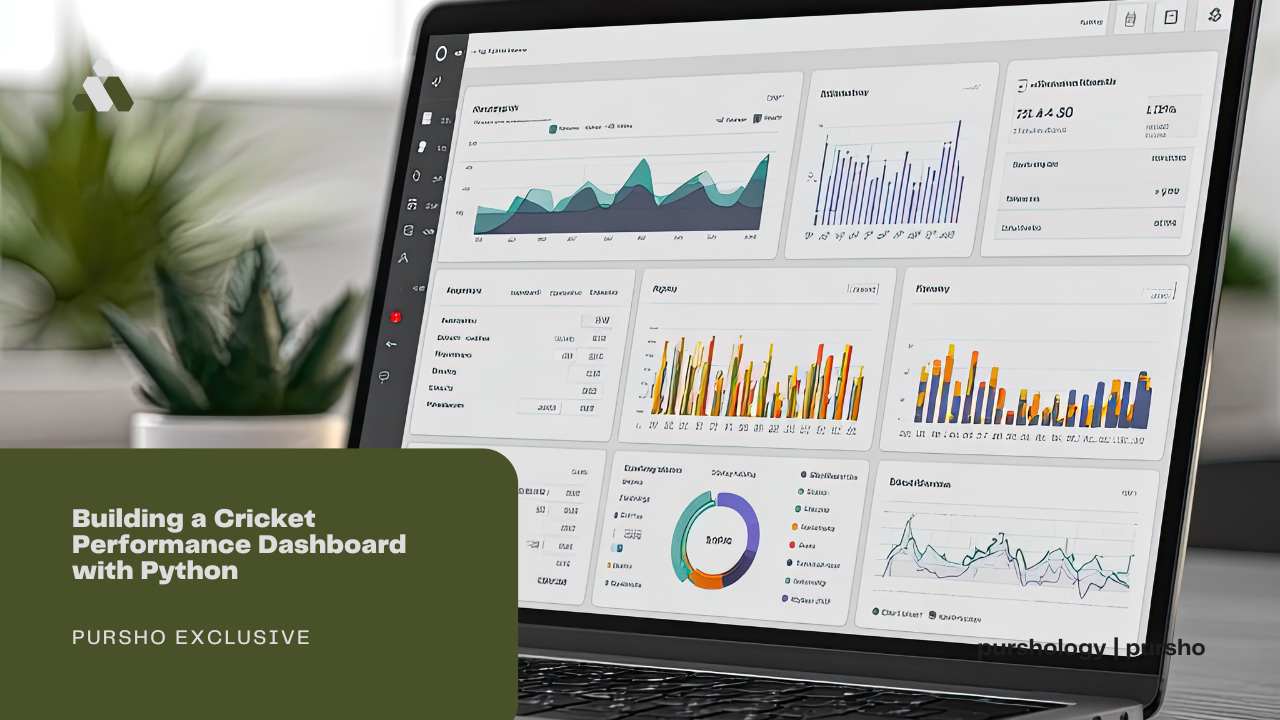
The game of cricket has evolved into much more than just simply watching and recording matches. There is now a need for greater insight from teams, analysts, fans, and even fantasy players into how players perform over time, the level of consistency of bowlers, and how teams perform under various conditions.
A cricket performance dashboard enables users to visualize and comprehend raw match data easily. Python provides an easy-to-learn, flexible, and reliable platform for creating cricket performance dashboards, even for those who are new to programming.
This blog will provide a step-by-step guide to creating a cricket performance dashboard straightforwardly using Python.
What Is a Cricket Performance Dashboard?
A performance dashboard for cricket provides a clear visual analysis of cricket data in a simple format. Rather than trying to understand very long tables or writing down each number from the scorecard, you can now see the overall performance in charts, graphs, and real-time statistics while reading the information.
Modern dashboards are widely used by professional teams backed by the richest cricket boards to gain a competitive edge.
An example of what a cricket performance dashboard could show is the following:
- Batting average over a course of numerous Matches
- Bowling Average over a Season
- Team Performance Home versus Away
These types of dashboards allow users of the dashboard to easily assess performance without wading through large amounts of raw data.
Why Use Python for a Cricket Dashboard?
Data analysis is easier than ever with Python, one of the most popular programming languages. Anyone can pick up Python and start building applications quickly and easily.
Python has many excellent libraries for data handling, as well as many libraries for creating charts and graphs. Because of its large community of users, finding assistance or examples is simple.
Therefore, if you want to build cricket dashboards without having to deal with technical complexities, then Python is the ideal tool to meet your needs.
Who Can Benefit from This Dashboard?
The cricket performance dashboard provides valuable information to a variety of individual users: fans can follow their favorite players through tournaments; writers and bloggers can find useful statistical data for their articles about players; coaches and analysts can evaluate the strengths and weaknesses of teams; and fantasy cricket users can use the information provided by the dashboard to help formulate their selections of players for fantasy cricket.
Building a Cricket Performance Dashboard with Python: Step-by-Step Guide
Step 1: Collecting Cricket Data
Finding the right data will be your first task. Data on cricket can come in many forms—CSV files, Excel files, or APIs—so when it comes to actually learning about cricket, you might find yourself working with a CSV file that contains match-by-match statistics.
The ideal dataset would include columns clearly labeled as follows: Player Name, Runs, Balls Faced, Wickets, Overs Bowled, Date of Match, and Opponent. Cleaning and structuring your data from the beginning will make things much easier as you go forward.
Step 2: Setting Up the Python Environment
To create a dashboard, you first have to have a foundational installation of Python on your computer. Use either the Jupyter Notebook tool or any code editor you prefer to build your application.
The libraries you will use primarily will be those that permit reading data and creating charts. With that in place, you can begin transforming your data into valuable insights.
Step 3: Cleaning and Preparing the Data
There is a lot of messy raw data coming from cricket. There are some cases where matches have gaps or misspelt names (e.g., Steve Smith/Steve Smeth) and additional columns, which may not be used.
Cleaning this data is the process used to correct these issues (e.g., remove empty rows, correct player names, and convert numbers). Accurate data is required when making decisions; inaccurate data will yield incorrect results.
Step 4: Selecting Key Cricket Metrics
A good dashboard does not show everything. It focuses on the most important metrics.
For batters, you can include total runs, average, strike rate, boundaries, and centuries. For bowlers, wickets, economy rate, average, and dot balls are useful. Team metrics like win percentage and run rate also add value.
Step 5: Creating Visual Charts
Visuals make data easy to understand. Instead of reading long tables, users prefer charts and graphs.
You can create bar charts for top run scorers, line charts for player form over time, and pie charts for match results. These visuals help users quickly spot trends and compare performances.
Step 6: Designing the Dashboard Layout
The layout of your dashboard matters a lot. A cluttered dashboard confuses users, while a clean layout improves the experience.
Place key stats at the top, charts in the center, and filters on the side. Use simple labels and avoid too many colors. The goal is clarity, not decoration.
Step 7: Adding Filters and Interactivity
A powerful dashboard allows users to interact with data. Filters help users select a specific player, team, or season.
For example, a user may want to see Virat Kohli’s performance only in IPL matches or check a bowler’s stats against a specific team. Interactivity makes the dashboard more useful and engaging.
Step 8: Checking Accuracy and Reliability
Accuracy is very important when working with cricket data. Always double-check calculations like averages and strike rates.
Compare your dashboard numbers with trusted sources to make sure everything matches. Reliable data builds trust and improves the quality of your project.
Step 9: Using the Dashboard for Insights
Once your dashboard is ready, it’s time to use it. Look for patterns like which player performs better at home or which bowler struggles in death overs.
These insights are valuable for match previews, analysis articles, or fantasy cricket planning. A dashboard turns numbers into meaningful stories.
Step 10: Improving the Dashboard Over Time
A dashboard is never truly finished. You can always improve it by adding new features.
You may include recent form indicators, head-to-head stats, or venue-based performance. As your skills grow, your dashboard can become more advanced and detailed.
Common Mistakes to Avoid While Building Cricket Dashboards
Many beginners make the same mistakes.
Some common ones are:
- Using too many charts
- Showing too much data at once
- Ignoring data accuracy
- Making the dashboard hard to read
A good dashboard is clear, focused, and honest. Always think from the user’s point of view.
Future of Cricket Analysis with Python
Cricket analytics is a rapidly growing field. As a result, teams are increasingly using data to drive their selection decisions, strategy, and training. Often, teams will create dashboards to visualize various aspects of their game plan, evolving these dashboards with improved visualizations and deeper insight.
Python is likely to continue being a popular option for users of cricket analytics because of its simplicity and the many available libraries to support it. Therefore, if you’re interested in cricket and data, you should certainly acquire basic Python programming skills.
Final Thoughts
Building a cricket performance dashboard with Python is a rewarding project. It helps you understand the game better and improves your data skills at the same time.
You do not need to be an expert to start. With clean data, simple visuals, and clear thinking, you can create a dashboard that adds real value.
If you love cricket and enjoy working with data, platforms like Cricbex demonstrate how performance insights can transform numbers into meaningful cricket analysis.