Creating and selling an e‑book on Amazon Kindle (KDP) is one of the simplest ways to build passive income, grow personal brand authority, or validate your expertise—without upfront costs.
In 2026, self‑publishing is faster, smarter, and more creator‑friendly than ever.

This guide shows you exactly how to create an e‑book and sell it on Amazon Kindle, even if you’re starting from zero.
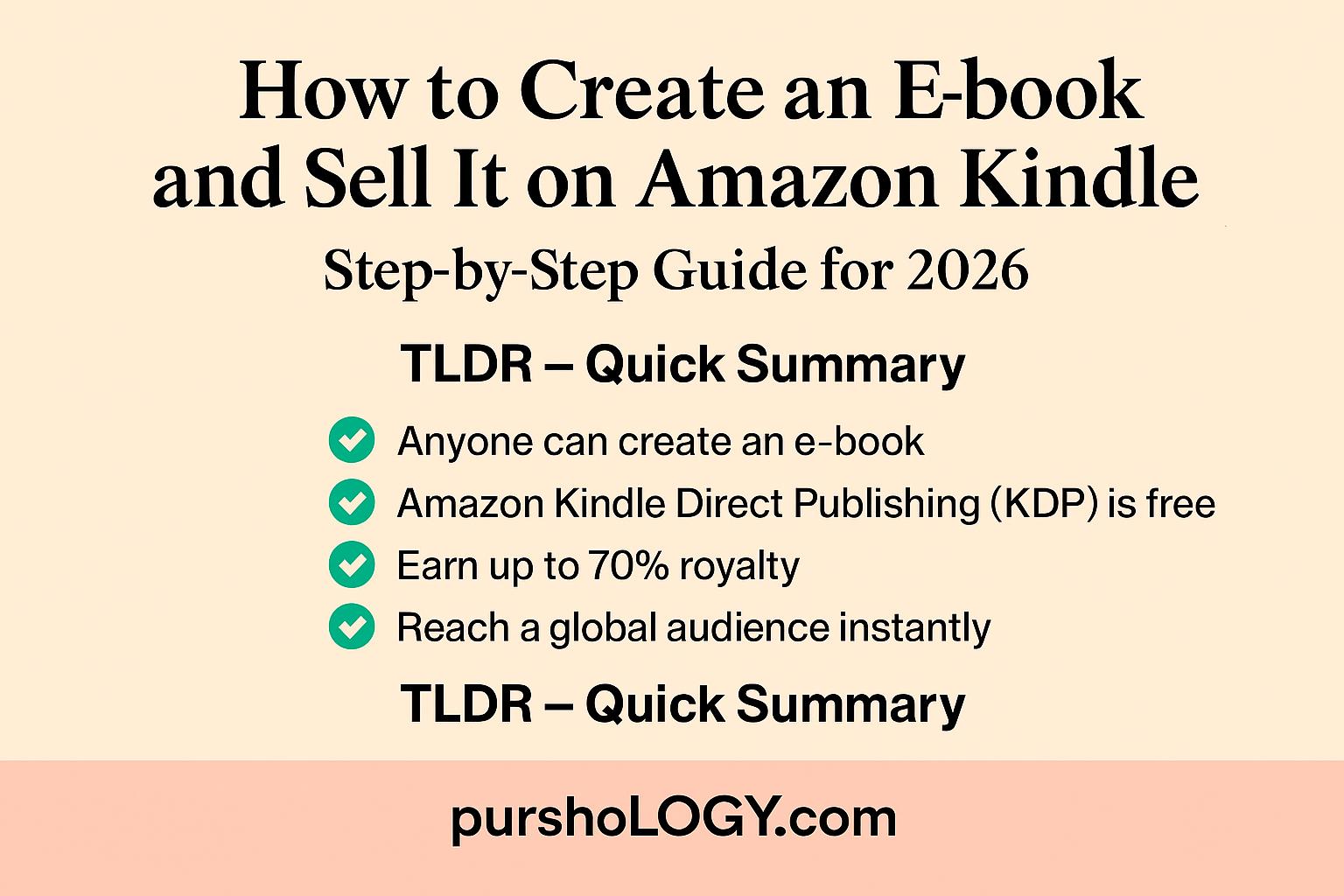
TL;DR – Quick Summary
- ✍️ Anyone can create an e‑book (no publisher needed)
- 📘 Amazon Kindle Direct Publishing (KDP) is free
- 💰 Earn up to 70% royalty
- 🕒 Publish in a few hours
- 🌍 Reach a global audience instantly
Step 1: Choose a Profitable E‑book Topic
The best‑selling Kindle books usually solve one clear problem.
High‑demand e‑book ideas:
- How‑to guides (AI, marketing, finance, skills)
- Short non‑fiction (career, productivity, mental health)
- Low‑content books (journals, planners)
- Educational primers (beginner guides)
- Business & side‑hustle playbooks
💡 Tip: Choose a topic you already know or are learning. Authority beats perfection.
Step 2: Outline Your E‑book (Keep It Simple)
You don’t need a 300‑page book.
👉 Most successful Kindle e‑books are 30–100 pages.
Basic structure:
- Introduction (problem + promise)
- Core chapters (step‑by‑step content)
- Practical examples / frameworks
- Conclusion + next steps
✅ Clear structure = better reviews + readability
Step 3: Write the Content (Fast & Focused)
You can write your e‑book using:
- Google Docs
- Microsoft Word
- Notion
- AI‑assisted drafting (with human editing)
Writing tips:
- Use short paragraphs
- Avoid jargon
- Write like you speak
- Focus on action, not theory
🎯 Value matters more than word count.
Step 4: Format Your E‑book for Kindle
Amazon Kindle prefers clean, simple formatting.
Best practices:
- Use .DOCX or .KPF format
- Headings for chapters
- No complex layouts
- Simple fonts
You can also use Kindle Create (Amazon’s free tool).
🔗 Kindle Create: https://kdp.amazon.com/help/topic/G11WJZ4G3J4D2AK8
Step 5: Design a Professional Cover
Your cover is your #1 marketing asset.
Good Kindle covers:
- Look good in small thumbnail size
- Have clear, readable text
- Match your book category
You can design using:
- Canva
- Adobe Express
- Professional designers (optional)
✅ Amazon allows you to upload your own cover or use a basic creator.
Step 6: Publish on Amazon Kindle Direct Publishing (KDP)
Amazon KDP lets you self‑publish for free.
What you need:
- Amazon account
- Book title & description
- Keywords & category
- Cover + content file
- Pricing & royalty choice
🔗 Publish here: https://kdp.amazon.com/
📌 Your book usually goes live within 24–72 hours.
Step 7: Price Your E‑book Strategically
Common pricing strategies:
- ₹99–₹199 (India)
- $2.99–$9.99 (Global market)
- Free promos for first reviews
💰 Choose 70% royalty option when eligible.
Step 8: Optimize Your Amazon Listing (Very Important)
Amazon is a search engine.
Focus on:
- SEO‑optimized title
- Keyword‑rich description
- Proper categories
- Compelling book blurb
This helps your e‑book get discovered organically.
Step 9: Promote Your Kindle E‑book
Amazon won’t market your book automatically.
Simple promotion ideas:
- LinkedIn / Twitter posts
- Email signature
- WhatsApp / Telegram groups
- Short clips or threads
- Limited‑time free offers
Consistency beats virality.
Step 10: Improve, Update & Scale
One big advantage of e‑books: ✅ You can update anytime.
Use reader feedback to:
- Improve content
- Add bonuses
- Launch sequels
- Create courses or newsletters
Your e‑book can become your core digital asset.
Common Mistakes to Avoid
❌ Waiting for perfection
❌ Writing without audience clarity
❌ Ignoring cover design
❌ Skipping description optimization
❌ Expecting instant sales without promotion
Final Thoughts
You don’t need permission, publishers, or big investments to become an author anymore.
If you can teach, explain, or guide, you can create an e‑book—and Amazon Kindle gives you the platform.
The best time to publish was years ago.
The second‑best time is now.
🚀 Call to Action
👉 Bookmark this guide
👉 Share it with someone who wants passive income
👉 Explore more creator resources on Purshology.com
Your first digital product is closer than you think. 📘✨