

AI records, transcribes, and summarizes your meetings.
Popular
Video to Link
Turn any video or image into a shareable link instantly
Productivity Tools Free Trial
In short
Video to Link turns videos and images into short, shareable URLs.
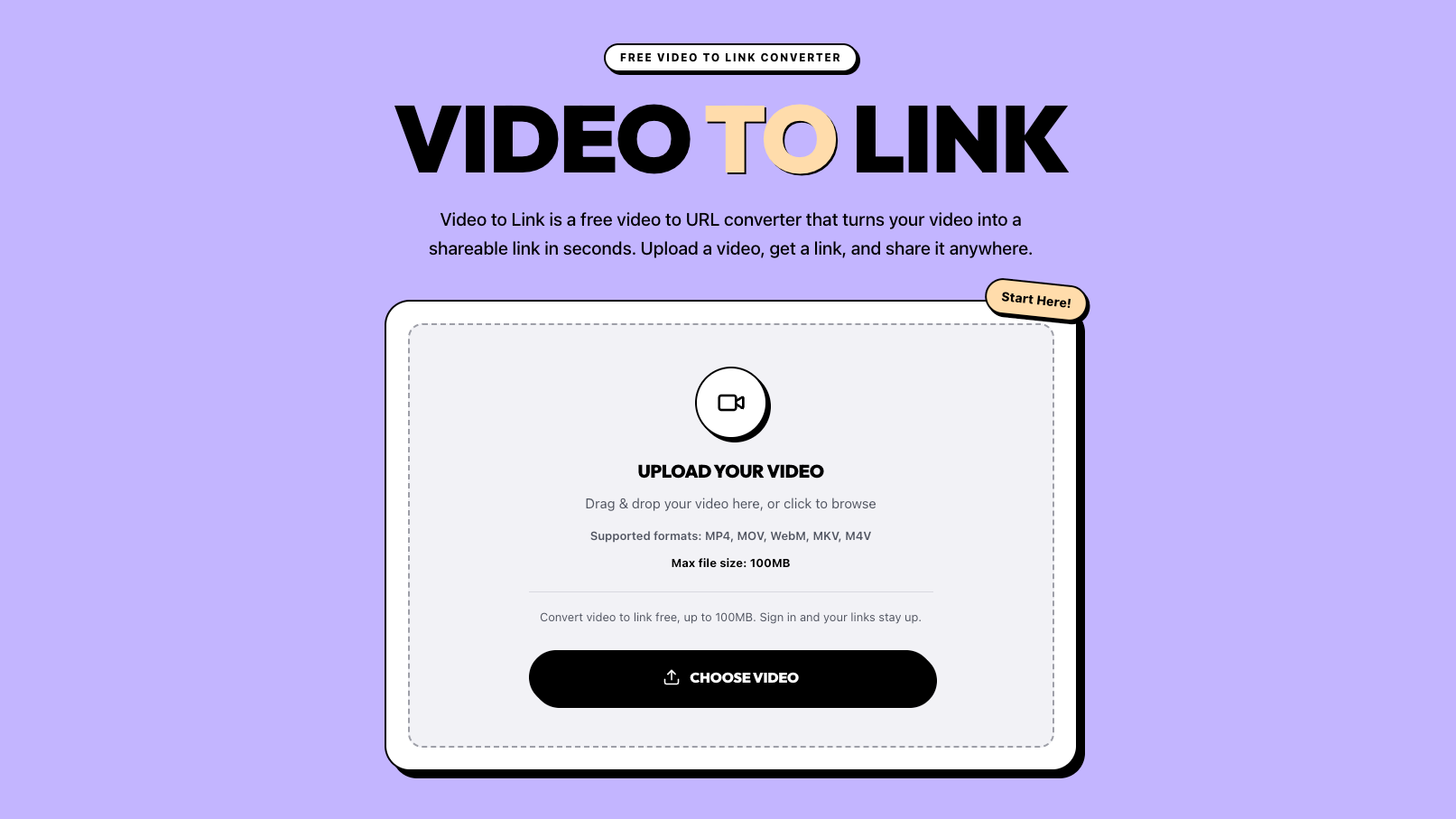

About Video to Link
Video to Link turns videos and images into short, shareable URLs. Drop a file onto the page and you’ll receive a videotolink.net link within seconds. There’s no processing queue or transcoding stage—the conversion happens as the file uploads, so the link is ready the moment the progress bar finishes.
It’s designed for situations where sending the file itself simply doesn’t work. Email attachments get rejected, messaging apps compress clean exports until they look blurry, and shared-drive folders often force viewers to sign in or request access before they can watch a forty-second clip.
For video, the service supports MP4, MOV, WebM, MKV and M4V. For images, it accepts JPG, PNG, WebP and GIF. Files are never re-encoded or recompressed: the bytes delivered are the same ones you uploaded. A colour-graded export keeps its grading, screen-recording text remains readable, and photos retain their full resolution instead of being resized by a messaging app.
Opening the link takes the viewer to a clean page containing only the file. There are no ads, related-content feeds, sign-up walls or apps to install. Videos stream progressively and support seeking, images display at their original resolution, and a download button is available for anyone who needs the source file. Share the link in Slack, Discord, WhatsApp or X and it expands into a preview card, with inline playback wherever the platform supports it.
Every shared link remains under your control. You can add a password or expiration date, and either change takes effect on the very next visit—not after a delayed cleanup process. Deleting a file from your library disables its link immediately. Files are never publicly listed, there are no browse pages or user profiles to search, and file pages are excluded from search engines. The link itself is the only way in.
Teams use it to share screen recordings and walkthroughs. Developers and QA teams attach reproduction videos to tickets and pull requests. Sellers use it to demonstrate products inside listings, freelancers and job seekers place reels behind a single clean link in proposals, and teachers share lesson recordings without asking students to join another platform
Pricing
from $6/month
- Software type
- Free Trial
Prices are set by the provider and can change. Always check their pricing page.
Technical details
- Deployment
- Cloud
- Platforms
- WindowsMacOS
Release info
- Launched
- 01/08/2026
- Current version
- 1.0.0
- Last updated
- 05/09/2026
Tags
Reviews
0.0
0 reviews
There are no reviews yet.
Leave a Review
Alternatives to Video to Link
See all 42 in Productivity Tools →
Your AI-powered personal knowledge hub for professionals

The all-in-one workspace

A conversational platform to help you make decisions, faster.

Create flashcards, quizzes, and study materials instantly.

AI speech practice for your next big moment.
More in Productivity Tools
Browse category →-
 PPT OnlinePPT Online is a browser-based workspace for creating and editing presentations.
-
 Title Case ConverterSix case formats, four title styles, and batch conversion in your browser
-
 MarkItDownConvert PDF, Word & more to clean Markdown for AI
-
 SafetyStackFree UK RAMS, risk assessment and COSHH drafts in PDF
-
 HourtickTime tracking, tasks and team chat for humans and AI agents
-
 MarkAnyConvert files to Markdown and back, in your browser
Not sure this is the right tool?
Tell us what you need — we’ll match you with the right providers and share their contact details. Free for businesses.
You’re all set!
Tools that already match your request
- We check your request against 1,900+ listed tools.
- We share the contact details of the best-fit providers with you.
- You talk to them directly and choose what suits you.
Alternatives are ordered by how often they are viewed. Cards marked “Sponsored” are paid placements and are always labelled.