
As the saying goes, a picture speaks a thousand words; then, a video must be equivalent to some more thousands...
How to Add Footers in Google Slides | #powerpointdesigners
Footers are located at the bottom margin of a document and help showcase information like the date, titles, pa...
How to Add a Bulleted or Numbered List in Google Slides | #powerpointdesigners
Google Slides is a powerful tool that helps craft remarkable presentations to grab the viewers’ attention. It ...
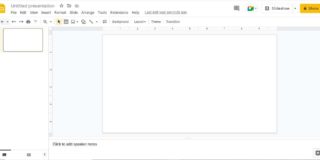
Learn How To Add Bullet Points In Google Slides | #powerpointdesigners
In today’s dynamic world, people have very less attention span to read and absorb information. Be it blogs, po...
How to Add Slide Numbers in Google Slides | #powerpointdesigners
One way to keep things tidy in a presentation is by adding slide numbers. Giving numbers to the slides also he...
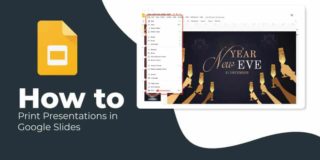
How to Print Presentations in Google Slides | #powerpointdesigners
Whether you want to provide handouts to your audience, study or review the content, or wish to read aloud duri...
How to Add a Watermark in Google Slides | #powerpointdesigners
A name, a logo, or other identification that tells people that a particular document, photo, or video belongs ...
How to Arrange and Align Objects in Google Slides | #powerpointdesigners
The arrangement and alignment of text in a consistent manner are important to do justice to your presentation ...
How to Change the Background Image and Text in Google Slides | #powerpointdesigners
The style of your presentation reflects your personal brand as well as the message that you wish to convey. Th...
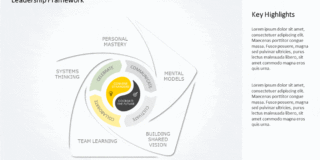
SlideUpLift Fixes Gaps In Google Slides To Make Your Next Presentation a Breeze | #powerpointdesigners
Google Slides is an excellent tool for creating corporate presentations. After all, Google Slides is free to u...