
Shifting your eCommerce store to a new platform, or even switching between WooCommerce stores, can feel significantly difficult in data migration, especially critical information like products, categories, customers, orders, and subscriptions. In the case of WooCommerce, things might, in fact, not be as excruciatingly difficult as they seem.
Due to numerous dedicated migration plugins, the complete process can be fastened and automated, which is valuable even if you do not have extensive technical skills or developer support. The plugins will definitely help you with the migration, whether you are switching to another platform or just taking an upgrade to your WooCommerce setup.

In this article, we will talk about 12 WooCommerce migration plugins that you should know about in 2025. Detailed insights into these plugins’ features and functions are an absolute must to know in order for you to choose the most suitable solution.
Product Import Export Plugin For WooCommerce
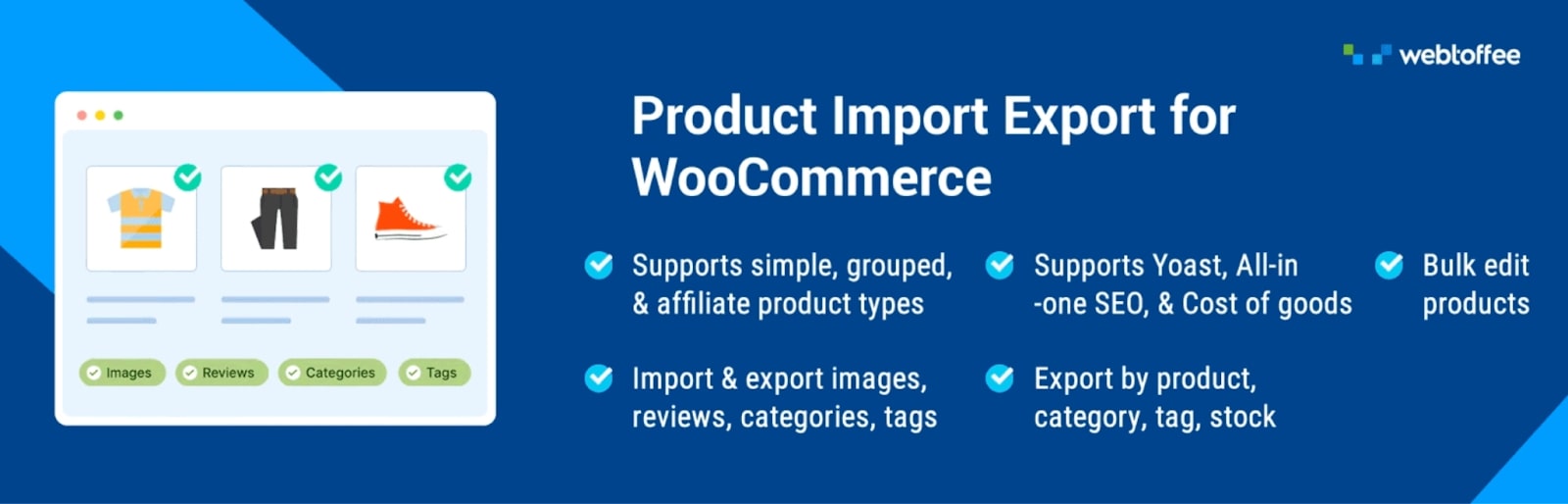
The WooCommerce Export Import Products plugin is recommended for transferring products and associated data between WooCommerce stores. The powerful tool conveniently imports and exports varied product types, such as simple, variable, grouped, and affiliate products, using any formats like CSV, XML, TSV, and Excel files.
With this plugin, you can efficiently import and export different data tasks, be it products, images, reviews, categories, and tags among others. Advanced filtering and automated column mapping, among others, will ensure that this is swift and straightforward.
There is a free version of this plugin that works fine for basic import and export, but is restricted to a limited number of product types and file formats. The premium version of the WooCommerce Product Importer plugin is great for larger WooCommerce stores or anyone who just wants a little more control during the process, offering key features that could be helpful in speeding up your workflow and overall experience.
Key Features:
- Import and export product images
- Import/export products in multiple formats like CSV, XML, TSV, and Excel files
- Import/export various product types – simple, variable, grouped, external, subscription, and custom products
- Advanced filtering options for selective product exports
- Map and transform fields and bulk edit or evaluate data during the import
- Provides the option to schedule automated import and export processes
- Supports FTP/SFTP for secure file transfers during import and export
- Fully compatible with a variety of third-party plugins
WP All Import
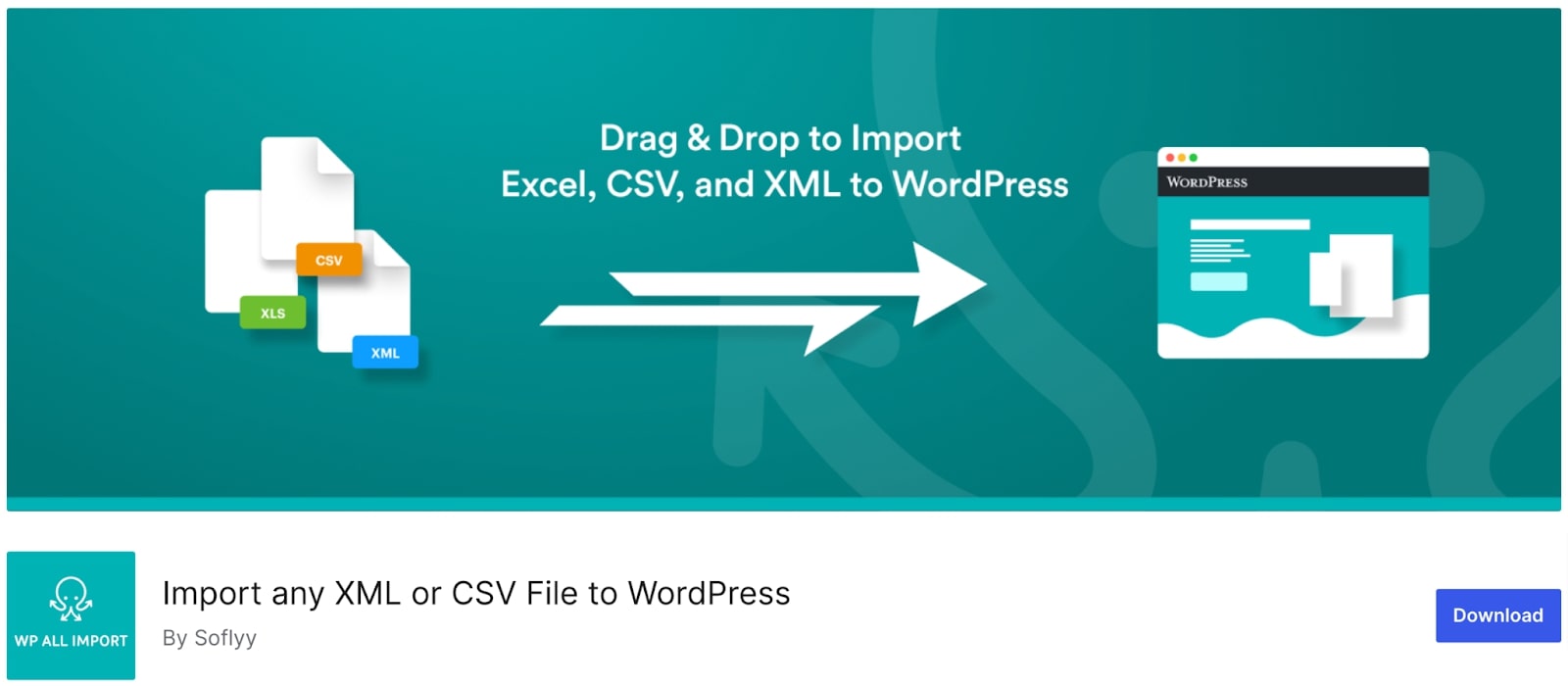
Another popular plugin for data migration in WordPress is WP All Import. It delivers an extremely simple drag-and-drop interface, which makes import/export easy. It ensures that the configurations are set up easily and without much hassle. This plugin gives you easy access to importing/exporting/migrating/bulk-editing your store’s data.
One major strength of WP All Import is its handling of very large files in any file structure; also, it can import data into any field of a theme or a plugin, giving tremendous flexibility in scheduling imports and exports whenever required. It handles data management in any file format, from XML to CSV to Excel.
Key Features:
- Easy-to-use interface with drag-and-drop feature
- Integrates with popular plugins and themes
- Easily import images, categories, WooCommerce data, ACF fields, and more
- Automate import/export processes with scheduled actions
- Developer-friendly with access to resources, PHP functions.
Advanced Order Export For WooCommerce

Advanced Order Export for WooCommerce is generally known to provide easy transitions to newer versions of WooCommerce by its simple mechanism for exporting WooCommerce store orders. The plugin is highly user-friendly, and users do not find it difficult to set up.
This plugin supports all file formats available, including CSV, XML, XLS, and JSON. Furthermore, it enables users to export custom fields regarding products, orders, and coupons along with standard order data, ensuring that all crucial information is retained through the migration process.
Enhanced filtering options boost its application even more by granting exports related strictly to what needs to be done.
Key Features:
- Extensive options to customize exports
- Easy export of WooCommerce store data
- Export custom fields or terms for products and orders
- Rename labels and reorder columns
Order, Coupon, Subscription Export Import for WooCommerce
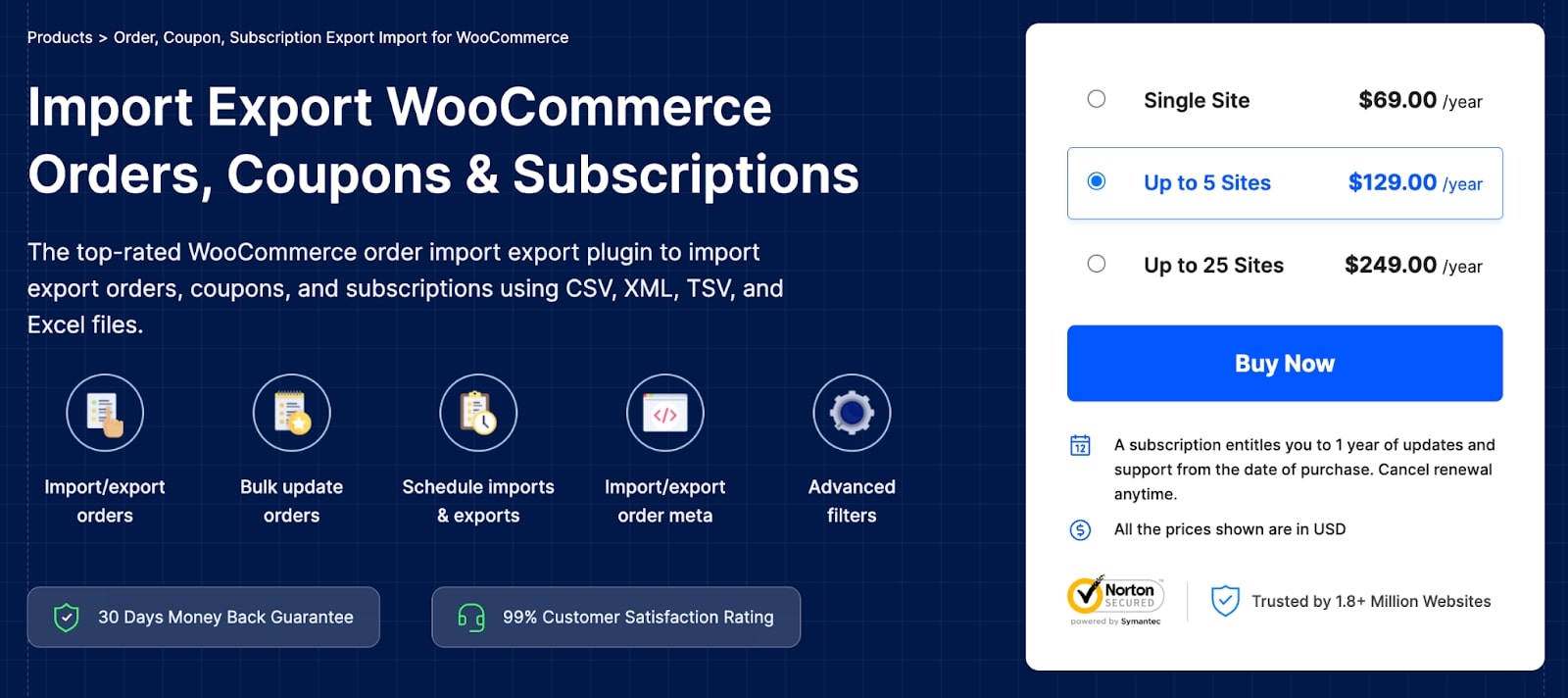
WooCommerce Order Export Import is another very powerful and popular wholesale export plugin developed for the seamless transfer of store orders, coupons, subscriptions, or custom metadata. It provides full options for importing and exporting, with fairly advanced filtering for specific data transfer mechanisms.
This plugin comes with both free and paid versions. In the free version, you can export import WooCommerce orders and coupons in CSV format with some limitations. The premium version presents a much stronger feature set compared to the free version, further allowing the seamless transfer of orders, coupons, and subscriptions across multiple formats such as CSV, XML, TSV, and Excel.
Key Features:
- Automates import/export tasks for efficiency
- Offers multiple methods for migrating orders and coupon data
- Allows bulk updates of WooCommerce orders and coupons
- Compatible with major third-party plugins
- Enables scheduling of imports and exports via Server Cron
- Includes developer logs for easy troubleshooting
- Supports multiple languages to enhance accessibility
All-in-One WP Migration Plugin

All-in-One WP Migration is a very popular plugin for transferring data between two WordPress sites. It transfers data in extremely simple steps, even for non-technical people, due to its easy user interface.
Some of its features include the efficient handling of large-size websites. It has proven highly compatible with quite a number of WordPress themes and plugins for smooth functioning. It is also very versatile and useful as it cooperates with many developers and integrates with leading cloud storage services, namely AWS, Microsoft Azure, and Google Cloud.
Key Features:
- Easily export and import complete WordPress sites
- Works with a variety of hosting providers
- No restrictions on the size of website migrations
- Includes straightforward drag-and-drop file uploads
- Automatic updates of website URLs during import
- Supports custom uploads, plugins, and themes
UpdraftPlus
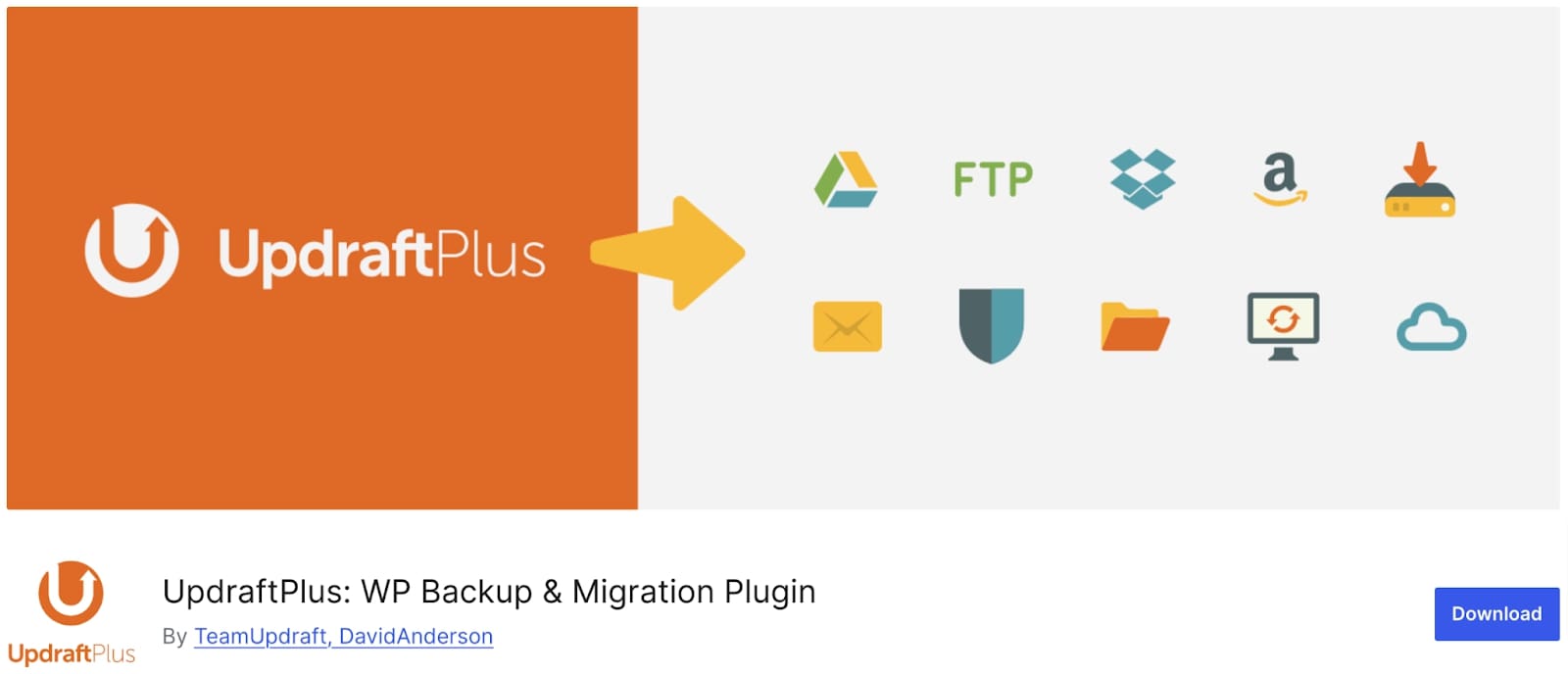
The UpdraftPlus migration plugin is one of the most established and widely used plugins by store owners in WooCommerce. They enable the easy transfer of their WordPress or WooCommerce site to their new host or domain, smoothening the tedious process of migration.
UpdraftPlus has its own built-in search and replace function so that the old site URLs can easily be converted to new addresses. It also has backup options compatible with all the major storage services like Dropbox, Google Drive, Rackspace Cloud and more.
Key Features:
- Restore, migrate, and backup WordPress websites
- Intuitive and straightforward interface
- Schedule and automate backups
- Compatible with multiple cloud storage providers
- Built-in search and replace engine
- Offers multi-site support
WP Import Export Lite
WordPress Import Export Lite is able to import and export data on the site quite efficiently. This export plugin allows you to export site data in several formats and then import those exported files into any WordPress installation – including but not limited to posts, pages, custom post types, taxonomies, comments, and users, all with the click of a single button.
Good for management of WordPress site data across multiple sites, thus making the transfer super-fast and accurate.
Key Features:
- Advanced filtering options for precise data migration
- Supports multiple file formats for importing and exporting data
- Background processing ensures smooth importing and exporting
- Drag-and-drop functionality for easy field mapping
- Access to over 19 freemium add-ons for extended plugin capabilities
WordPress Users & WooCommerce Customers Import Export
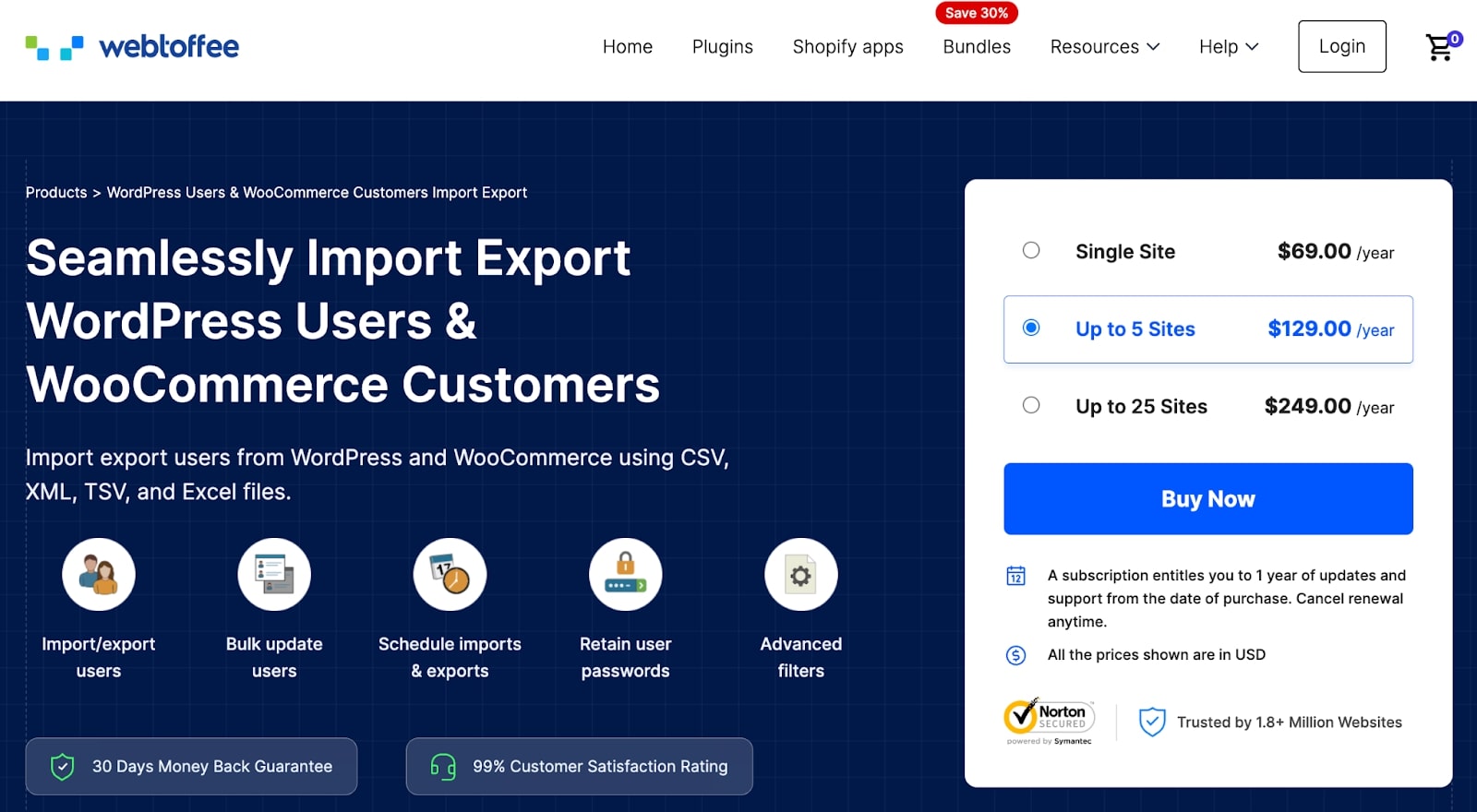
WordPress Users Import Export plugins provide a trustworthy option for the transfer of users and customer data between two sites. Be it WordPress users or WooCommerce customers, this plugin simplifies the import and export process.
Free and premium versions of this WooCommerce user import export plugin are available. With the ability to import via the CSV format, filter by role or emails, batch import/export, preserve passwords during an upgrade, and field mapping during import.
More advanced functionalities are via CSV, XML, and Excel formats, having developed complex features, including advanced filtering, detailed mapping of fields, bulk updates, and much more; thus, transfer control to and from systems is more pronounced.
Key Features:
- Bulk update existing customer and user information
- Supports multiple file formats – CSV, XML, and Excel (XLS, XLSX)
- Import and export WordPress users and WooCommerce customers
- Provides extensive filtering options for exporting customer and user data
- Fully compatible with various third-party plugins
- Transfer customer and user data to/from a remote server via FTP
LitExtension: Shopping Cart Migration
LitExtension is a WooCommerce plugin that helps you migrate your eCommerce store into WooCommerce from more than 140 platforms, including Shopify, BigCommerce, and Magento. It facilitates the transfer of all important data, such as products, customers, orders, and related items, with zero data loss.
Other versatile capabilities include the ability to import WooCommerce data from a variety of file types, such as CSV, XML, XLS, TXT, and SQL, and to perform a rapid and error-free migration from custom platforms to WooCommerce. LitExtension will not impact the operation of your site during migration, so that one can comfortably run their business without any disruption whatsoever.
Key Features:
- User-friendly interface that requires no technical expertise
- Offers store migrations from over 140 platforms
- Preserve your website’s SEO ranking
- Ensures 100% uptime during data transfer
- Provides dedicated support through live chat, email, phone, and Skype
Next-Cart Store to WooCommerce Migration
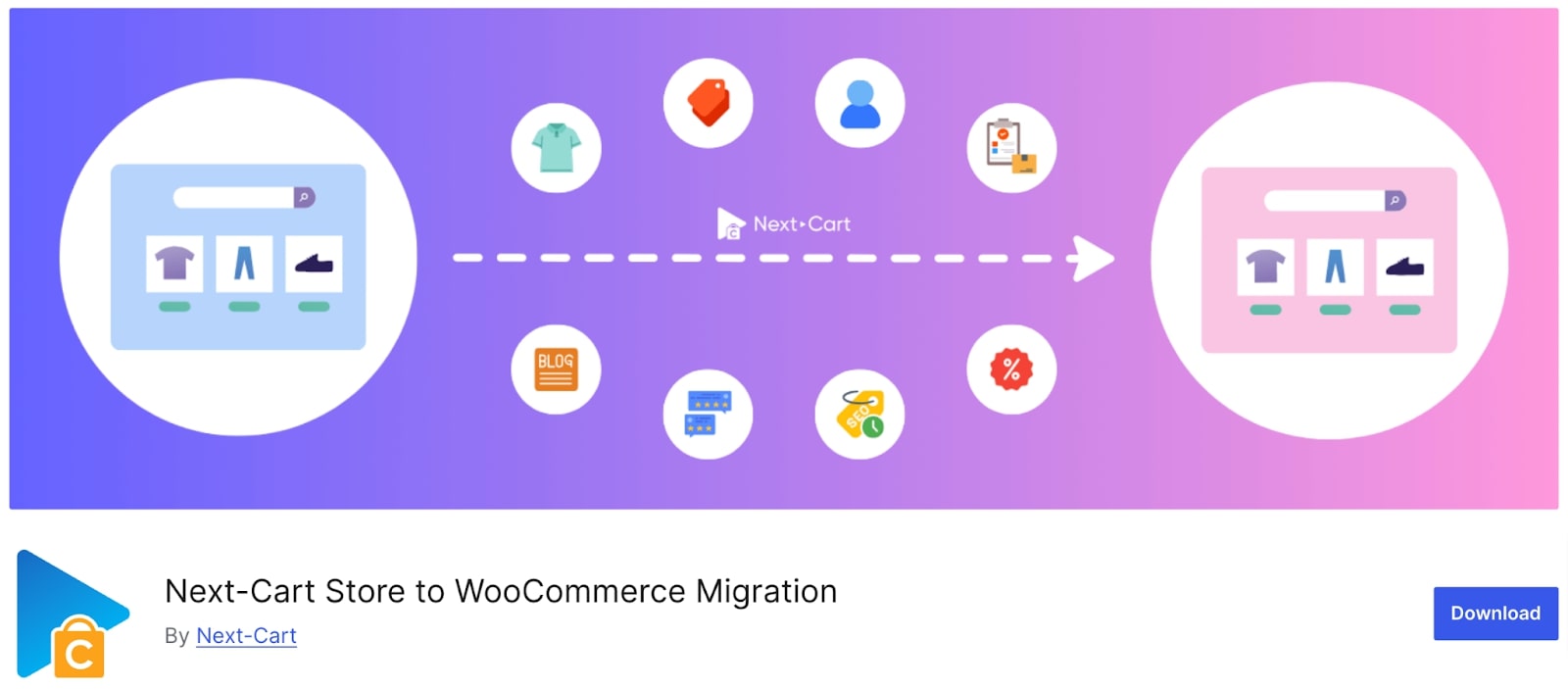
Should you feel inclined to migrate the store to some other platform, Next-Cart Store to WooCommerce Migration is worth a try as it ported all the essentials that are needed: products and categories, customers with passwords included, sales and taxes, coupons, blog posts, pages and much more.
The Next-Cart installer allows exporting from over 80 eCommerce platforms to WooCommerce, from OpenCart to Shopify and BigCommerce. Plus, during migration, your site would remain perfectly functional, as this is done in the background.
Key Features:
- Easy installation with a user-friendly interface
- Allows unlimited migrations
- Supports the migration of all data types
- Regular updates to ensure compatibility with the latest WooCommerce versions
- 100% uptime for existing stores during the migration process
WooCommerce Customer/Order/Coupon Export
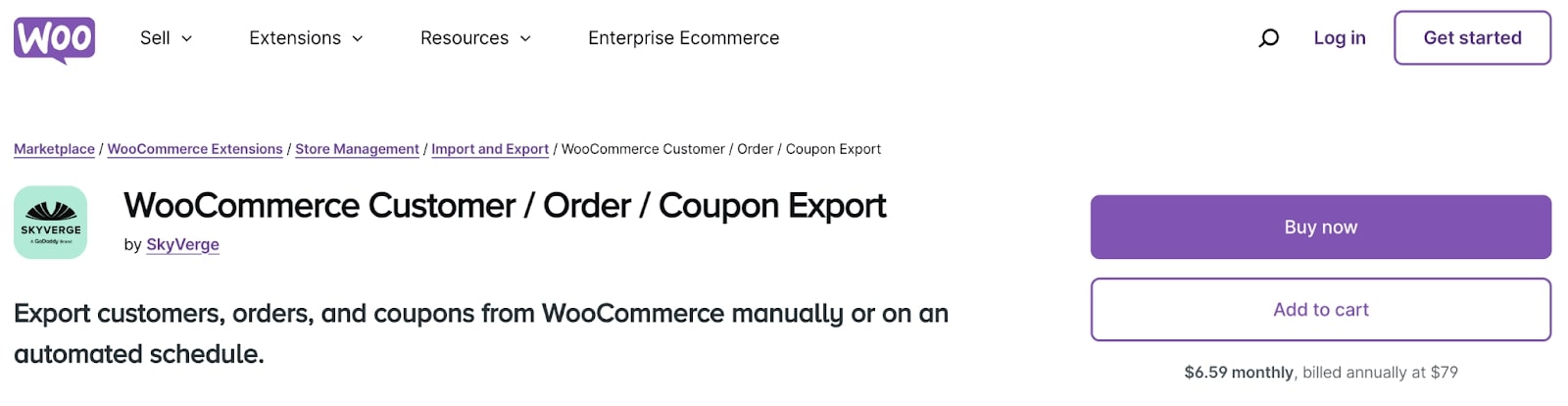
The WooCommerce Customer/Order/Coupon Export simplifies data exchange by enabling seamless exports of orders, customers, coupons, and custom fields from one’s own WooCommerce store into CSV and XML formats.
You may export individual records or in bulk any time you want, even creating automatic exports to transfer customer and order information via FTP, HTTP POST, or email.
Additionally, this plugin enables custom formatting of the export so that any customer or order data required can be selected and included.
Key Features:
- Set up recurring automated exports to send customer data via email, FTP, or HTTP POST.
- Create custom export formats for orders, customers, or coupons to ensure compatibility.
- Export data asynchronously in the background to minimize interruptions or downtime
- Compatible with various third-party plugins
- Quickly generate manual exports by selecting specific customers or orders or applying filters.
Import Export Suite for WooCommerce
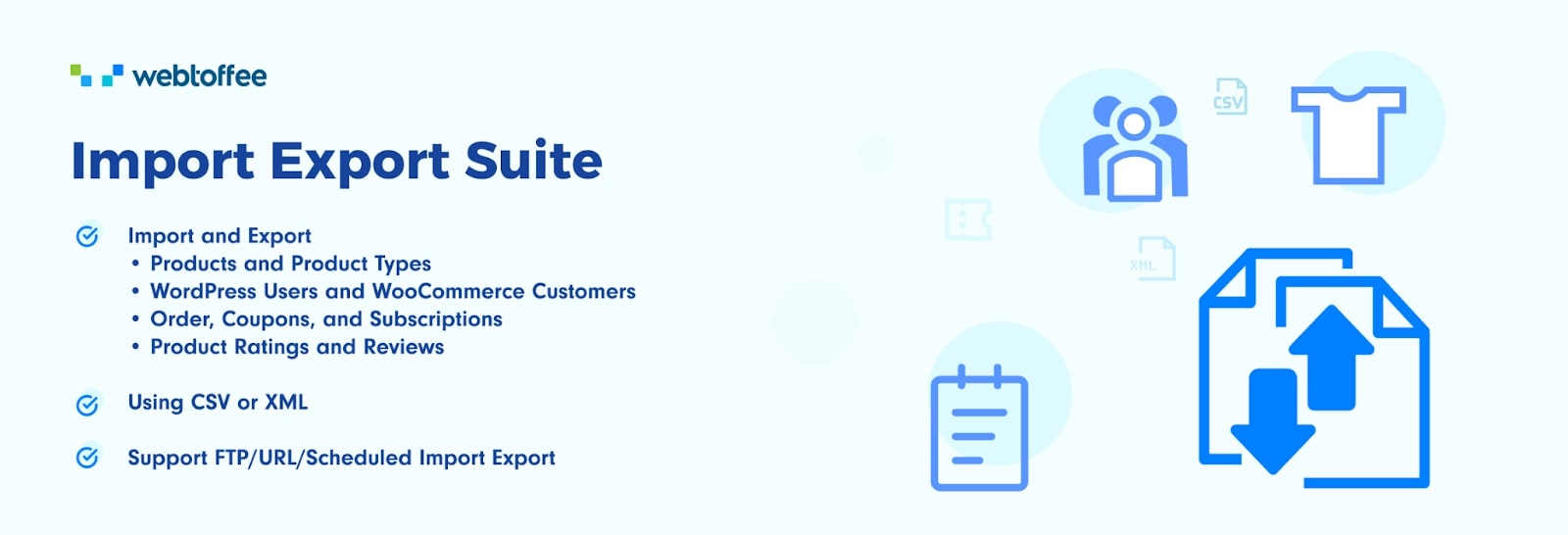
If you have read this far down, you probably want to know which is the best data migration plugin for WooCommerce. Here it is, the WooCommerce Import Export Suite plugin.
This is an all-in-one plug-in that makes import and export data very easy, best suited for store owners who require migrating or bulk updating their products, orders, and customer data.
It supports all kinds of products, whether simple, configurable, or whatever else, and it accepts several file formats such as CSV, XML, and Excel. It provides tons of powerful options for bulk updating and filtering, leaving you with total control over your data handling.
You can schedule the actions so that they take place at appropriate times.
Key Features:
- Choose from quick or advanced import/export action
- Migrate all types of data: products, orders, reviews, customers, and more
- Schedule import and export actions
- Custom data migration with advanced filters
- Supports multiple file formats
Conclusion
Thus far, you seem to be aware of which data migration plugins exist in this marketplace. We have highlighted each plugin based on features, functionalities, ratings from customers, and pricing for you to search for the right one for yourself.
Irrespective of the size of your website data transfer, there is just a plugin from this list that will cater to every individual’s needs in the ecommerce niche. Go on, then, take some time to go through the options available to compare their specifications and make the final choice based on which suits your data migration needs best.