The rise of marketplace platforms such as Amazon, Etsy, and eBay has transformed the eCommerce landscape. Instead of selling only their own products, businesses can now create marketplaces where multiple vendors sell through a single platform. WooCommerce, one of the most popular eCommerce solutions for WordPress, enables this model through specialized multi-vendor plugins. These plugins allow store owners to onboard vendors, manage commissions, handle orders, and oversee transactions efficiently within a centralized dashboard.
However, building a successful multi-vendor marketplace requires more than just vendor management. Store owners also need tools to manage product data, migrate orders, automate workflows, and ensure smooth operations between vendors and customers. This is where additional WooCommerce plugins, such as data migration tools, product management utilities, and marketplace extensions, become essential.

1. Dokan Multivendor Marketplace

Dokan is one of the most widely used WooCommerce multi-vendor plugins and is designed to help store owners build marketplace platforms similar to Amazon or Etsy. It provides a powerful frontend dashboard where vendors can manage their products, track orders, and monitor earnings without accessing the WordPress backend. The plugin also supports vendor registration, product management, and customizable commission structures, making it suitable for both small and large marketplace businesses.
Another major advantage of Dokan is its scalability and ecosystem of add-ons. Store owners can enable features such as vendor subscriptions, shipping management, and multiple payment gateways. Dokan also offers a free version (Dokan Lite) with essential marketplace features, while the premium versions include advanced capabilities like vendor analytics, product advertising, and enhanced store customization.
2. Product Import Export Plugin for WooCommerce
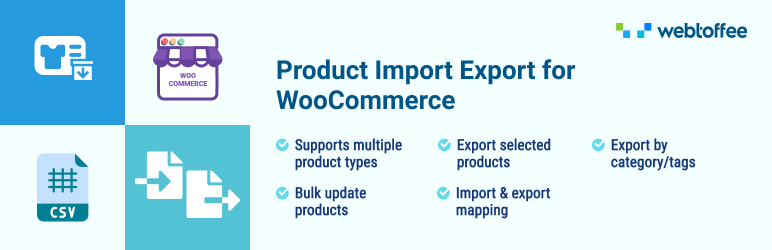
Managing products in a multi-vendor marketplace can become complex as the number of vendors and product listings increases. The Product Import Export Plugin for WooCommerce by WebToffee simplifies this process by allowing store administrators to import and export product data in bulk using formats such as CSV, XML, TSV, Excel, or Google Sheets. This capability is extremely useful for marketplaces where vendors frequently update product catalogs or migrate large datasets between stores.
The plugin supports all major WooCommerce product types, including simple, variable, grouped, and affiliate products. It also allows bulk editing of attributes such as prices, stock levels, categories, and product images. A free version of the plugin is available, while the premium version includes advanced features like scheduled imports/exports, FTP support, and advanced filtering options for large product catalogs.
3. WC Vendors Marketplace
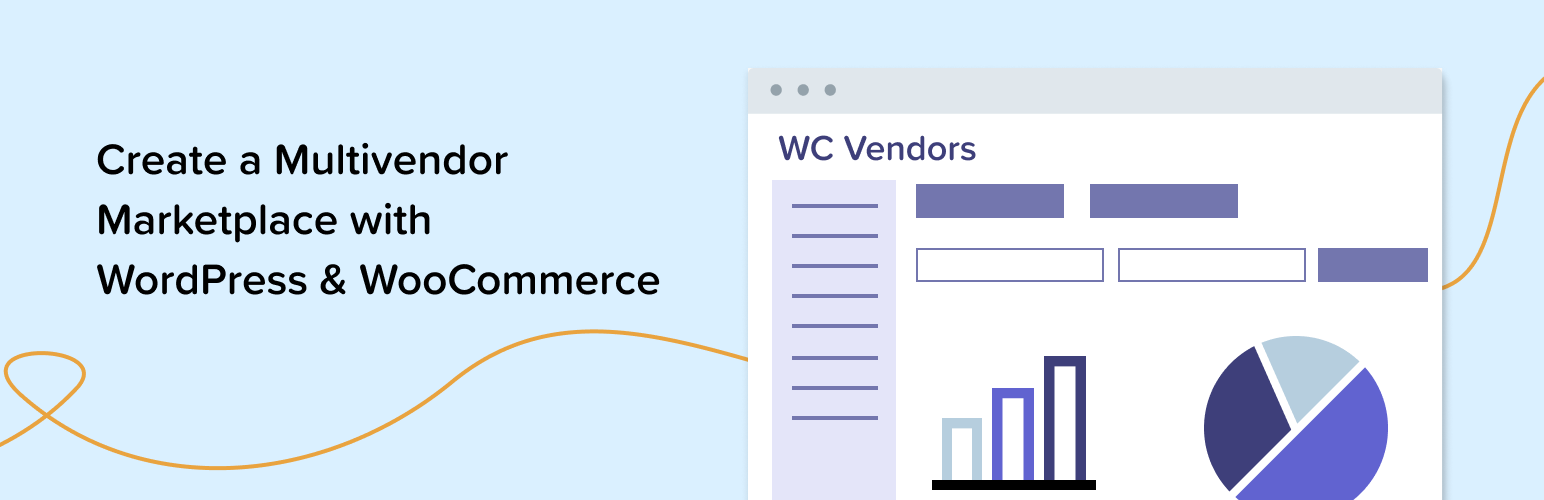
WC Vendors is another powerful plugin that allows WooCommerce stores to transform into fully functional marketplaces. It enables vendors to register on the platform, create their own storefronts, and manage inventory, products, and order fulfillment independently. Store owners can set commission rates as either fixed or percentage-based and control vendor approvals and permissions.
The plugin focuses on simplicity and scalability, making it suitable for growing marketplaces. Vendors can easily upload products, manage stock, and handle orders directly from their dashboard..
4. Order Export & Order Import for WooCommerce
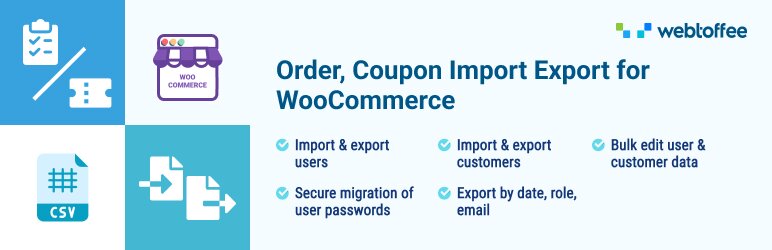
Multi-vendor stores generate a large number of orders every day, often across different vendors and categories. The Order Export & Order Import for WooCommerce by WebToffee helps administrators efficiently manage order data by allowing them to import and export WooCommerce orders, coupons, and subscriptions using formats like CSV, XML, TSV, and Excel.
This plugin is particularly useful for migrating orders between stores, backing up order data, or integrating with external inventory systems. Advanced filtering options allow store owners to export specific orders based on criteria such as product, customer email, payment method, or date range. While the plugin primarily offers premium functionality, it significantly reduces manual work in marketplaces that handle large volumes of transactions. The free version provides basic order export functionality using CSV, making it useful for simple backups or transferring order data between stores.
5. WCFM Marketplace

WCFM Marketplace is another comprehensive WooCommerce multi-vendor solution designed for flexibility and customization. It offers a feature-rich vendor dashboard that allows sellers to manage products, track sales, and communicate with customers directly from the frontend. The plugin also supports membership tiers, allowing marketplace owners to charge vendors subscription fees or offer different feature levels.
The plugin stands out for its customization capabilities and compatibility with various WooCommerce extensions. Store owners can enable features such as vendor shipping management, product approval workflows, and advanced reporting tools.
6. Import Export Suite for WooCommerce
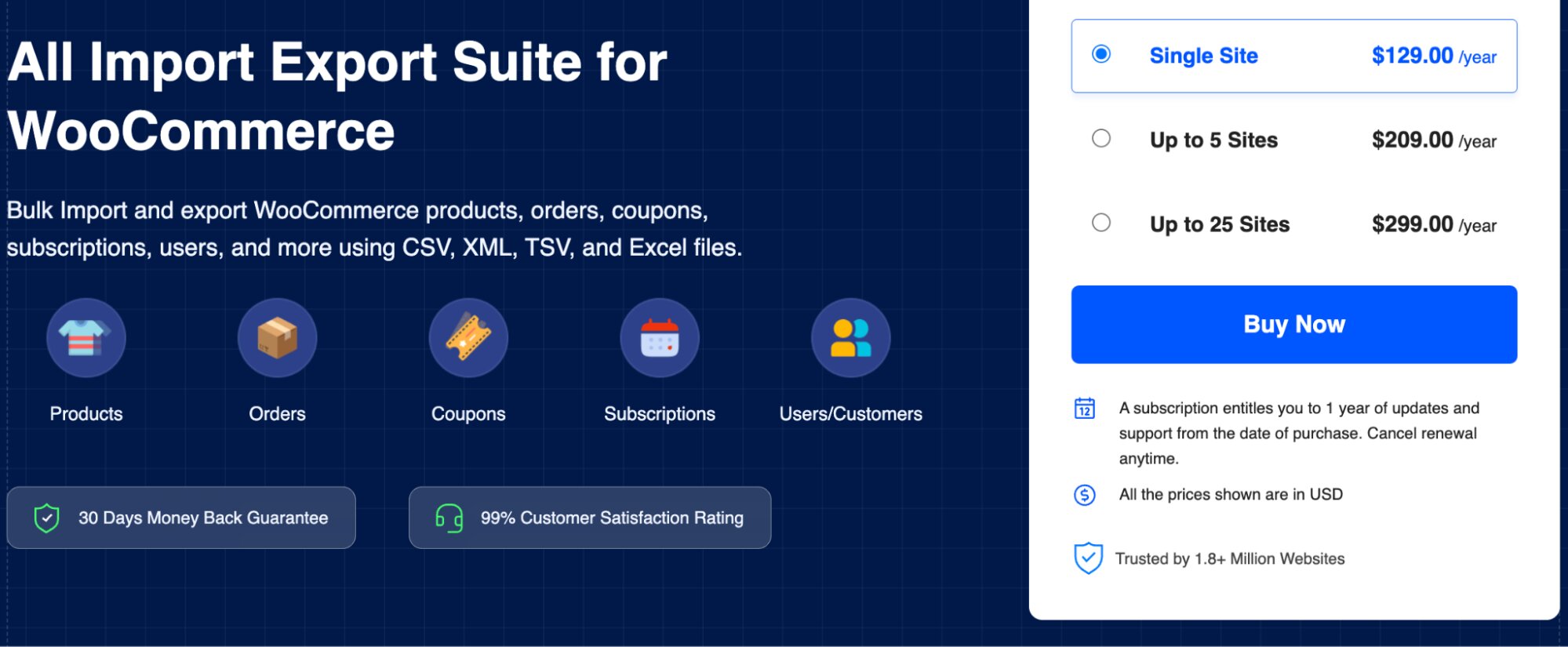
The Import Export Suite for WooCommerce by WebToffee is an all-in-one data migration tool designed for complex WooCommerce environments such as multi-vendor stores. It allows administrators to import, export, and update various WooCommerce data types—including products, orders, customers, subscriptions, coupons, and reviews—from a single interface.
For multi-vendor marketplaces, this plugin simplifies tasks like store migration, large-scale catalog updates, and database backups. The plugin provides both quick and advanced import/export methods depending on the level of control required. While it is a premium plugin, its comprehensive data management capabilities make it an excellent addition for marketplaces that frequently manage large datasets.
7. YITH WooCommerce Multi Vendor
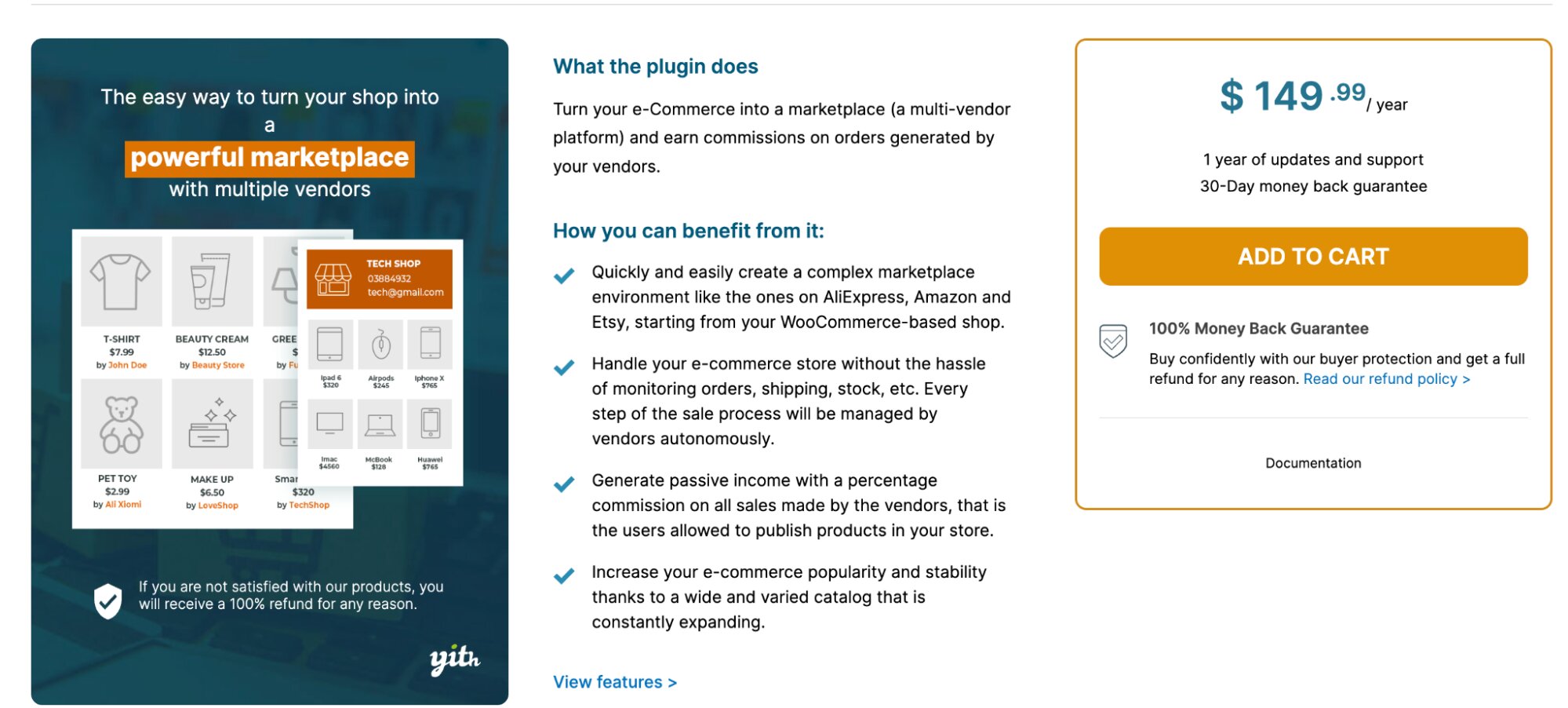
YITH WooCommerce Multi Vendor is another popular solution for turning a WooCommerce store into a fully functional multi-vendor marketplace. The plugin allows multiple vendors to register, create their own product listings, and manage orders through a dedicated vendor dashboard. Store owners can configure commission structures, control vendor approvals, and monitor overall marketplace activity from the WordPress admin panel.
One of the key strengths of YITH WooCommerce Multi Vendor is its seamless integration with other YITH plugins and WooCommerce extensions. This allows marketplace owners to expand functionality with features such as advanced product management, booking systems, or subscription-based vendor plans. The plugin also supports vendor-specific reports, payout management, and customizable vendor permissions, making it suitable for marketplaces that require detailed control over vendor operations.
8. WooCommerce Customers Import Export
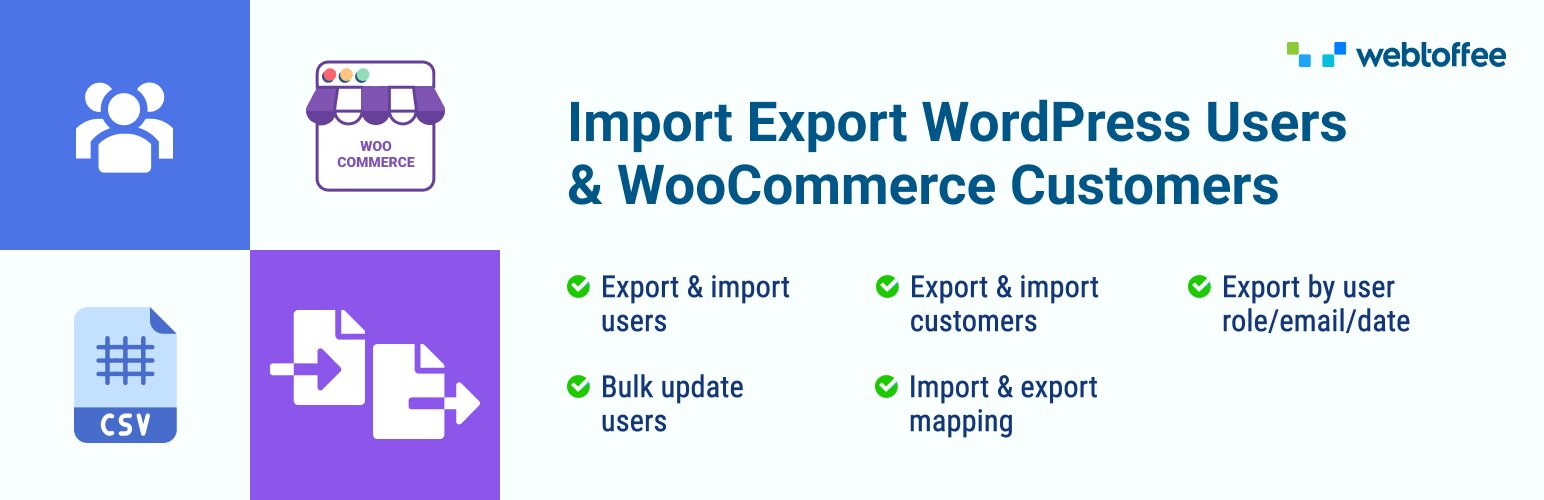
As a multi-vendor marketplace grows, so does the complexity of managing its user base — including both customers and newly onboarded vendors. The WooCommerce Customers Import Export plugin by WebToffee addresses this by allowing marketplace administrators to import and export WordPress users and WooCommerce customers using CSV, XML, TSV, and Excel files, with both quick and advanced methods for faster or filtered data migration.
For multi-vendor stores, this plugin is particularly valuable during platform migrations or when onboarding large vendor pools in bulk. The plugin supports password retention during imports, ensuring a seamless login experience for migrated users without requiring them to reset their passwords. It also sends email notifications to users after their data is imported to a new website, keeping them informed during the transition. Additionally, the FTP/SFTP scheduler allows administrators to automate recurring import and export tasks, making it easy to keep customer data synchronized across systems. A free version is available with basic CSV export functionality, while the premium version unlocks advanced filtering, XML and Excel support, and scheduling capabilities.
9. WooCommerce PDF Invoices, Packing Slips & Credit Notes
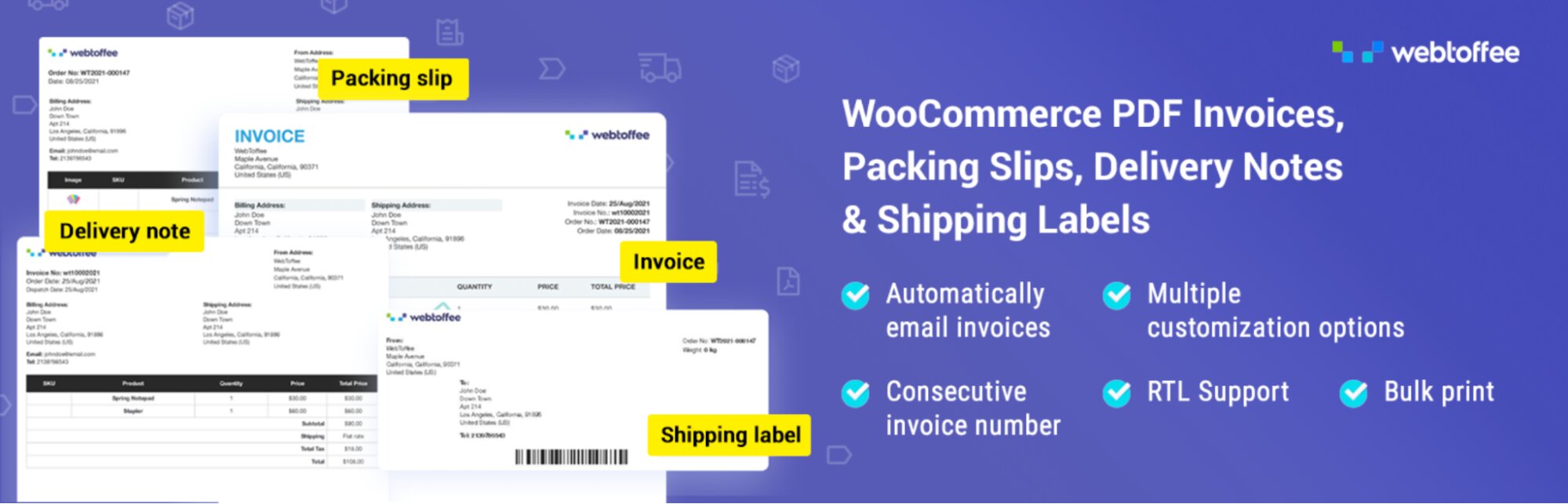
In a multi-vendor marketplace, accurate and professional order documentation is essential not only for customers but also for individual vendor accountability and financial tracking. The Woocommerce pdf invoices & packing slips by WebToffee automates this process end to end. The plugin automatically generates, sends, and manages order documents including invoices, packing slips, shipping labels, and delivery notes, attaching them to customer order emails automatically.
What makes this plugin particularly well-suited to multi-vendor environments is its native compatibility with the Dokan plugin. This enables the use of each vendor’s store address as the “From” address in invoices and packing slips ensuring that order documents reflect the individual vendor’s identity rather than just the marketplace owner’s details. Store owners can also create a separate sequence of invoice numbers with custom prefixes and suffixes, preview documents, and bulk download them from the admin backend. A free version of woocommerce pdf invoice plugin allows automatic invoice generation and basic document downloads, while advanced features such as credit notes, bulk exporting, and extended customization come with the premium add-on.
10. WP All Import
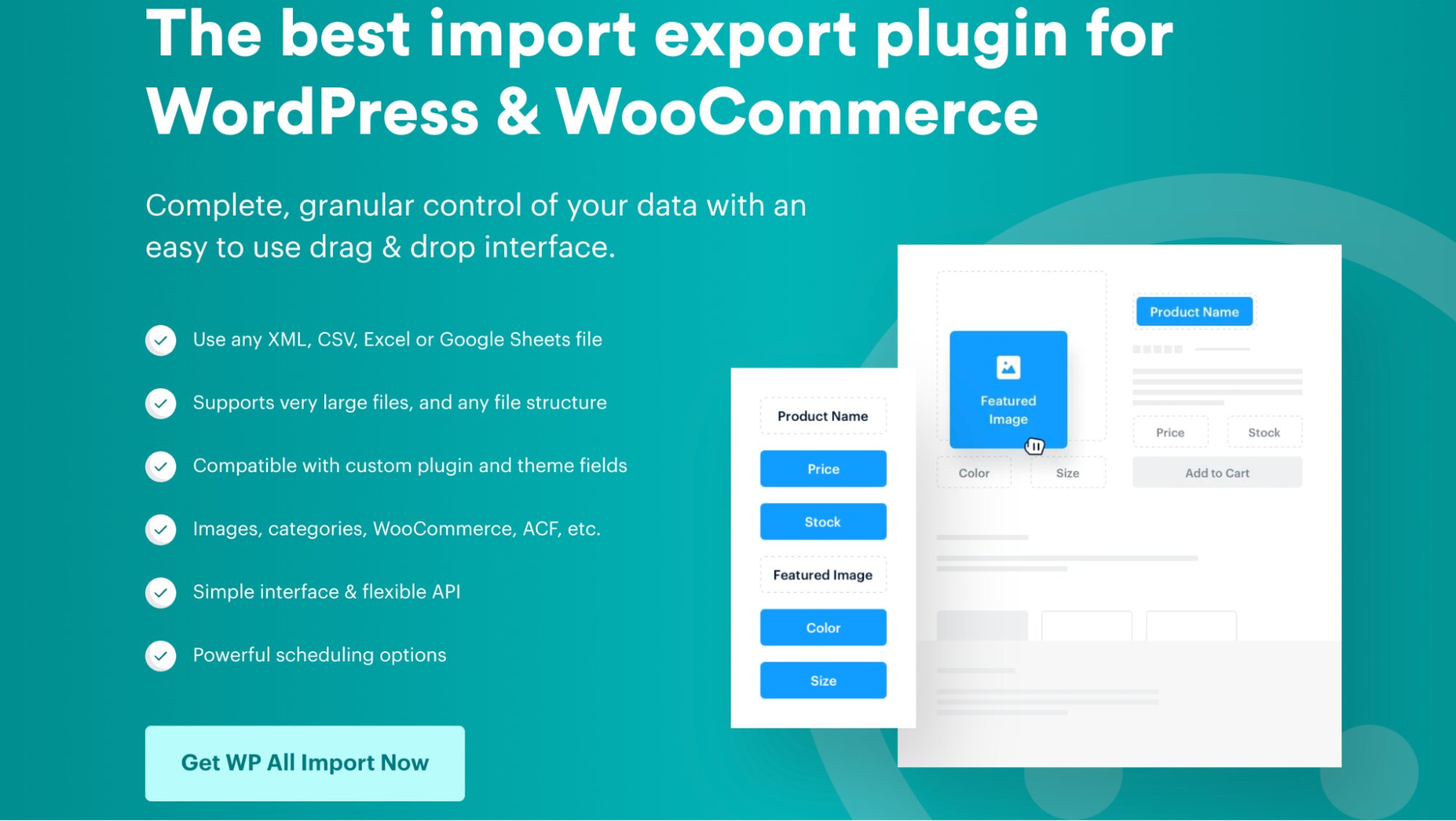
For multi-vendor marketplaces that deal with complex, high-volume product data from multiple suppliers or vendors, WP All Import is a widely recognized data migration tool worth considering alongside dedicated WooCommerce import plugins. WP All Import features a drag-and-drop mapping interface that supports importing products, orders, customers, subscriptions, and users from CSV, XML, Google Sheets, and Excel files making it flexible enough to handle diverse data structures submitted by different vendors. It also automatically detects and handles fields from most third-party themes and plugins, as well as custom fields, and supports imports on multilingual sites. A free version is available with limited features, while the pro version, which starts at $99 per year for unlimited installations, unlocks advanced filtering, scheduling, and full WooCommerce data type support.
Conclusion
Creating a successful WooCommerce multi-vendor marketplace requires the right combination of tools. Core marketplace plugins such as Dokan, WC Vendors, and WCFM Marketplace provide the essential functionality needed to onboard vendors, manage commissions, and oversee marketplace operations. These plugins allow store owners to transform a simple WooCommerce store into a scalable platform where multiple sellers can showcase and sell their products.
At the same time, supporting plugins play a crucial role in maintaining the efficiency of large marketplaces. They simplify tasks like product catalog management, order migration, and data synchronization across multiple vendors. By combining marketplace management plugins with operational tools, store owners can build a robust WooCommerce multi-vendor ecosystem that is scalable, efficient, and capable of supporting long-term growth.