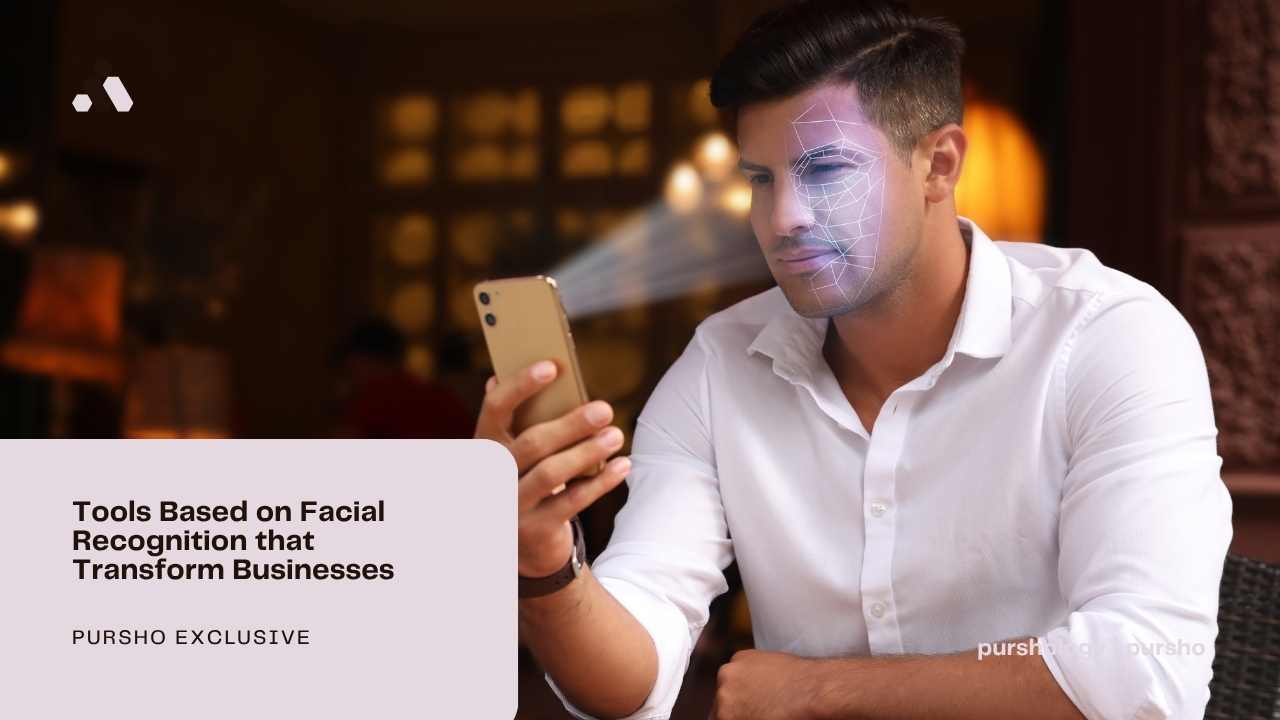
In the era of facial recognition, more and more companies use it in their daily tasks. Starting off with security and ending on candidate verification, it can be utilized every step of the way. This article shows the best tools and methods that make facial recognition a valuable tool for businesses.
What is Facial Recognition?
Facial recognition is a type of biometric technology that finds or verifies a person based on their facial features. The system analyzes specific details, such as the distance between the eyes, the shape of the cheekbones, the contour of the lips, and the overall structure of the face. These measurements are converted into a mathematical representation. They can be used to compare faces, recognize them or find them in databases.

What is Facial Recognition Used For?
Facial recognition is used anywhere systems need to recognize or verify people quickly, from unlocking your phone to enhancing security and analyzing customer behavior. The most popular use cases include:
- Unlocking smartphones or laptops (e.g., Face ID)
- Controlling access to buildings, offices, or secure areas
- Personalizing customer experiences (e.g., recognizing returning customers)
- Understanding customer demographics (age, gender estimation)
- Detecting possible fraud from online sources
Top 5 Tools Based on Facial Recognition that Your Business Can Use
1. Lenso.ai – Advanced reverse face search & digital footprint tracking
Lenso.ai is an AI-powered reverse image search platform with facial recognition. It allows users to upload a photo and find matching faces across the web with high accuracy.
- Detects faces even with changes in angle, lighting, or appearance
- Offers categories like People, Places, and Duplicates for precise results
- Useful for brand protection, copyright monitoring, and online identity tracking
- Provides API access, making it easy to integrate into business systems
2. Eyematch.ai – Simple but effective face search
Eyematch.ai is a facial recognition tool designed to find where a person’s face appears online.
- Uses AI to compare one image against millions of others
- Converts facial features into a unique biometric signature for accurate matching
- Helps detect fake profiles, fraud, or unauthorized image use
- Built with a privacy-first approach (images are not stored)
3. Pixalytica – Facial Recognition in Risk Assessment
Pixalytica is an AI-powered identity verification tool designed to generate background and risk assessment reports from a single face photo.
- Combines facial recognition with Large Language Models (LLMs) to scan millions of publicly available web sources in under 20 seconds
- Generates a structured PDF report containing profile summaries, exact face matches, and original source URLs
- Screens for real-time risk indicators such as PEP (Politically Exposed Persons) status, sanction lists, and suspected criminal or fraudulent associations
- Built with a privacy-first, documentless architecture that processes images in-memory and never permanently stores user data
4. Amazon Rekognition – Enterprise-level facial recognition and security
Amazon Rekognition is a cloud-based service that offers facial analysis and recognition.
- Detects and analyzes faces in images and videos
- Can identify individuals and track them across video streams
- Integrates easily with other AWS services
5. Microsoft Azure Face API – Custom AI integrations and app development
Microsoft’s Face API allows developers to build facial recognition into their own applications.
- Detects faces, emotions, and facial attributes
- Enables identity verification and access control systems
- Highly customizable through APIs
Facial Recognition for Businesses
Facial recognition for businesses is an AI-powered technology used to automate identity verification, improve physical security, and make customer experiences better. Companies deploy it for multiple use cases, from verification to background check.
While it offers great efficiency and fraud prevention, businesses must balance these benefits with strict data privacy laws and transparent practices to maintain public trust.