TL;DR
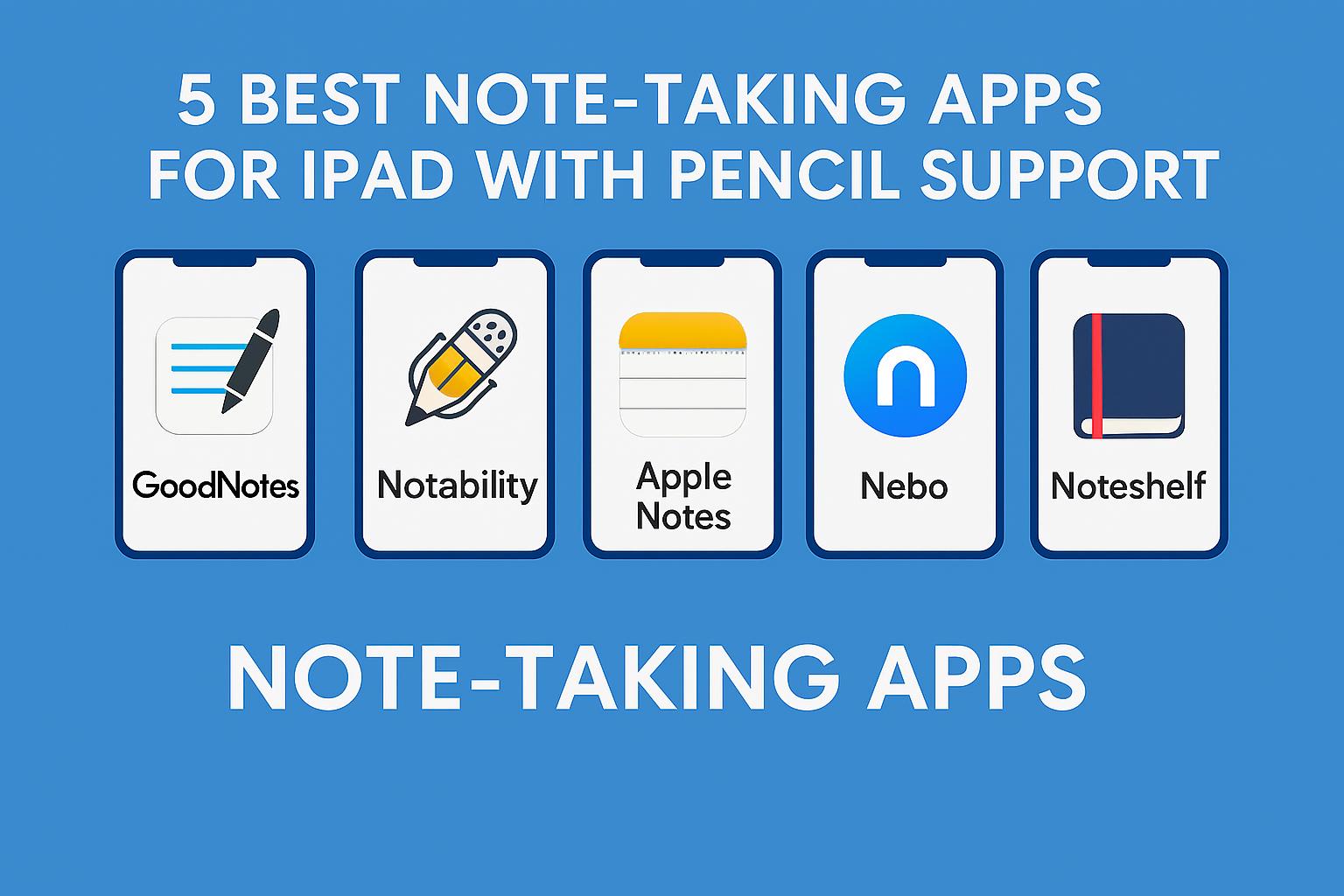
The best iPad note‑taking apps with Apple Pencil support combine smooth handwriting, powerful organization, and seamless cloud sync. GoodNotes, Notability, Apple Notes, Nebo, and Noteshelf lead the pack—each offering unique strengths for students, professionals, and creators.
1. GoodNotes — Best Overall for Digital Notebooks
GoodNotes is the closest you’ll get to writing in a real notebook—only smarter.

Why It’s Great:
- Ultra‑smooth handwriting that feels natural
- Multiple notebook templates & custom covers
- Robust folder organization
- Excellent search that reads your handwriting
- Great for students who take structured, multi‑page notes
2. Notability — Best for Audio‑Synced Notes
If you attend lectures or meetings, this one is a powerhouse.
Why It’s Great:
- Audio recordings sync with handwritten notes
- Split‑screen note‑taking for multitasking
- Infinite scroll canvas for brainstorming
- Simple, distraction‑free writing experience
- Ideal for students & professionals who want voice + notes in one place
3. Apple Notes — Best Free Built‑In Option
Apple Notes has evolved into one of the most capable note apps—completely free and tightly integrated with iPadOS.
Why It’s Great:
- Native, fast, and perfectly optimized for Apple Pencil
- Handwriting-to-text conversion
- Folders, tags, Quick Notes, and smart organization
- Great for beginners, minimalists, and Apple‑ecosystem users
4. Nebo — Best for Handwriting‑to‑Text Conversion
Nebo is built for those who want their handwritten notes converted into clean, editable text instantly.
Why It’s Great:
- Industry‑leading handwriting recognition
- Converts diagrams, equations, and scribbles into editable content
- Perfect for STEM students and business professionals
5. Noteshelf — Best for Aesthetic Notes & Journalers
Noteshelf offers beautiful notebooks, smooth writing, and a relaxing user experience.
Why It’s Great:
- Gorgeous templates for journaling, planning & aesthetic note pages
- Excellent handwriting feel
- Supports audio recording
- Great balance between GoodNotes and Notability
Which App Should You Choose?
| Use Case | Best App |
|---|---|
| Best all‑round | GoodNotes |
| Lectures/Meetings | Notability |
| Free, simple, built‑in | Apple Notes |
| STEM & typed output | Nebo |
| Creative/aesthetic notes | Noteshelf |
Final Thoughts
Each app shines in its own way. Whether you’re a student annotating PDFs, a designer sketching ideas, or a professional organizing meeting notes, there’s an iPad note‑taking app perfectly suited to your workflow.
Want a personalized recommendation?
Tell me your note‑taking style (student, professional, artist, or casual user) and I’ll help you choose the perfect app—plus share setup tips to make your iPad a productivity machine!